
For creators
AI Cinematic Video Generator
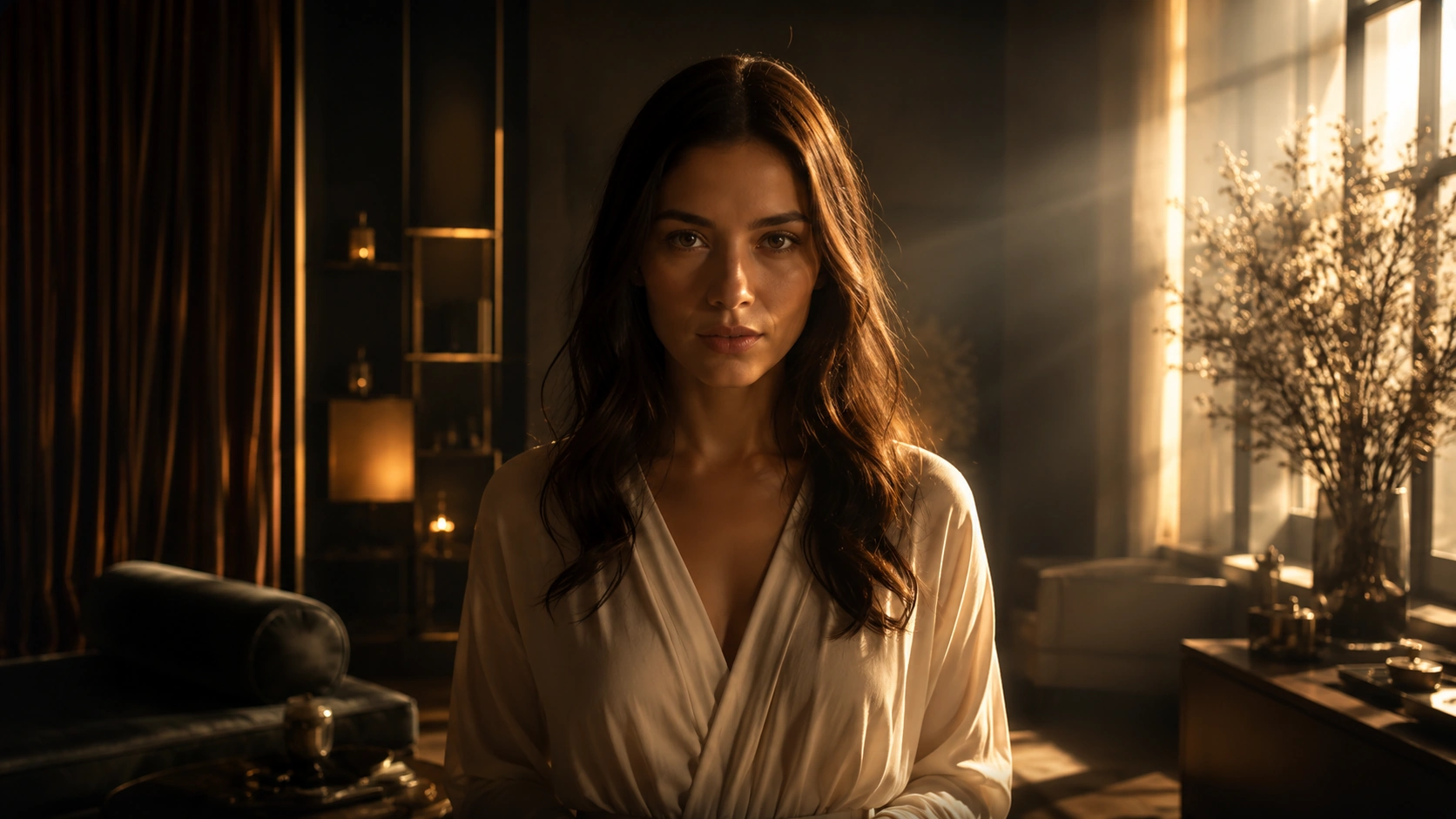
Create cinematic scenes, brand films and narrative video with AI. Describe the camera, light and action, then build your visual story.
Review available settings and credits in the studio.
 For creators
Direct the scene. Skip the shoot.
Narrative short films
Narrative short filmsCinematic brand adsMood films and visual concepts
Built around your next project
One workflow. More ways to use it.
Your starting point
What will you create?
A scene idea or reference image, plus a clear subject, action and camera direction.
Cinematic brand ads
Mood films and visual concepts
NOLENS STUDIO
Video Studio
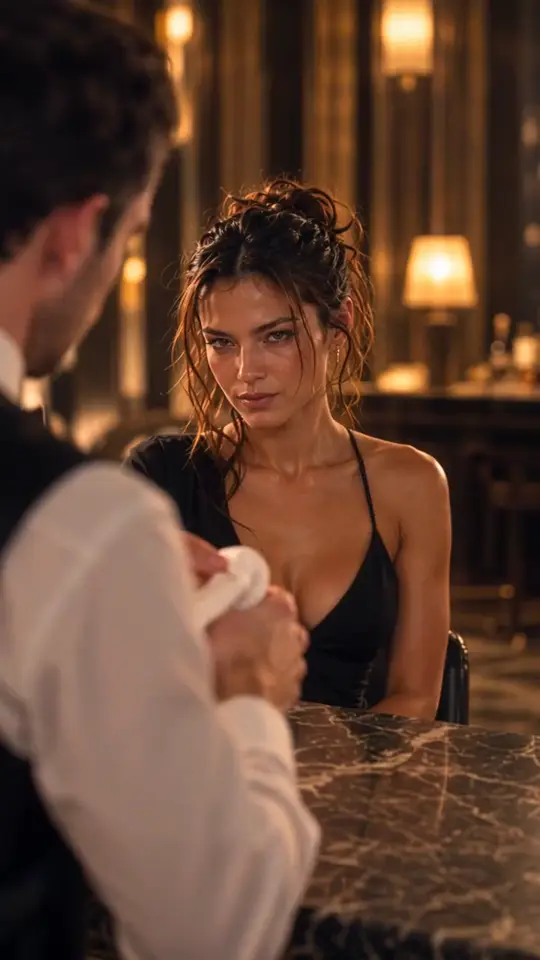
Cinematic
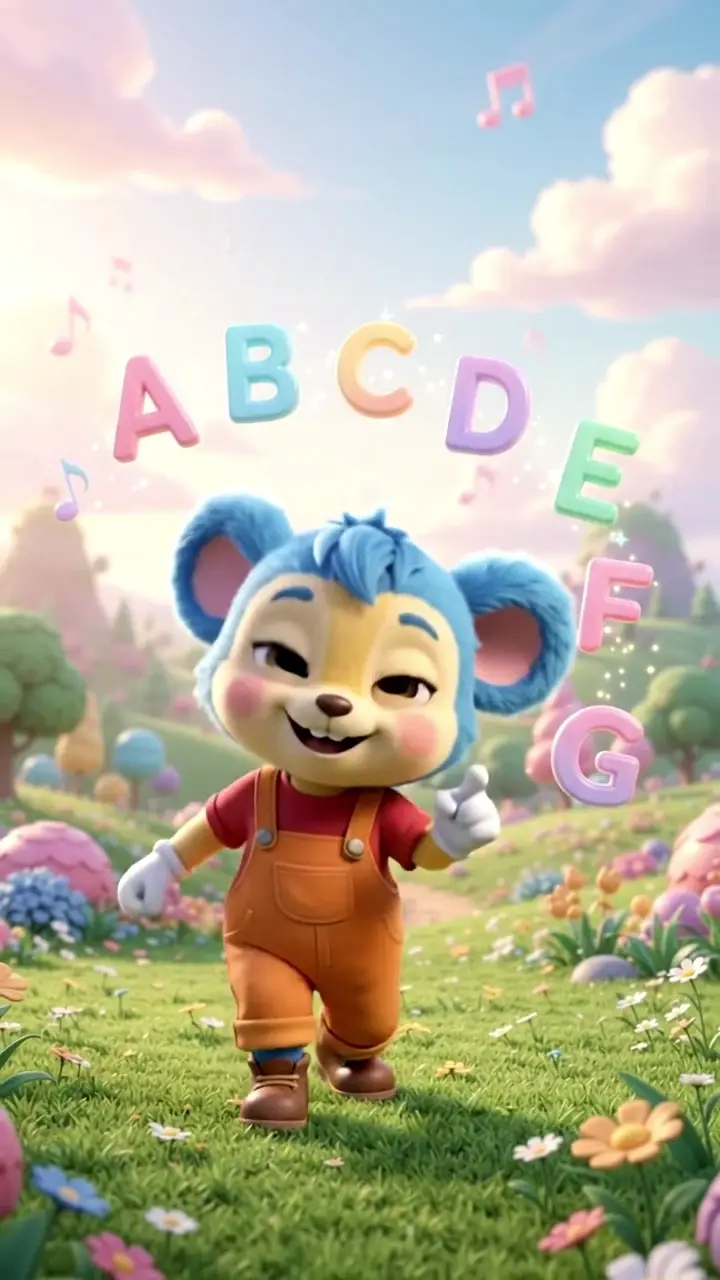
Kids videoclip with music
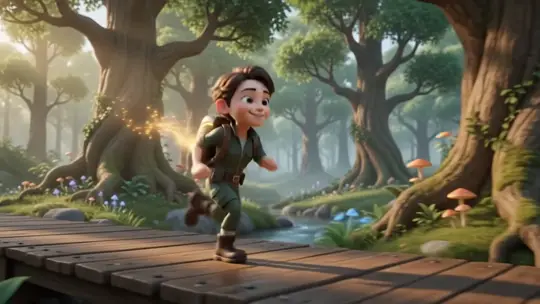
Cartoon
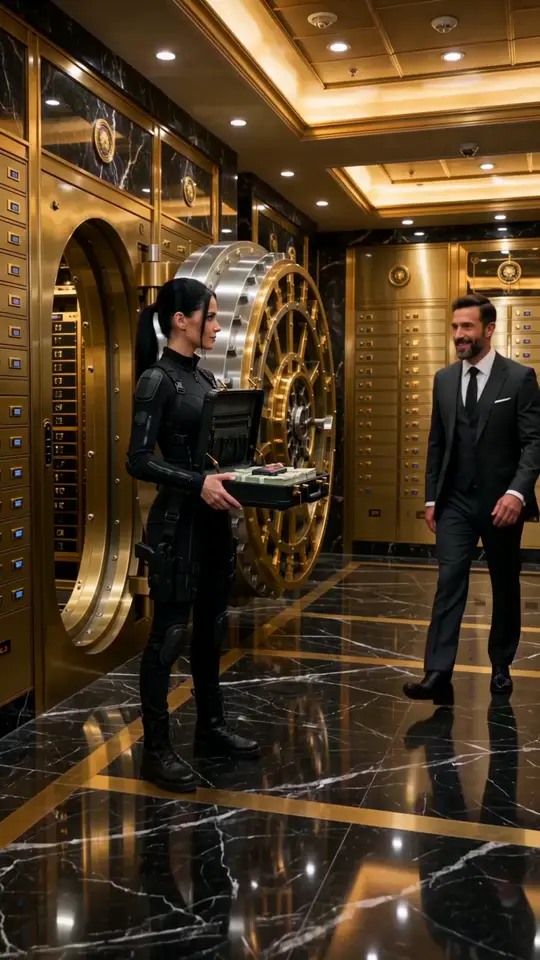
Short microdrama
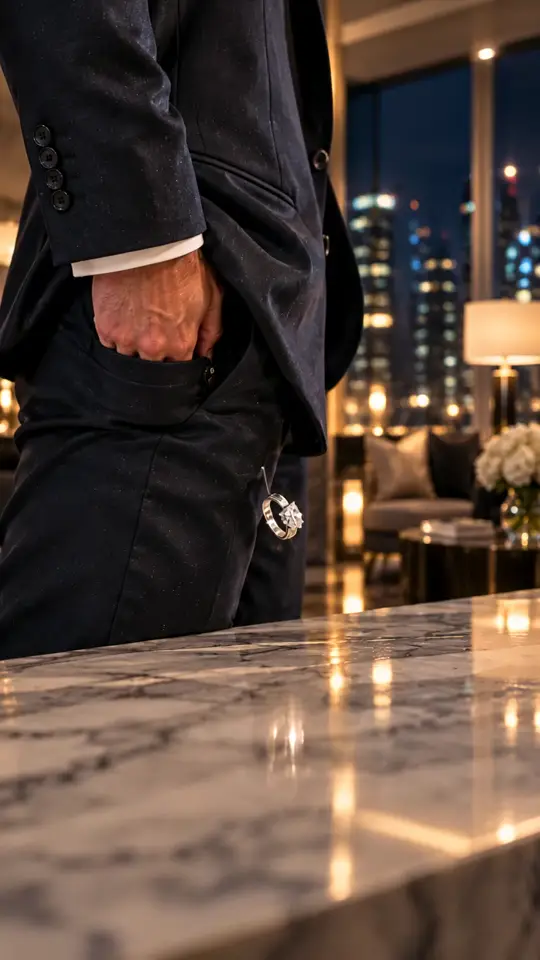
Long microdrama
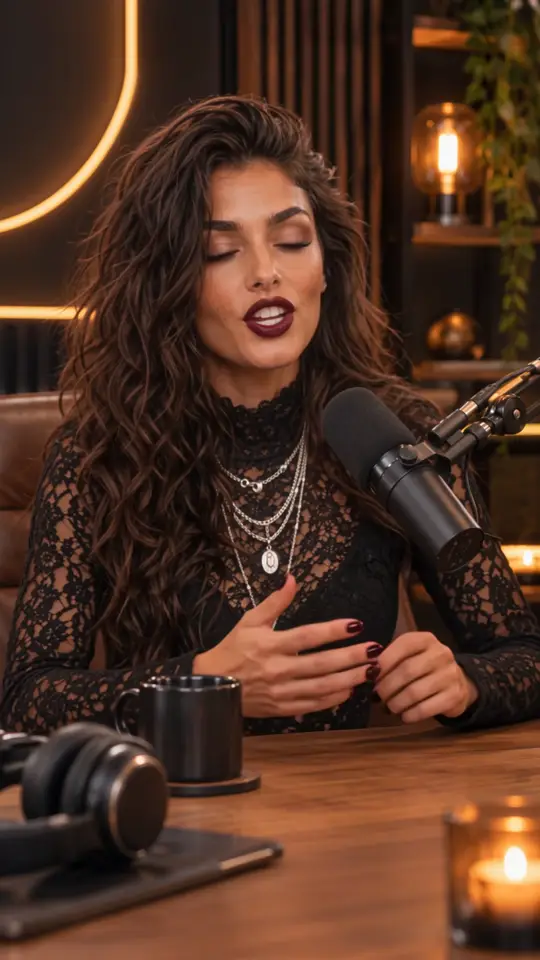
Podcast
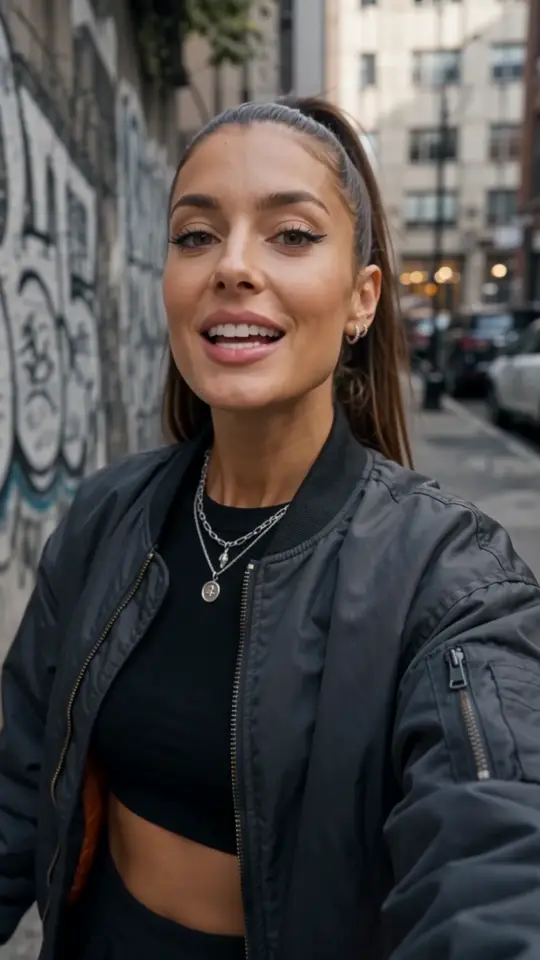
Vlog
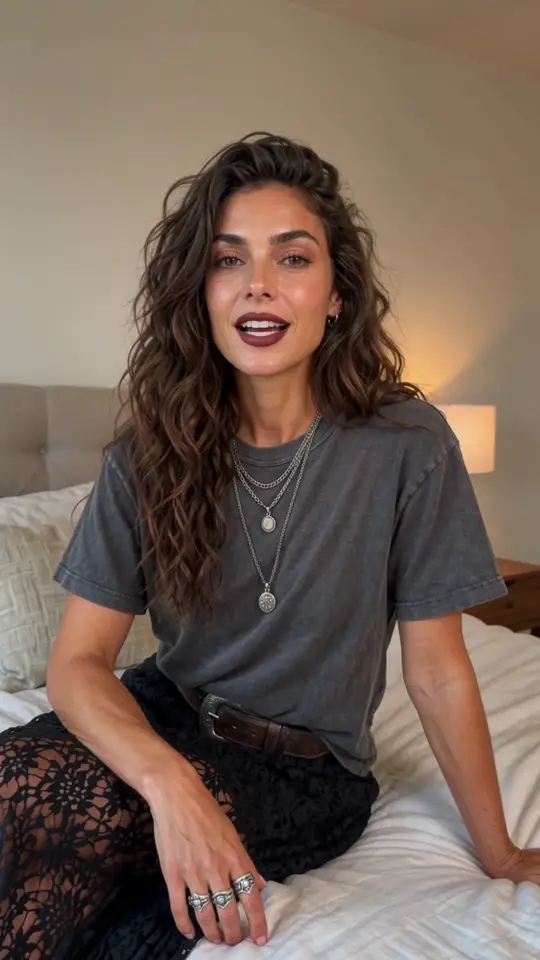
AI Influencer

Cooking Tutorial
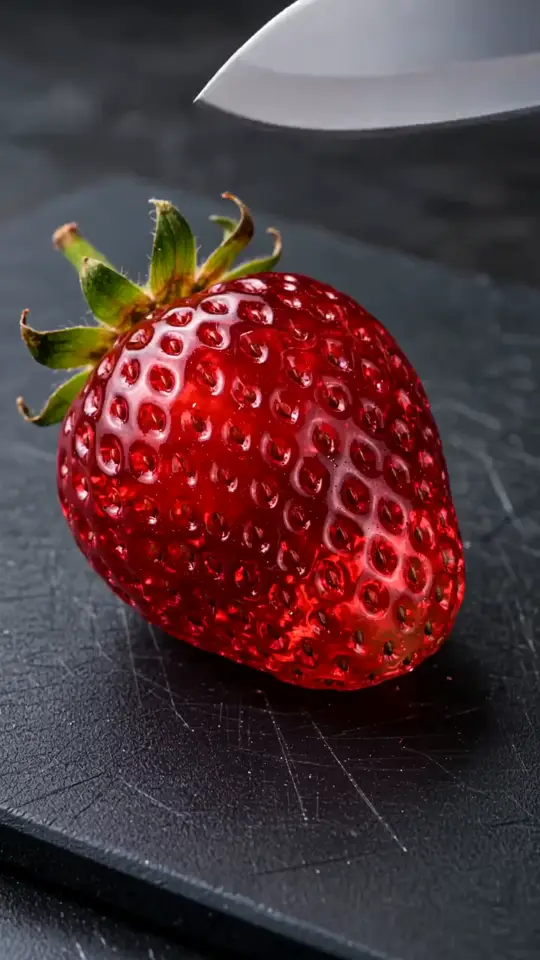
ASMR
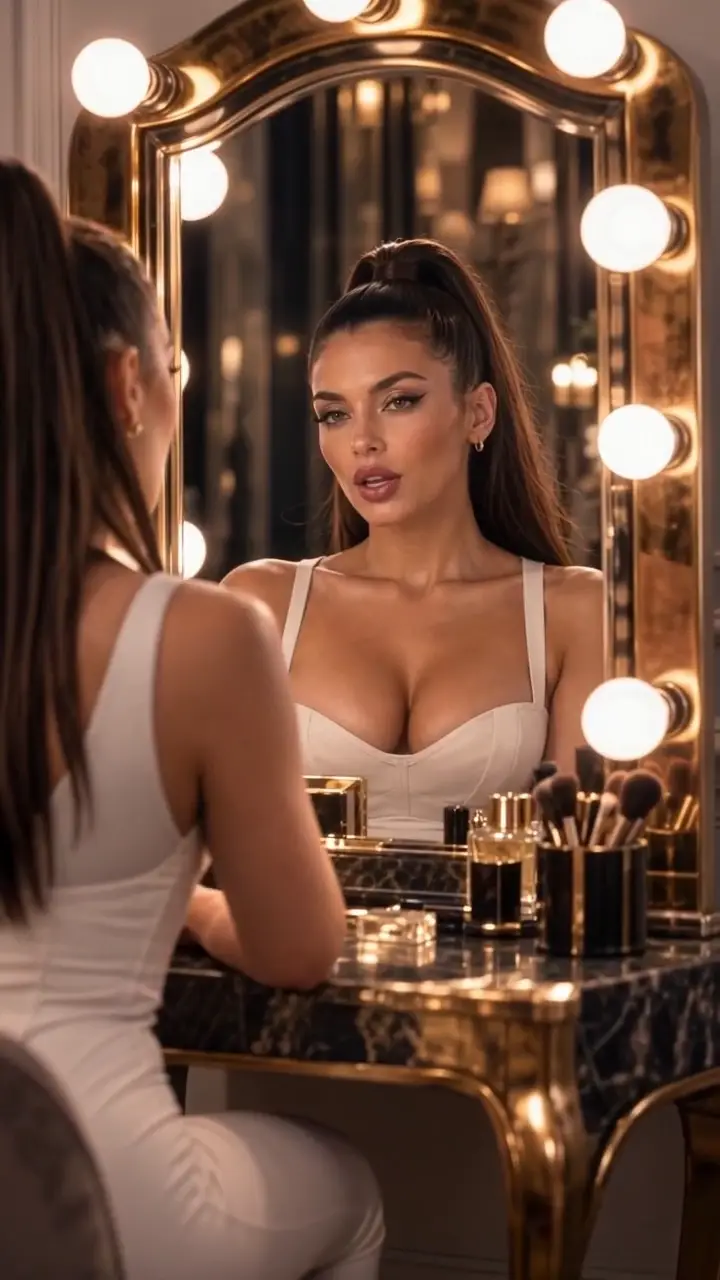
Realistic videoclip with music
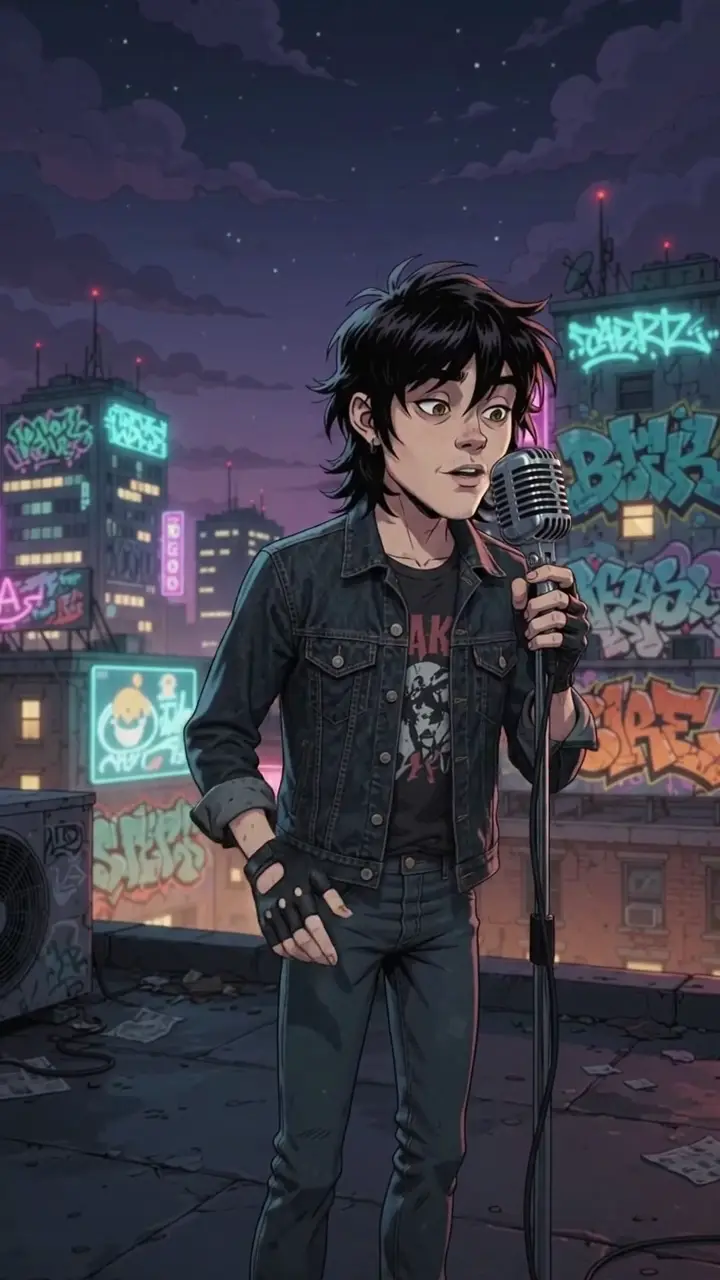
Cartoon videoclip with music
NOLENS STUDIO
Image Studio
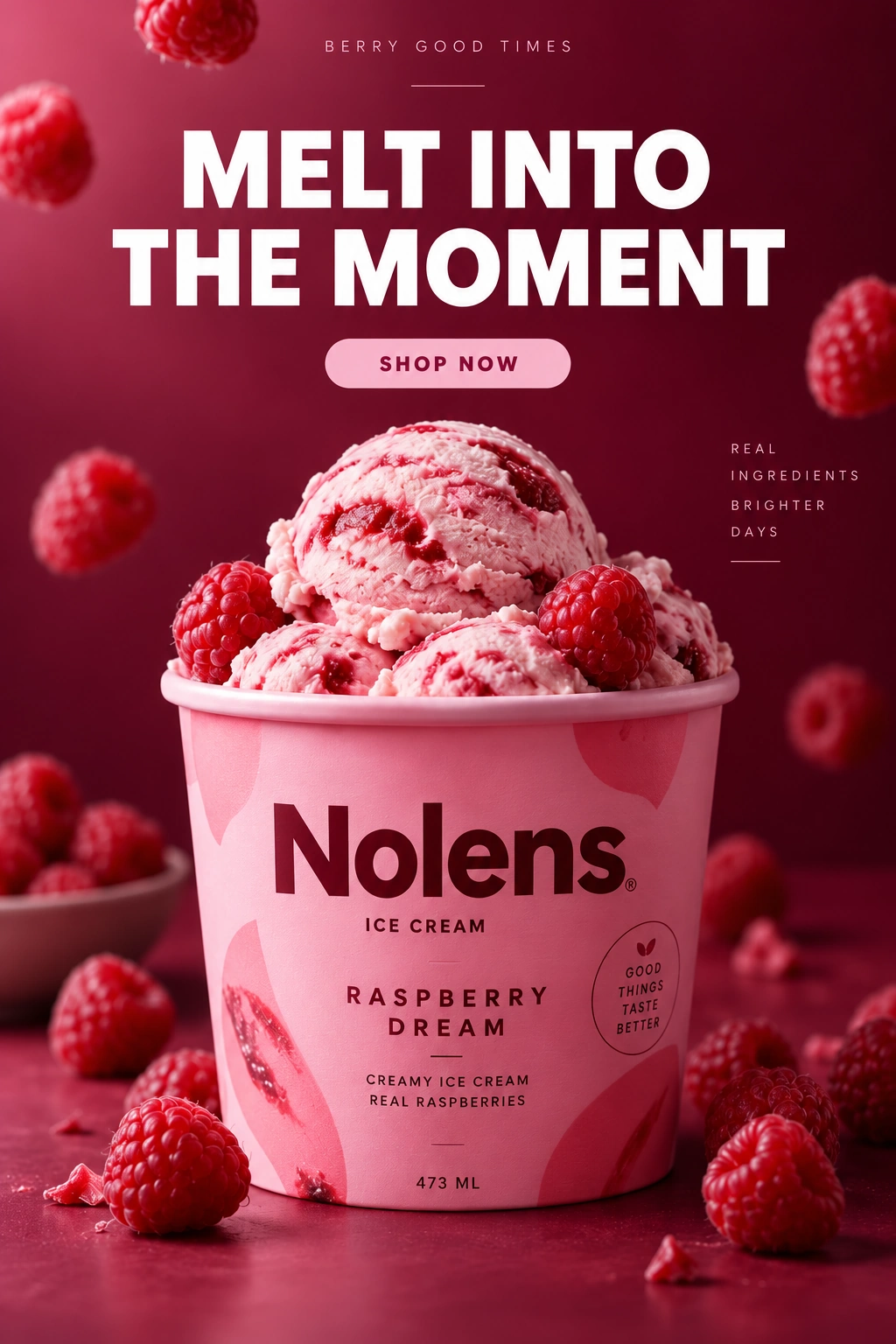
Social Ads
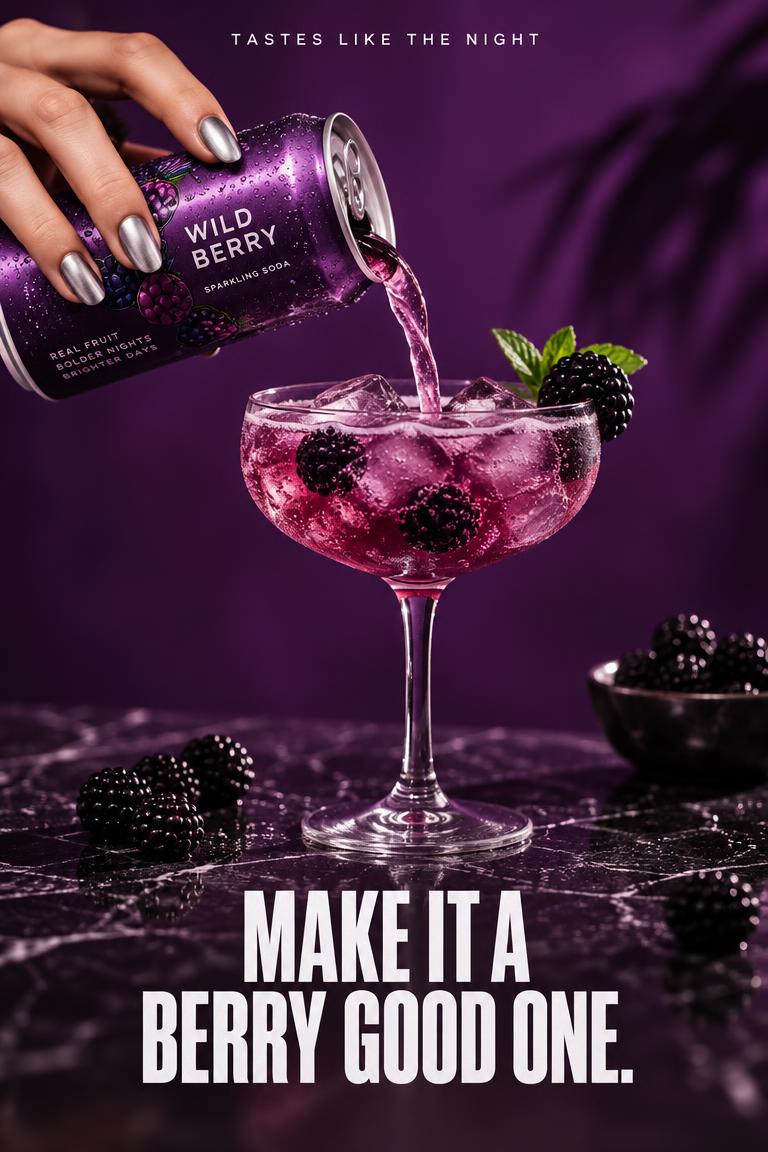
Carousel
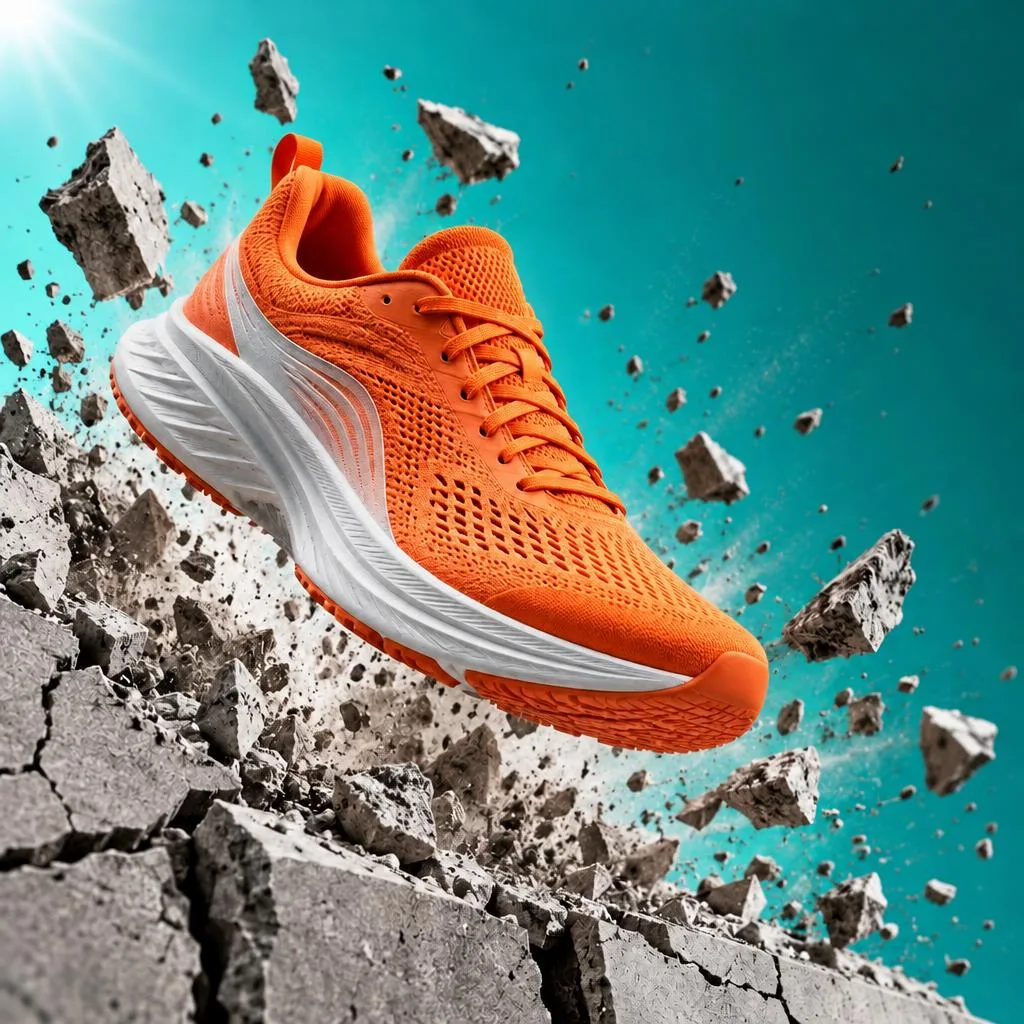
Hero Product
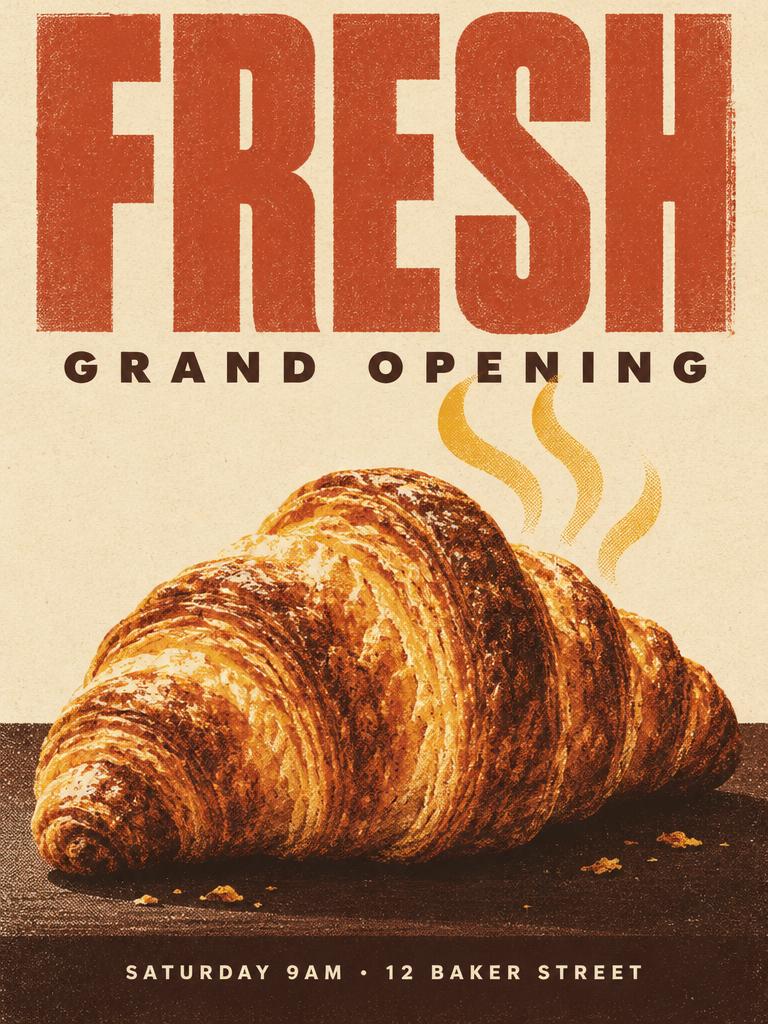
Posters
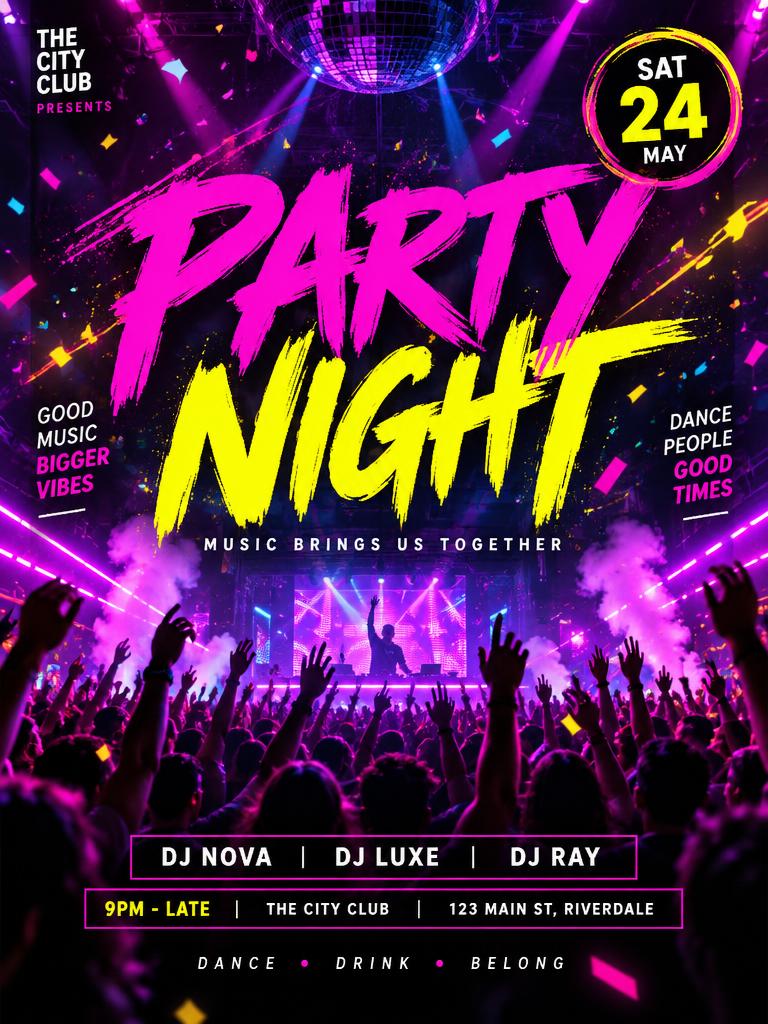
Flyers
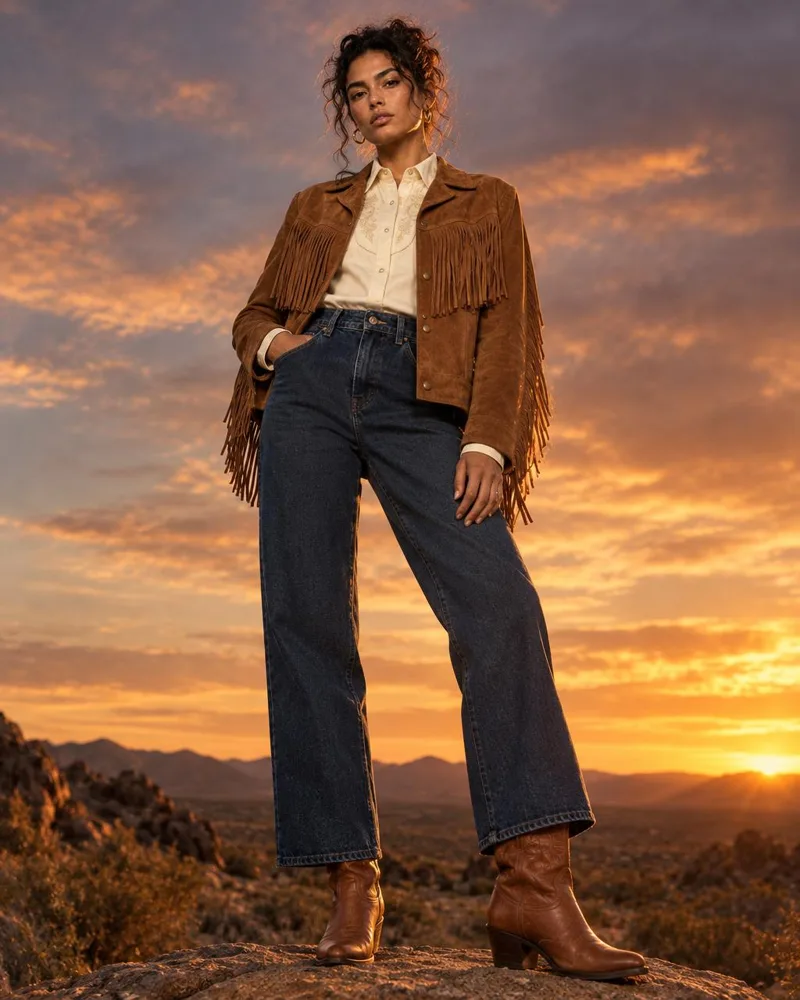
Photoshoot
FAQ
Questions, answered.
What can I create with this tool?
Create cinematic scenes, brand films and narrative video with AI. Describe the camera, light and action, then build your visual story.
What do I need to start?
A scene idea or reference image, plus a clear subject, action and camera direction.
Can I control the camera and lighting?
Describe camera movement, framing, lighting and the main action in your brief. These guide generation; they are not frame-accurate camera controls, so review the resulting shot.
What should I check before publishing?
Give each shot one primary action. Establish the location before a close-up and use references to guide continuity between scenes.
How much does it cost?
Usage depends on the tool and selected settings. Check the credit cost shown in the studio and the current Nolens plans before generating. No fixed cost is assumed on this page.