
Creative tools
Document to Video AI
Turn PowerPoint, Word and Excel content into video. Reuse presentations and reports with a workflow for script, scenes and voice.
Review available settings and credits in the studio.
 Creative tools
Your document. Now a video.
Presentation explainers
Presentation explainersProduct information videosTraining and business updates
Your starting point
What will you create?
A supported PowerPoint, Word or Excel file with the information you want to communicate.
Product information videos
Training and business updates
NOLENS STUDIO
Video Studio

Cinematic

Kids videoclip with music

Cartoon

Short microdrama

Long microdrama

Podcast

Vlog

AI Influencer

Cooking Tutorial

ASMR

Realistic videoclip with music

Cartoon videoclip with music
NOLENS STUDIO
Image Studio
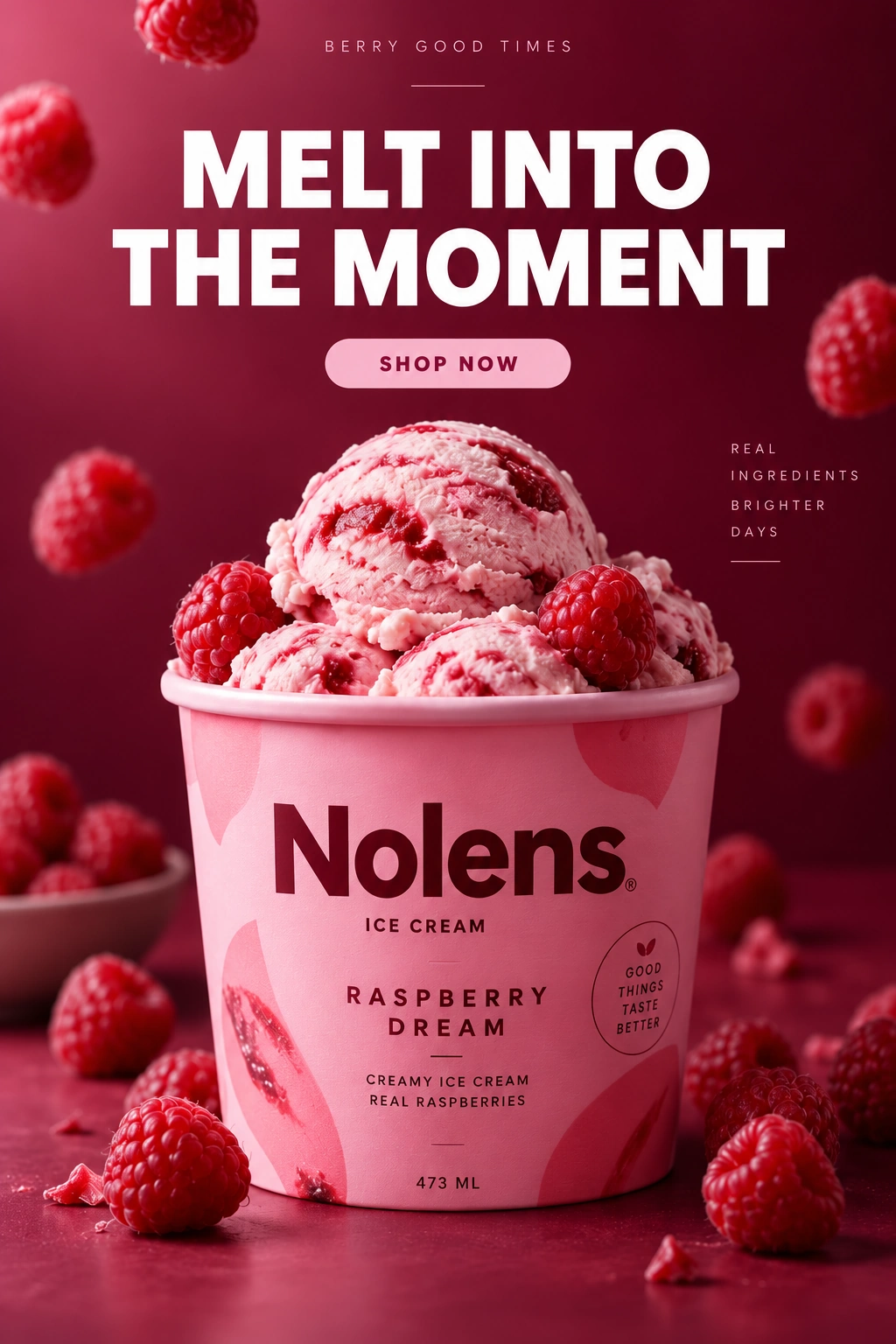
Social Ads

Carousel

Hero Product

Posters

Flyers

Photoshoot
FAQ
Questions, answered.
What can I create with this tool?
Turn PowerPoint, Word and Excel content into video. Reuse presentations and reports with a workflow for script, scenes and voice.
What do I need to start?
A supported PowerPoint, Word or Excel file with the information you want to communicate.
Which documents can I use?
The supplied document workflow supports PowerPoint (.ppt, .pptx), Word (.doc, .docx) and Excel (.xls, .xlsx). Review the extracted information and script before generating.
What should I check before publishing?
Choose the main message before uploading. Review figures, names and summaries: a concise video should preserve the meaning of the source.
How much does it cost?
Usage depends on the tool and selected settings. Check the credit cost shown in the studio and the current Nolens plans before generating. No fixed cost is assumed on this page.