
For creators
AI Video Extender
Use Continue video to generate the next part of your video and join the parts. Develop a longer sequence without manual stitching.
Review available settings and credits in the studio.
 For creators
Keep the scene. Continue the story.
Longer continuous scenes
Longer continuous scenesA new beat after the endingConnected story segments
Built around your next project
One workflow. More ways to use it.
Part 1 of 4
1 film · 25s · auto-stitched
4 clicks · 4 parts · 1 final film
Your starting point
What will you create?
A compatible video in Nolens and the action that should happen next.
A new beat after the ending
Connected story segments
NOLENS STUDIO
Video Studio

Cinematic
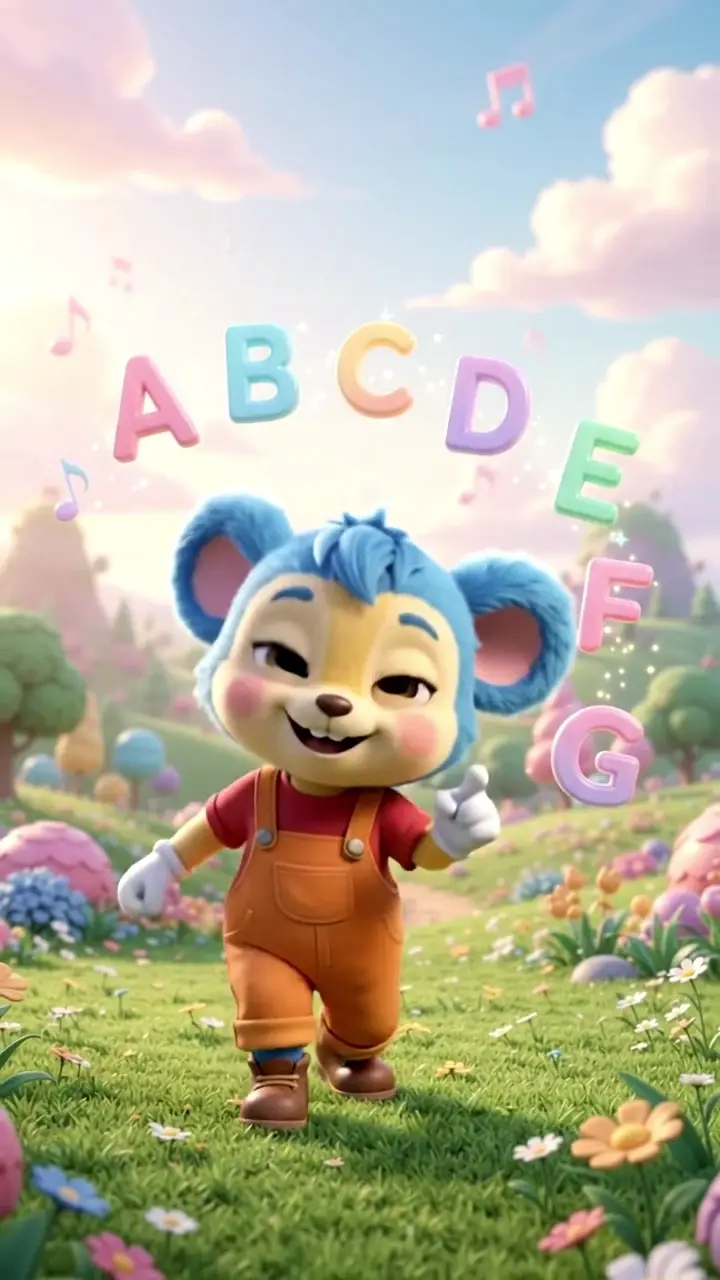
Kids videoclip with music
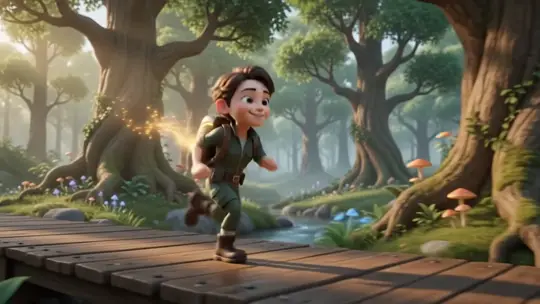
Cartoon
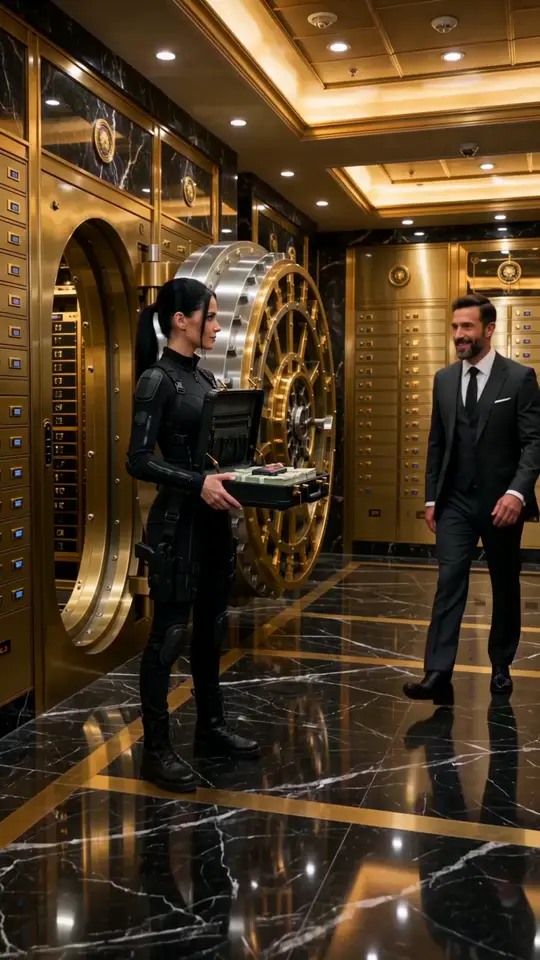
Short microdrama

Long microdrama

Podcast
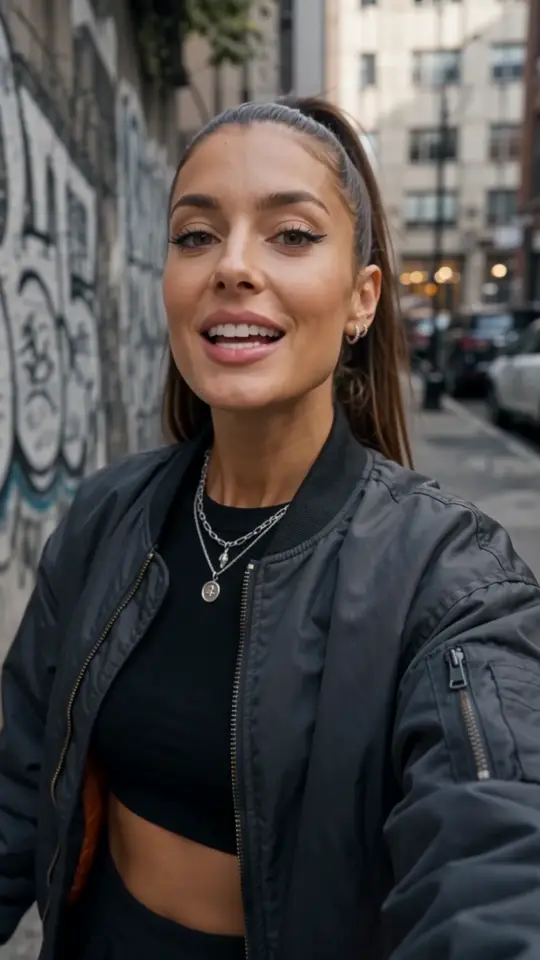
Vlog
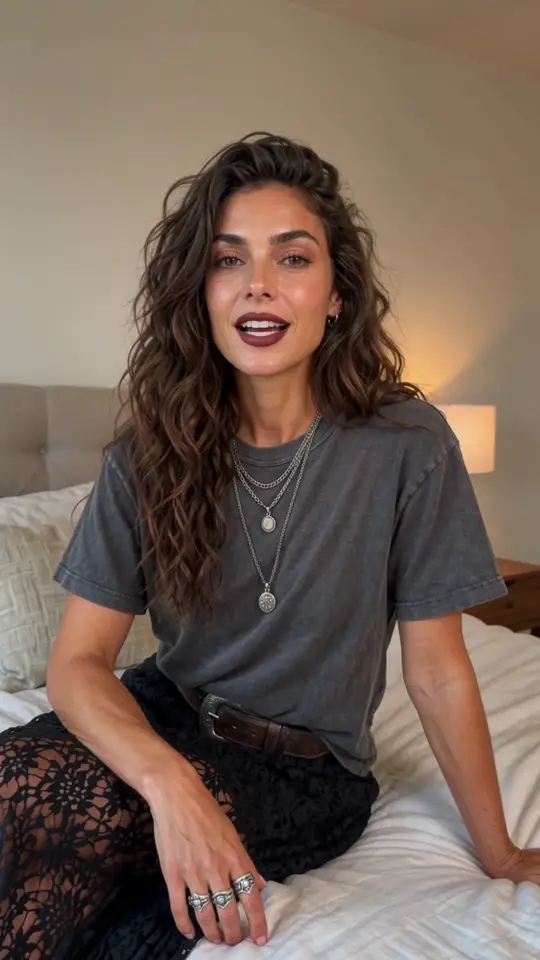
AI Influencer

Cooking Tutorial

ASMR

Realistic videoclip with music
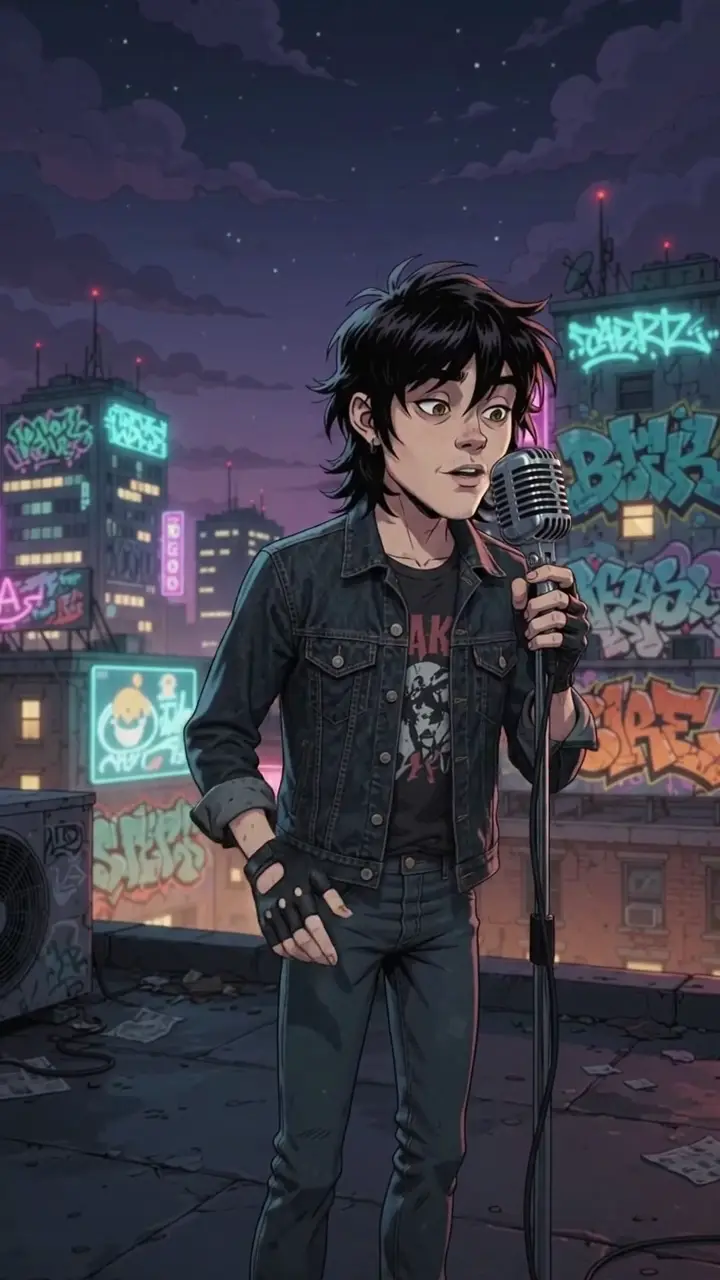
Cartoon videoclip with music
NOLENS STUDIO
Image Studio

Social Ads

Carousel

Hero Product
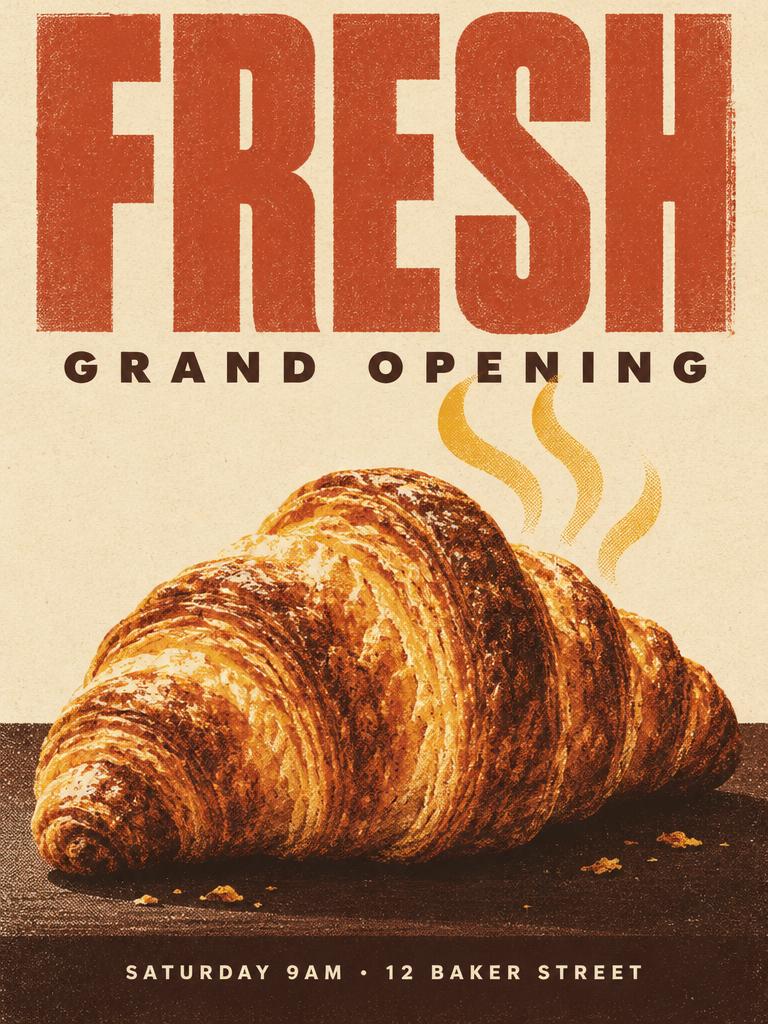
Posters

Flyers

Photoshoot
FAQ
Questions, answered.
What can I create with this tool?
Use Continue video to generate the next part of your video and join the parts. Develop a longer sequence without manual stitching.
What do I need to start?
A compatible video in Nolens and the action that should happen next.
Is there an unlimited video duration?
No unlimited duration is promised. Continue video generates a continuation and joins the parts where supported. Available length, compatibility and credit cost depend on the current workflow.
What should I check before publishing?
Extending adds a continuation; it is different from slowing a clip or generating a separate episode. Limits depend on the model and workflow.
How much does it cost?
Usage depends on the tool and selected settings. Check the credit cost shown in the studio and the current Nolens plans before generating. No fixed cost is assumed on this page.