
For creators
AI Faceless Video Generator
Create faceless videos in illustration, collage, 3D and other visual styles. Turn ideas into channel content without a filmed presenter.
Review available settings and credits in the studio.
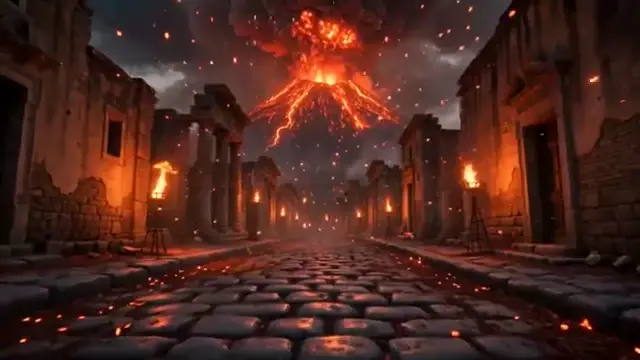 For creators
Build your channel. Stay off camera.
Illustrated explainers
Illustrated explainersCollage and paper stories3D and motion-style social videos
Built around your next project
One workflow. More ways to use it.

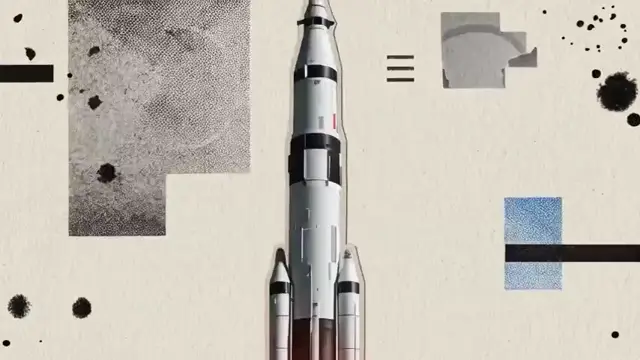
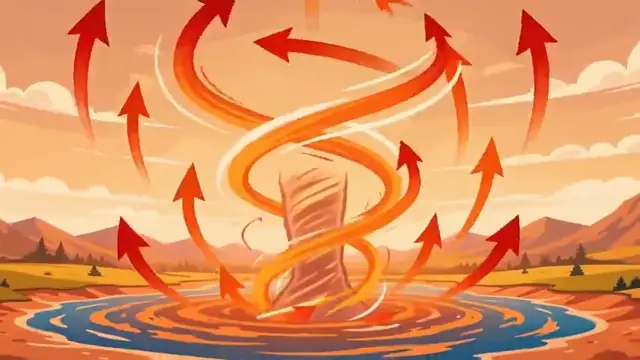
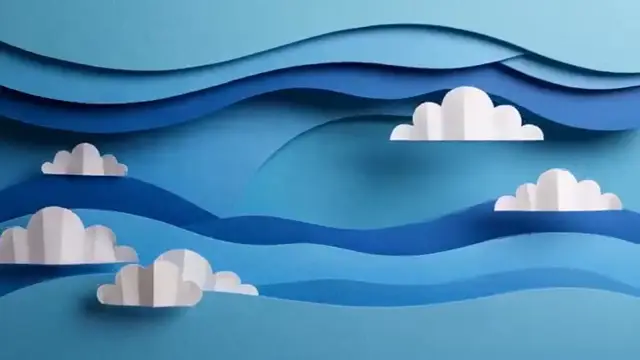
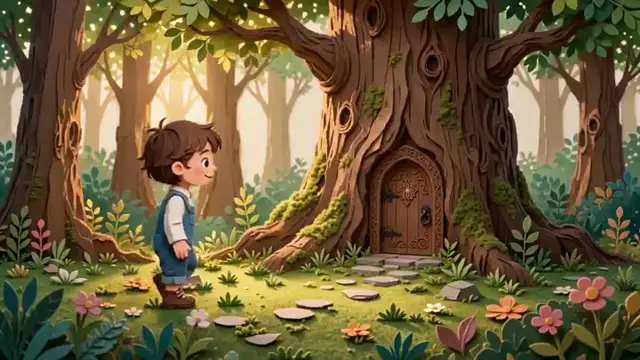
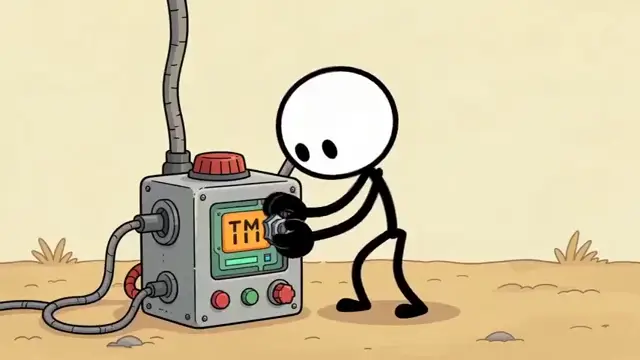
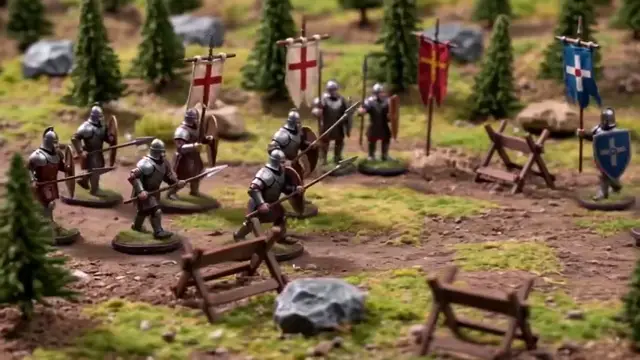
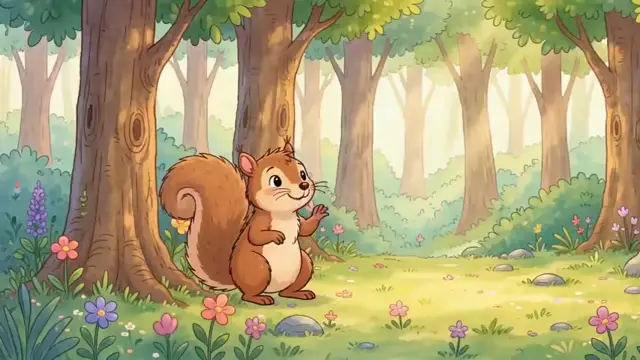

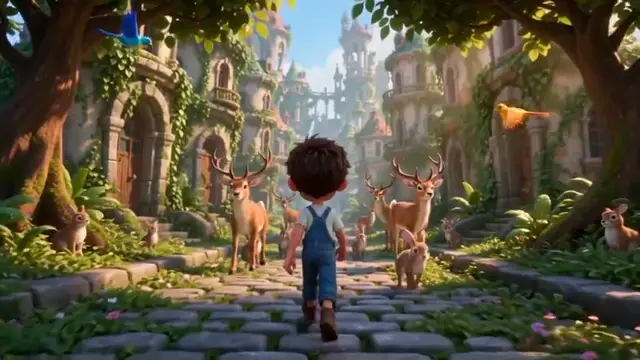
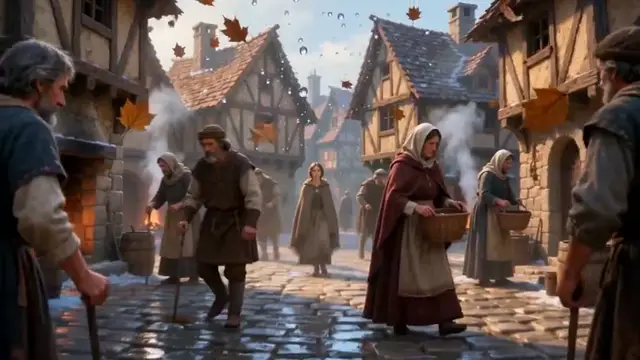
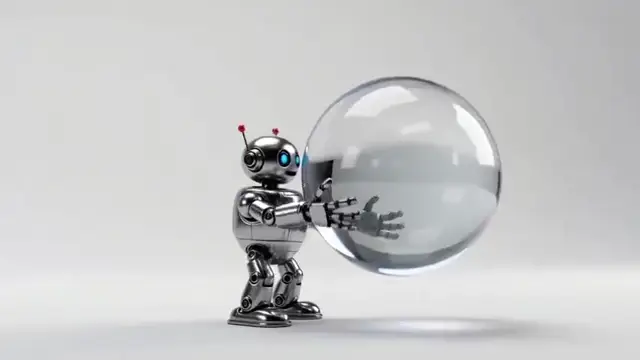
Your starting point
What will you create?
A topic, a concise story outline and one of the available faceless styles.
Collage and paper stories
3D and motion-style social videos
NOLENS STUDIO
Video Studio

Cinematic
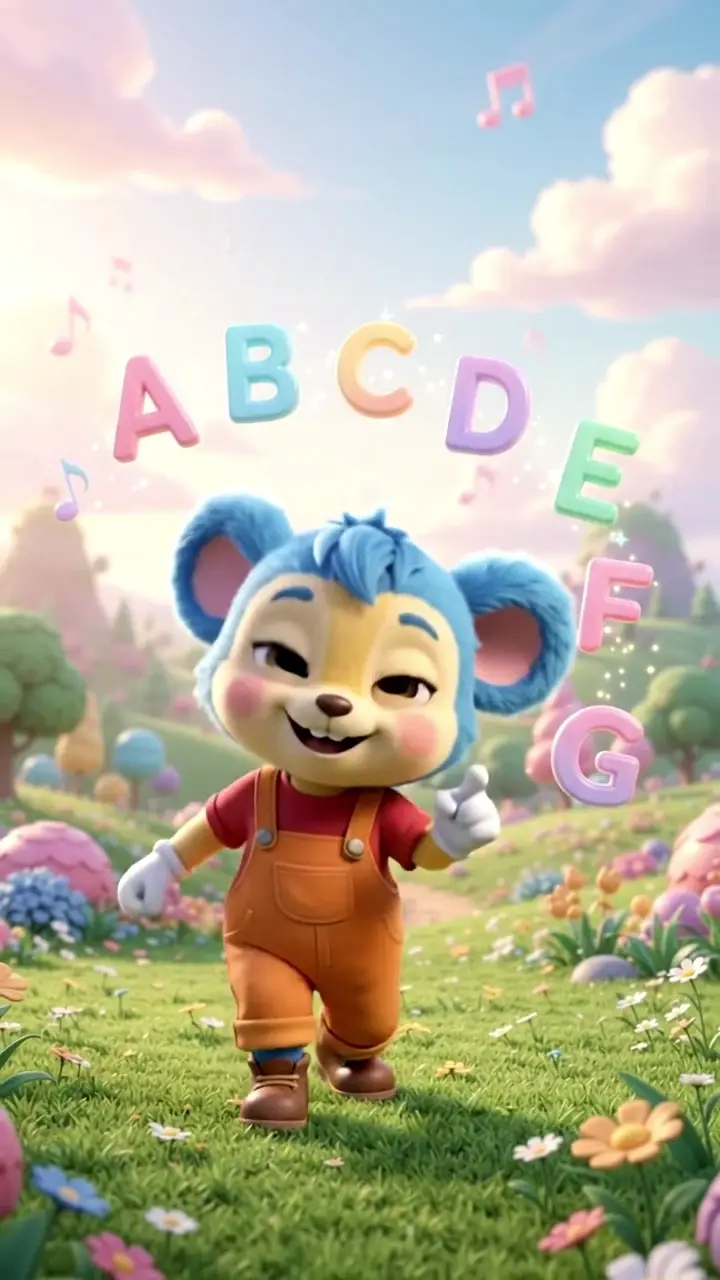
Kids videoclip with music
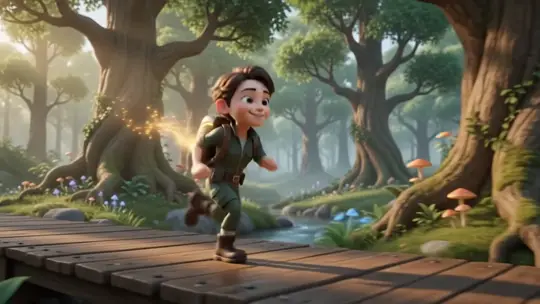
Cartoon
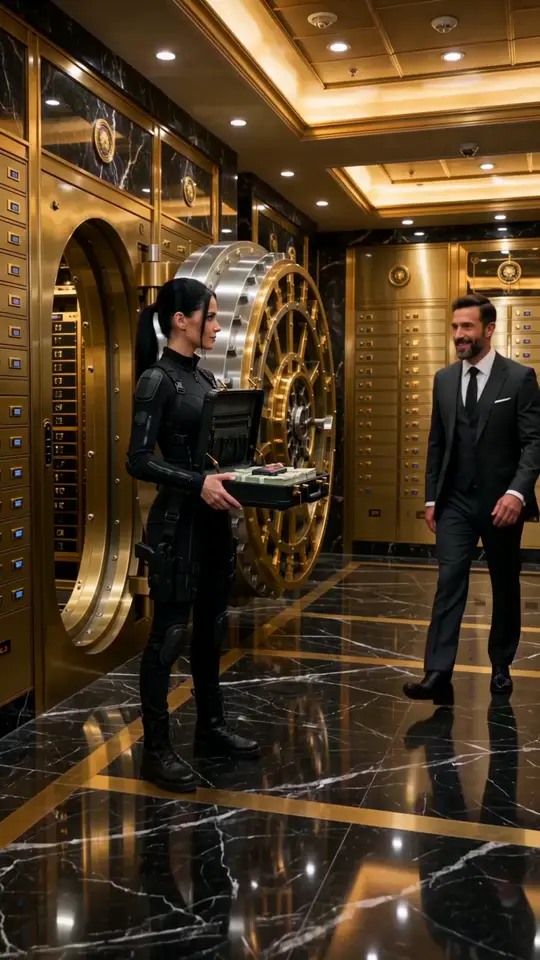
Short microdrama

Long microdrama

Podcast
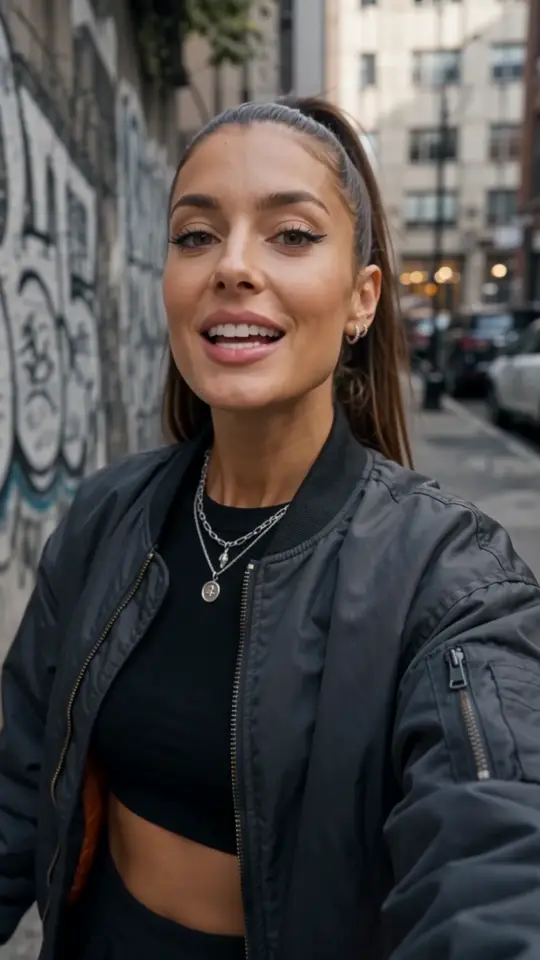
Vlog
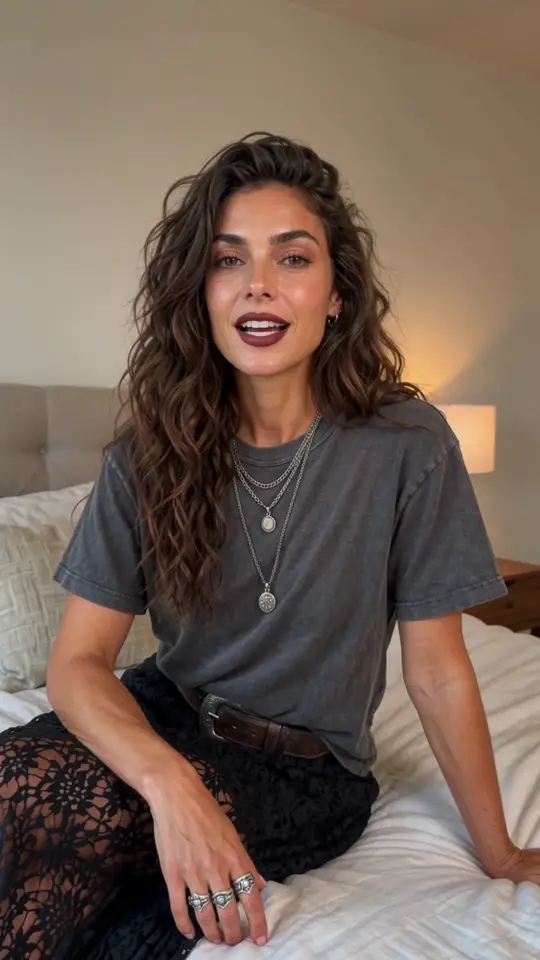
AI Influencer

Cooking Tutorial

ASMR

Realistic videoclip with music
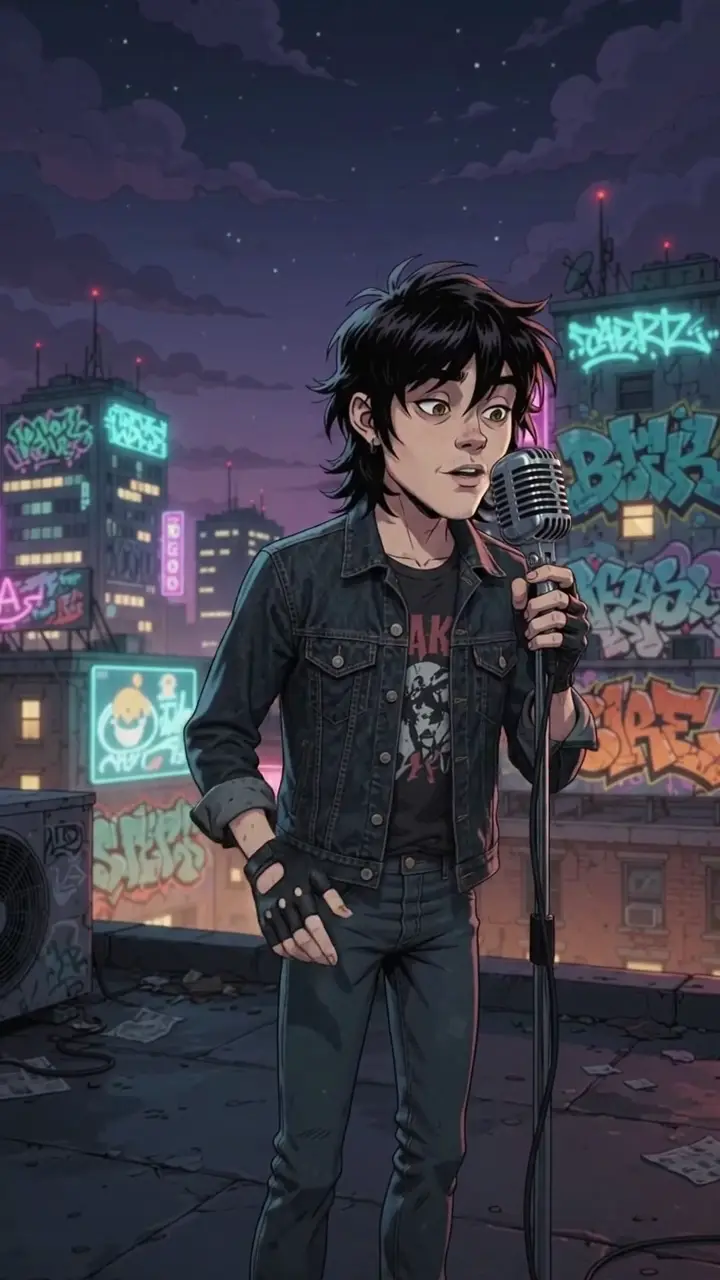
Cartoon videoclip with music
NOLENS STUDIO
Image Studio
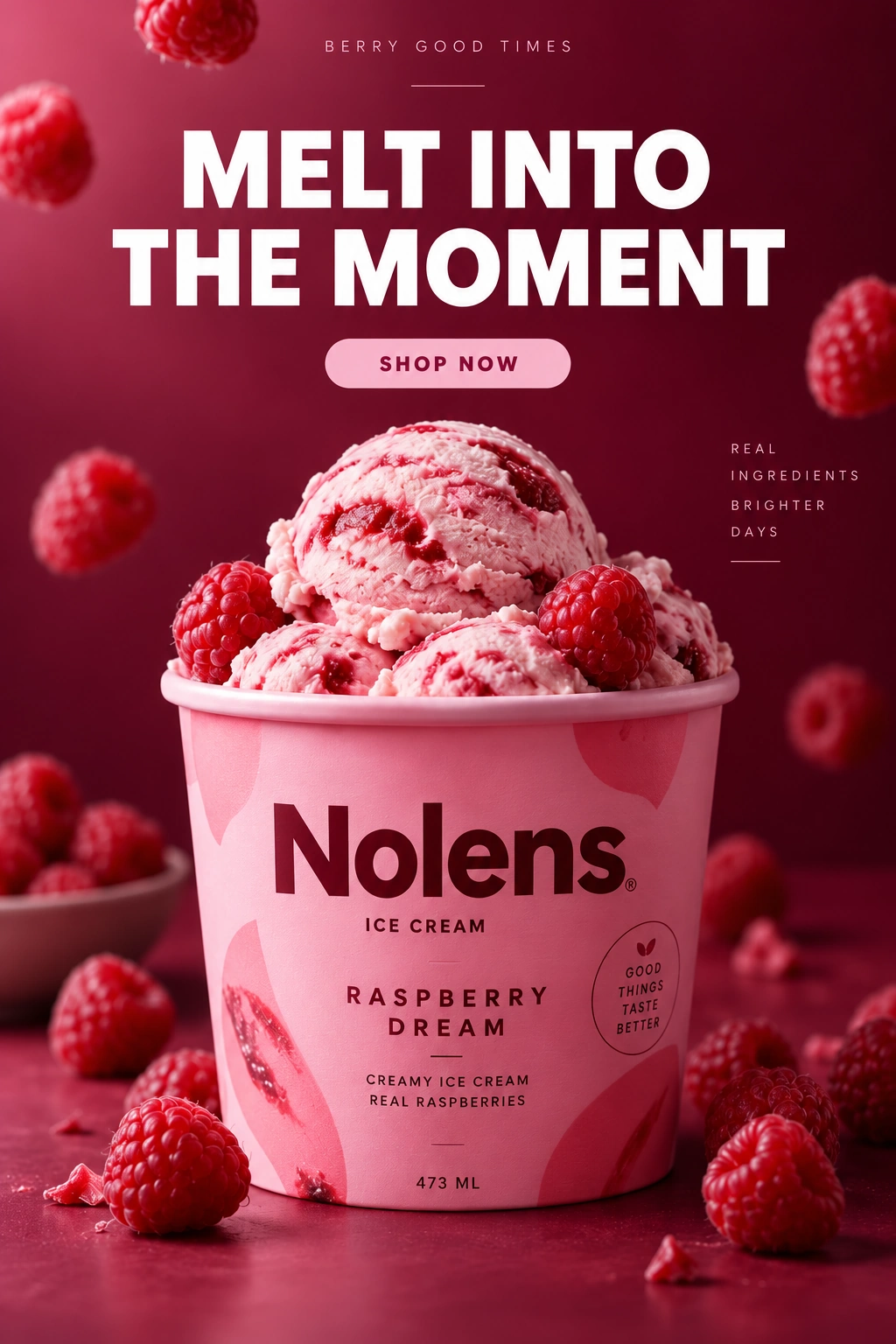
Social Ads

Carousel

Hero Product
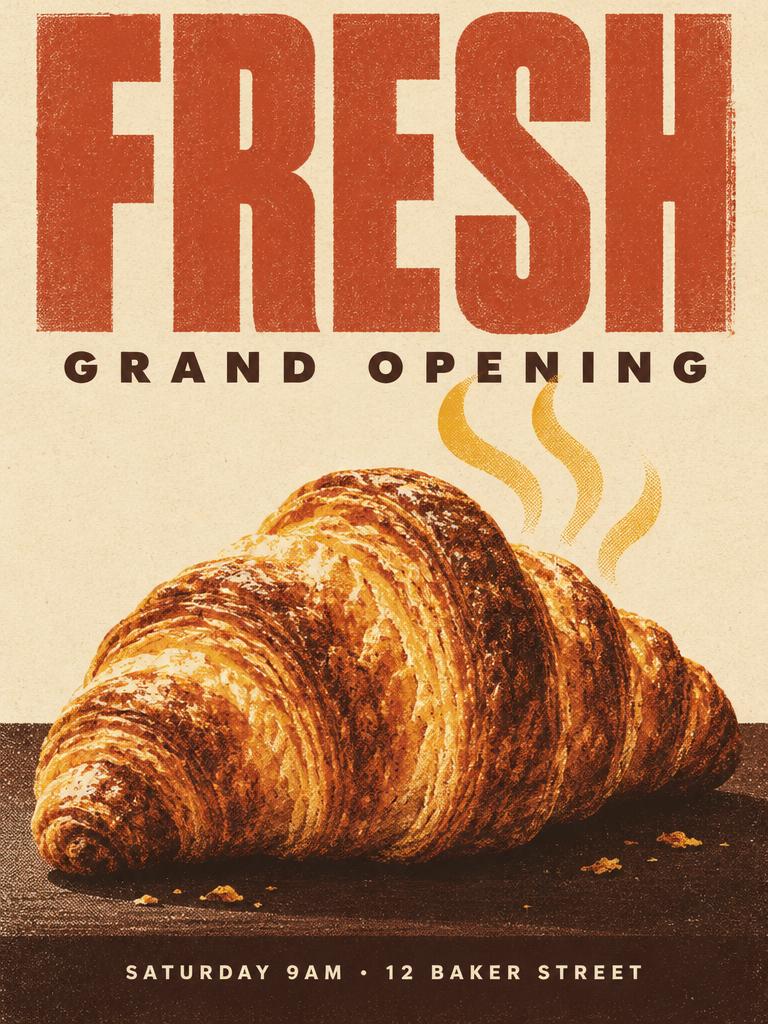
Posters

Flyers

Photoshoot
FAQ
Questions, answered.
What can I create with this tool?
Create faceless videos in illustration, collage, 3D and other visual styles. Turn ideas into channel content without a filmed presenter.
What do I need to start?
A topic, a concise story outline and one of the available faceless styles.
Which faceless styles can I explore?
Explore illustration, paper diorama, collage, stickman cartoon, watercolor, vector, 3D and editorial motion-graphics directions in the available style catalog. Pick one consistent visual language for a series.
What should I check before publishing?
Keep one visual language across a series. Available cards include paper diorama, storybook, collage, watercolor, vector, stickman, mannequin and 3D styles.
How much does it cost?
Usage depends on the tool and selected settings. Check the credit cost shown in the studio and the current Nolens plans before generating. No fixed cost is assumed on this page.