
For brands
AI Fashion Photography
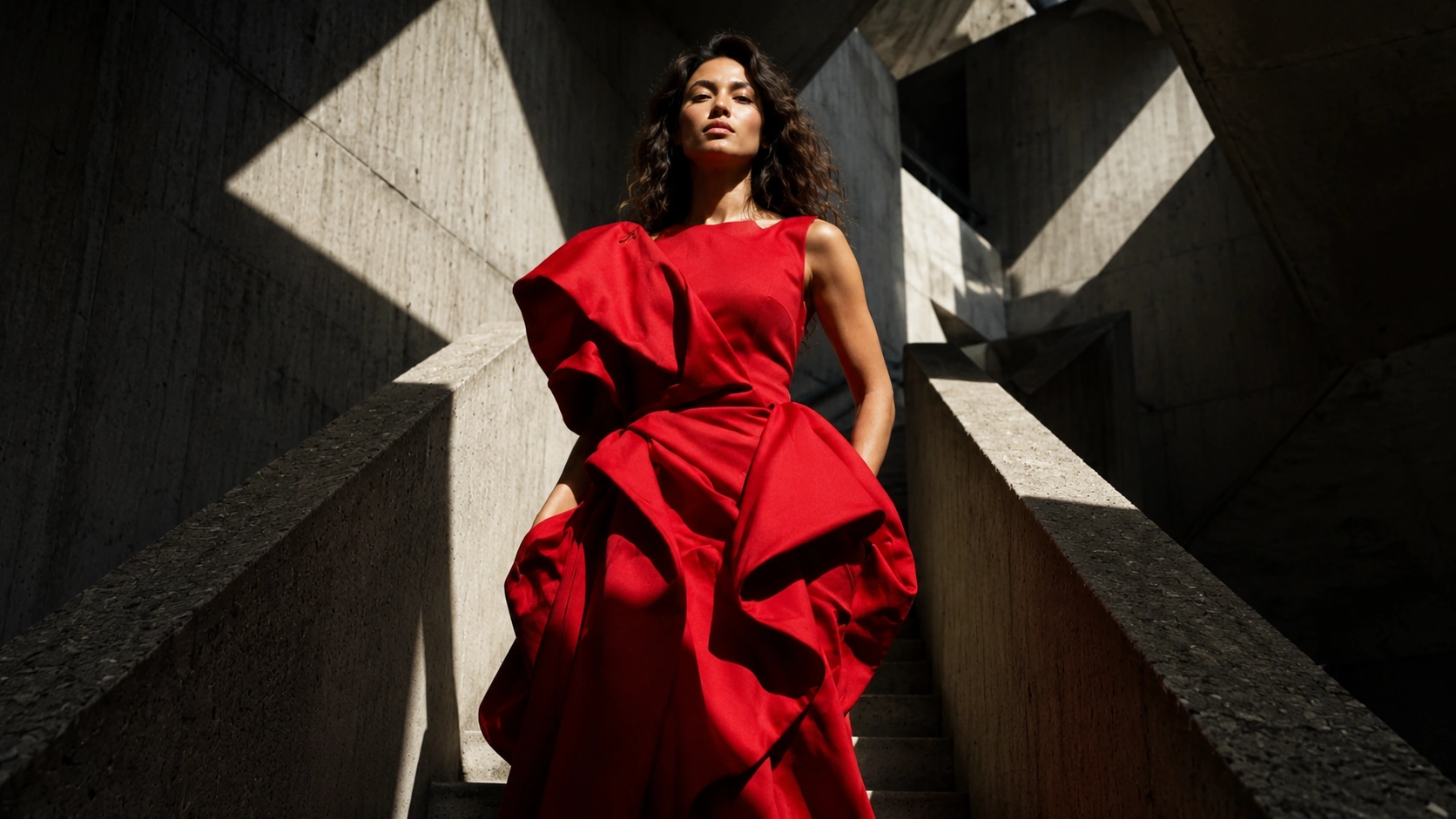
Turn clothing photos into on-model catalog images and fashion campaigns. Create new looks without organising a studio shoot.
Review available settings and credits in the studio.
 For brands
Your collection. On AI models.
On-model product pages
On-model product pagesEditorial collection launchesFashion campaign videos
Built around your next project
One workflow. More ways to use it.
Your starting point
What will you create?
A clear garment photo and the model, pose and setting you want.
Editorial collection launches
Fashion campaign videos
NOLENS STUDIO
Video Studio
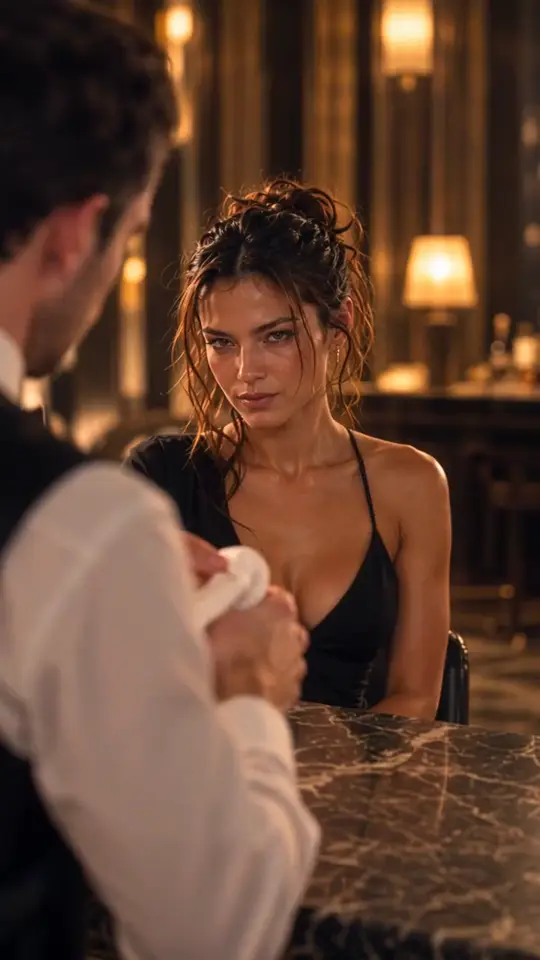
Cinematic
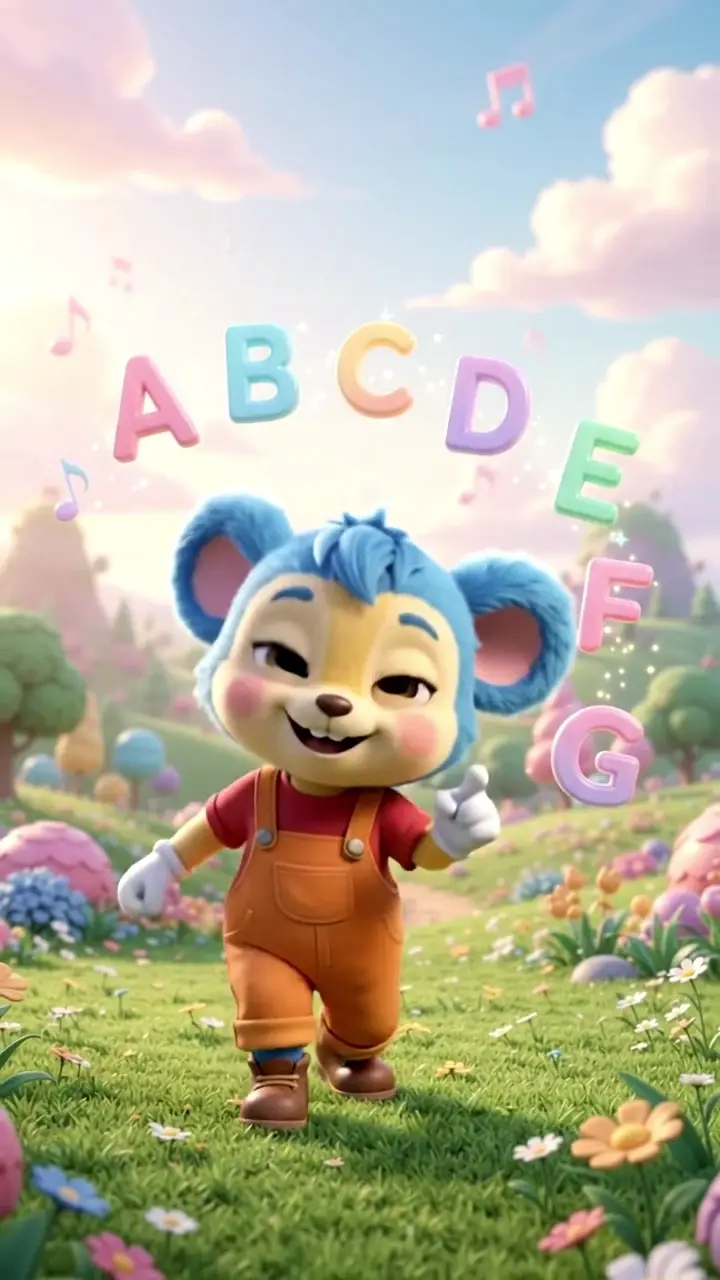
Kids videoclip with music
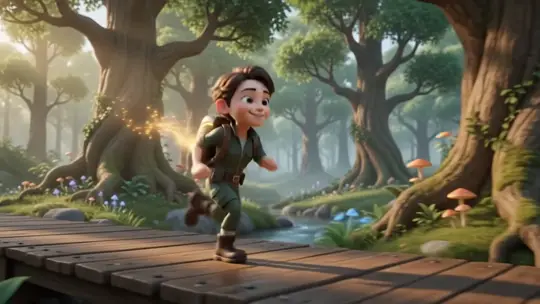
Cartoon
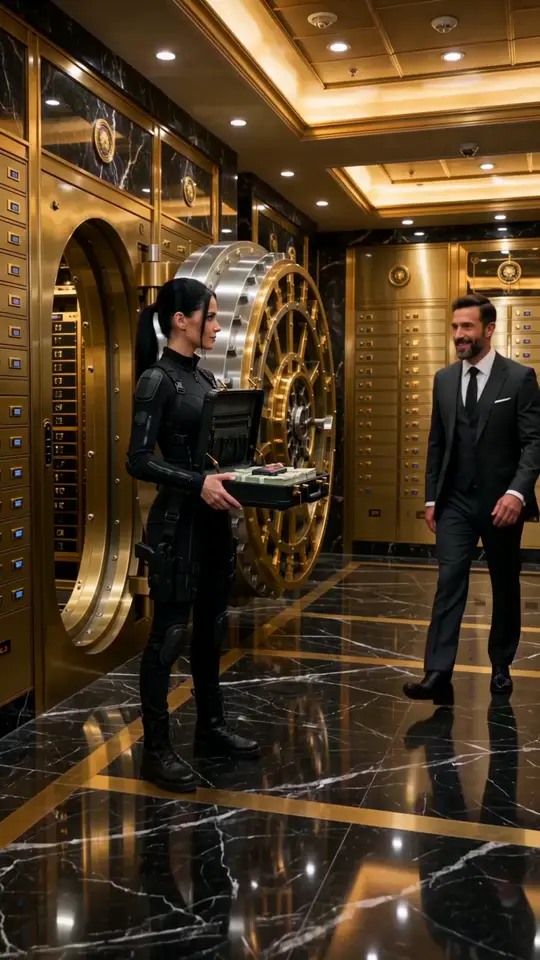
Short microdrama
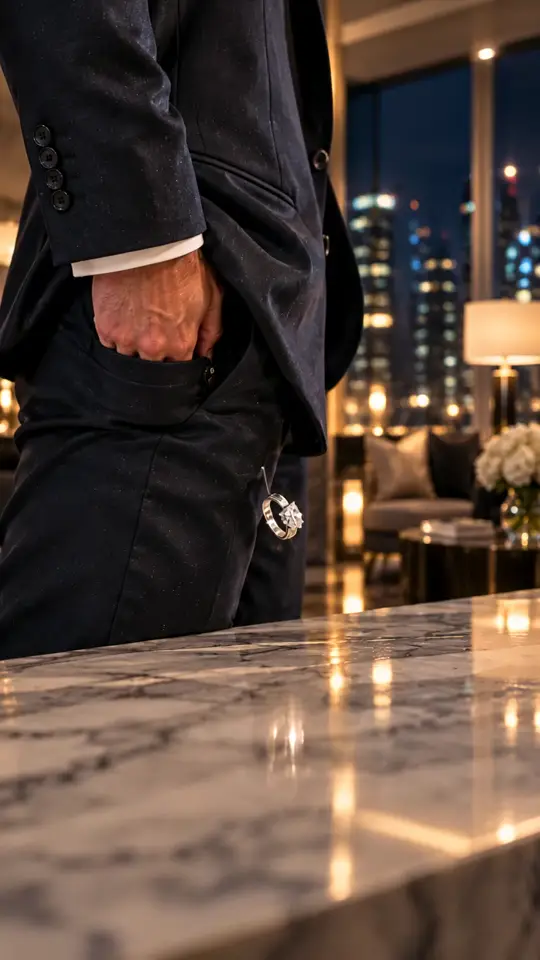
Long microdrama
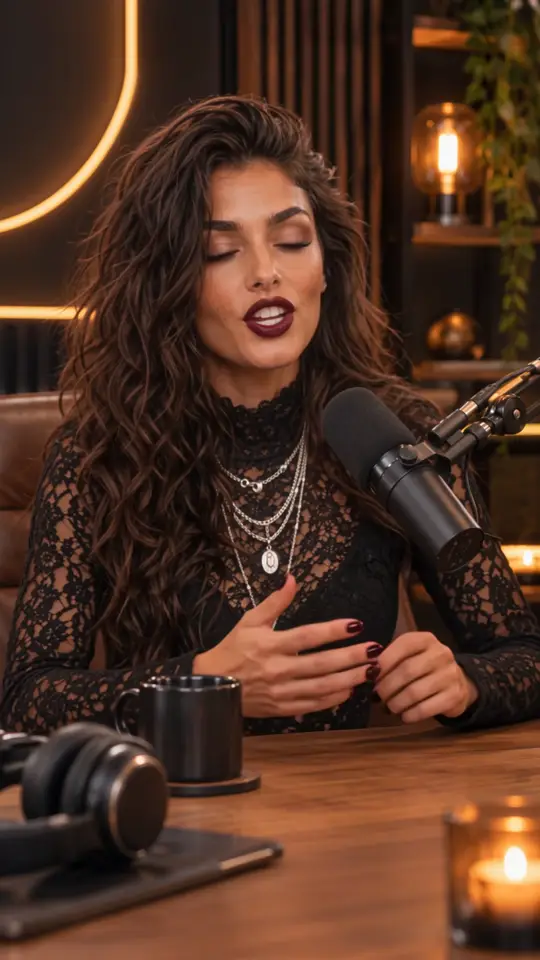
Podcast
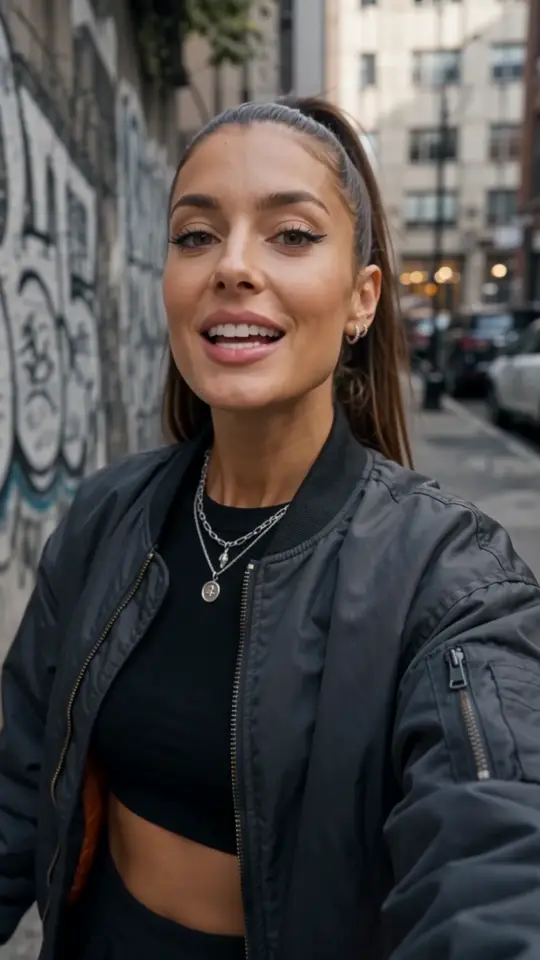
Vlog
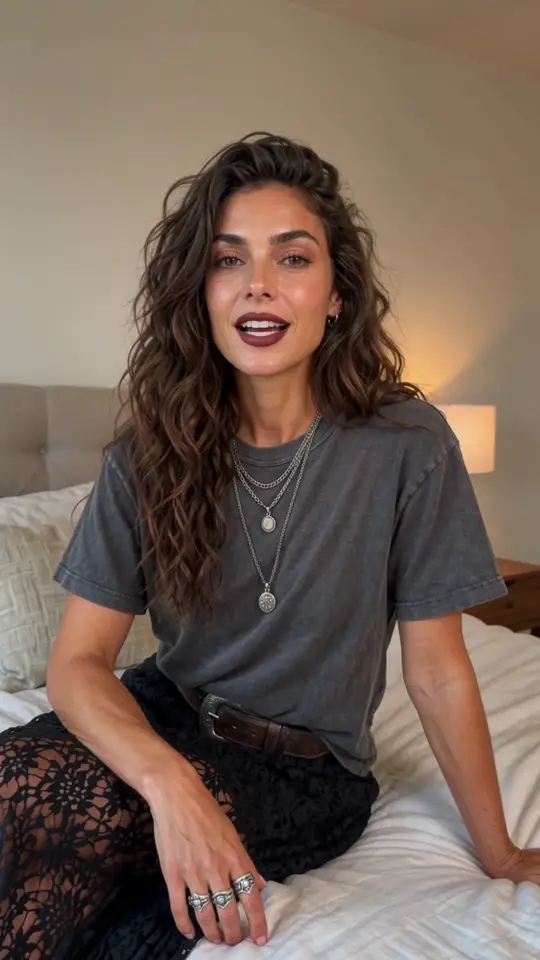
AI Influencer

Cooking Tutorial
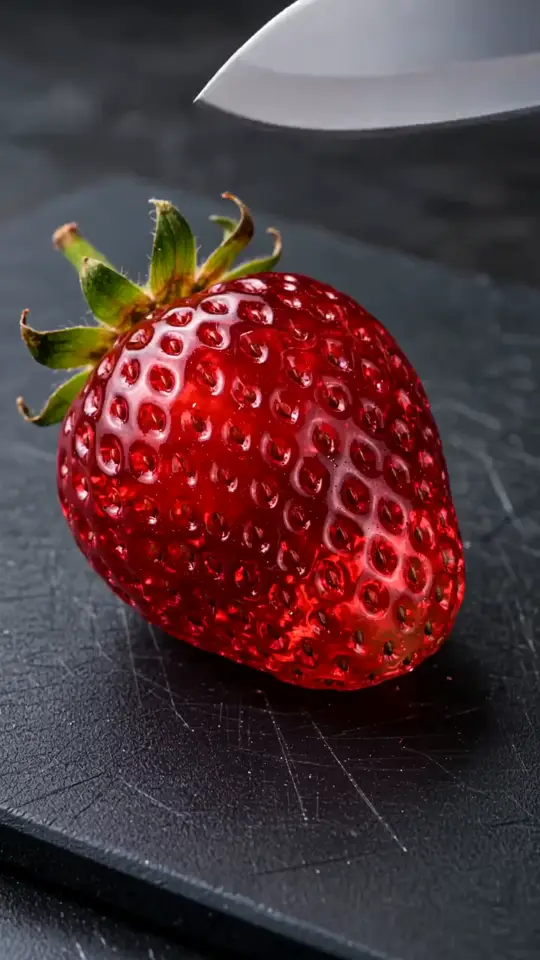
ASMR
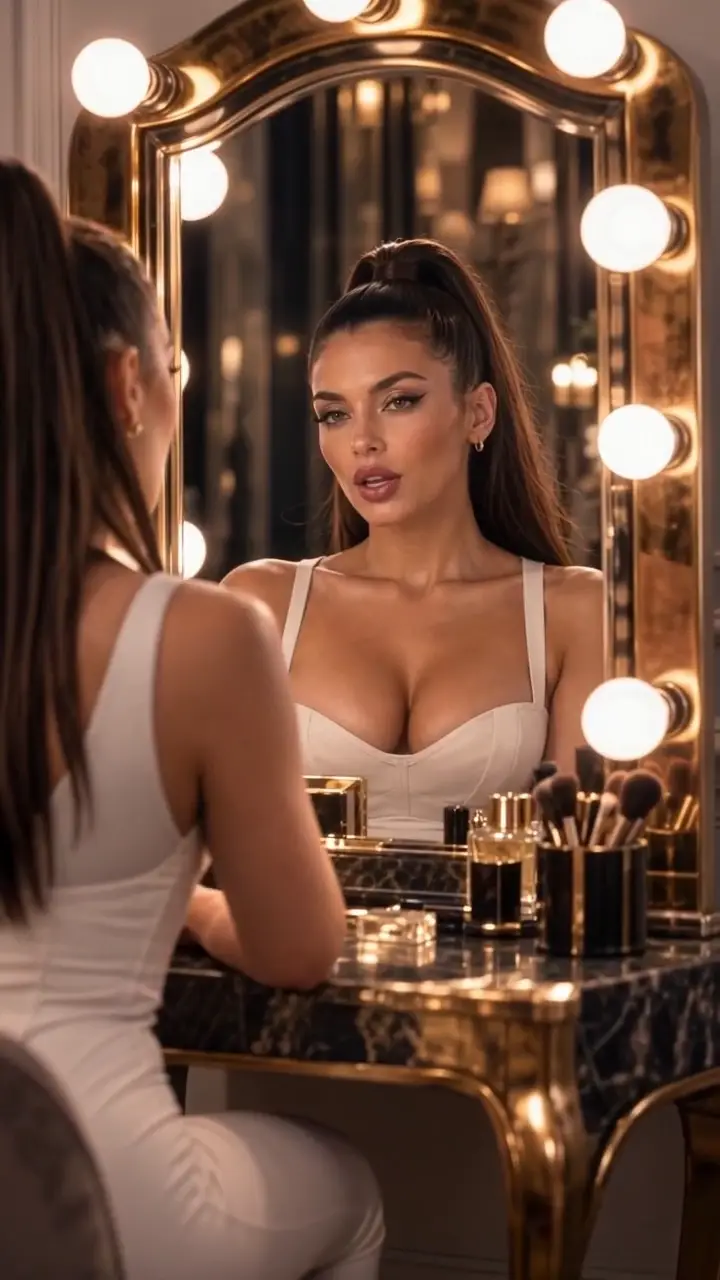
Realistic videoclip with music
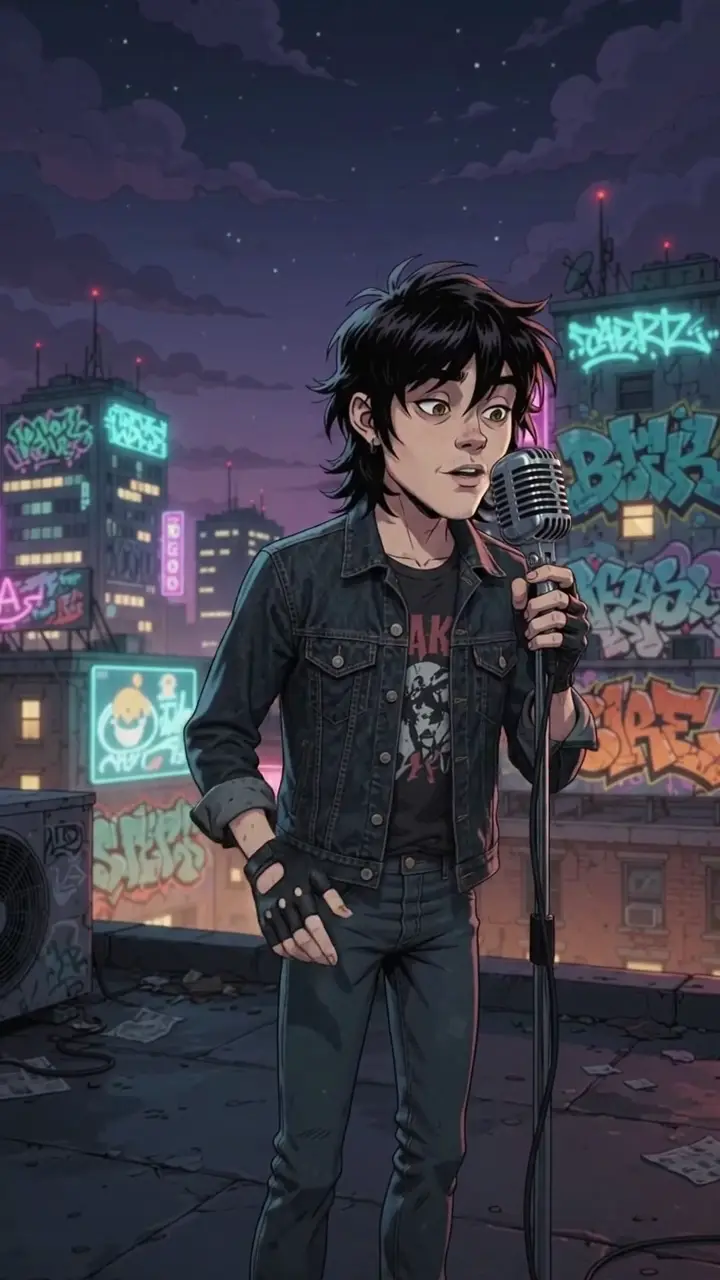
Cartoon videoclip with music
NOLENS STUDIO
Image Studio
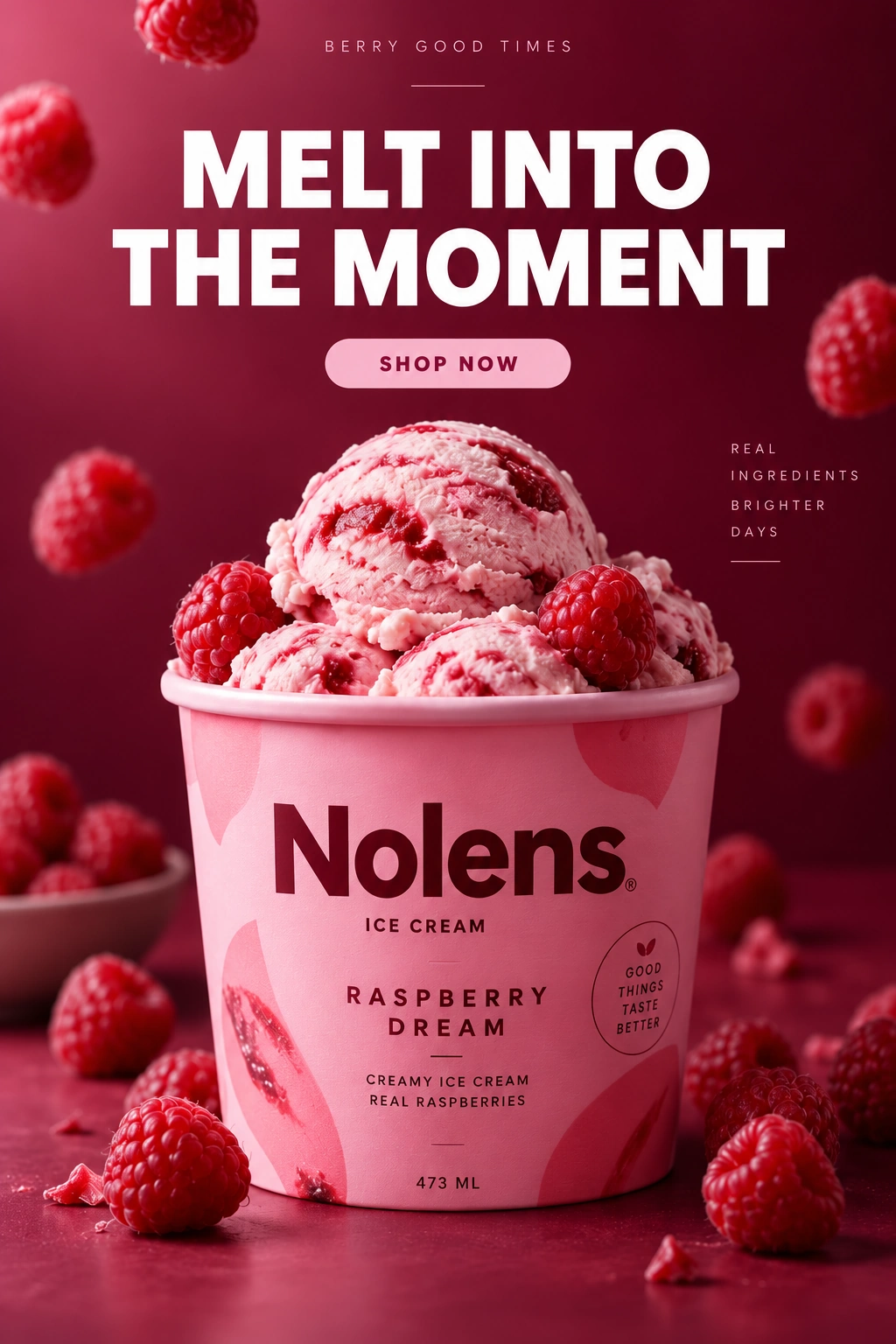
Social Ads
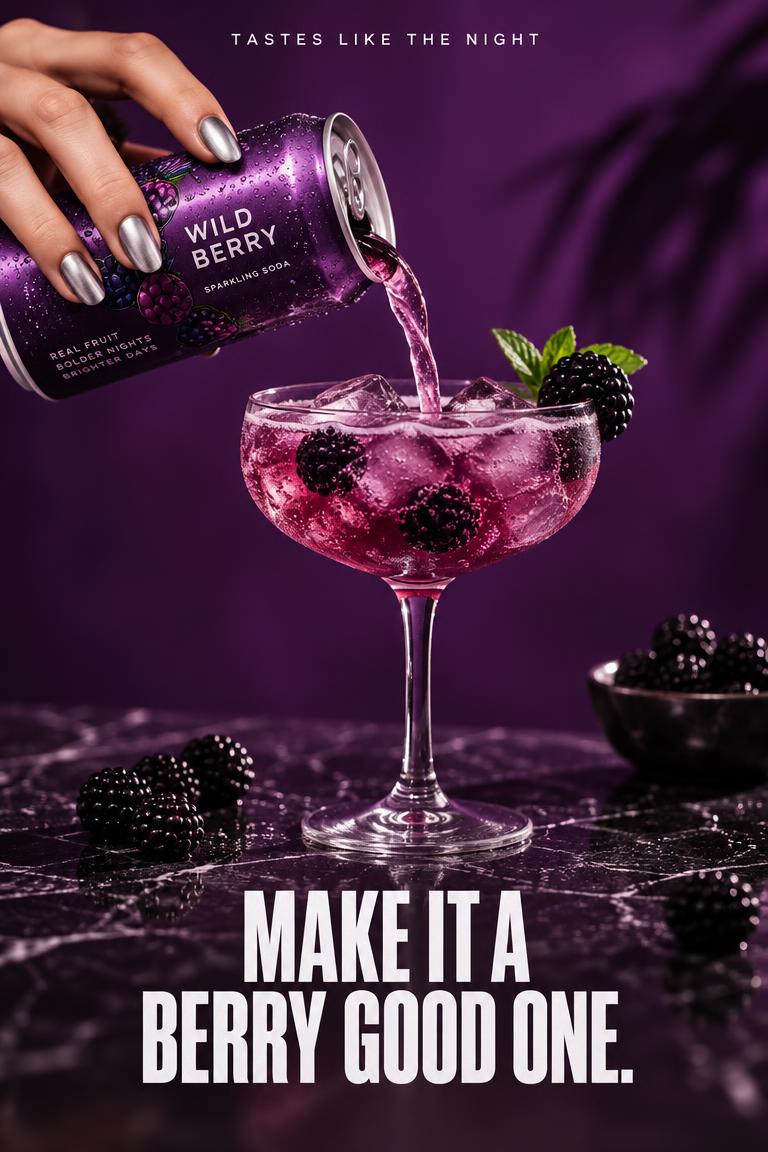
Carousel
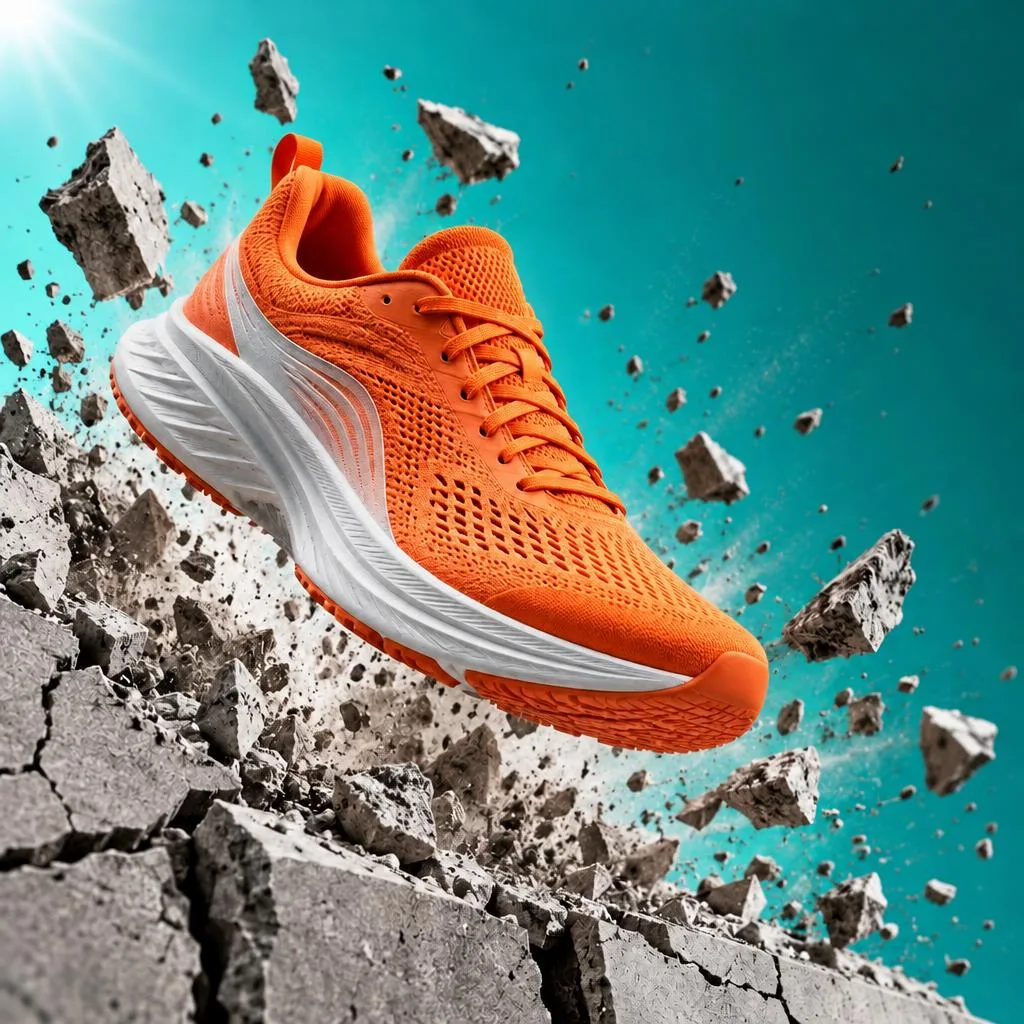
Hero Product
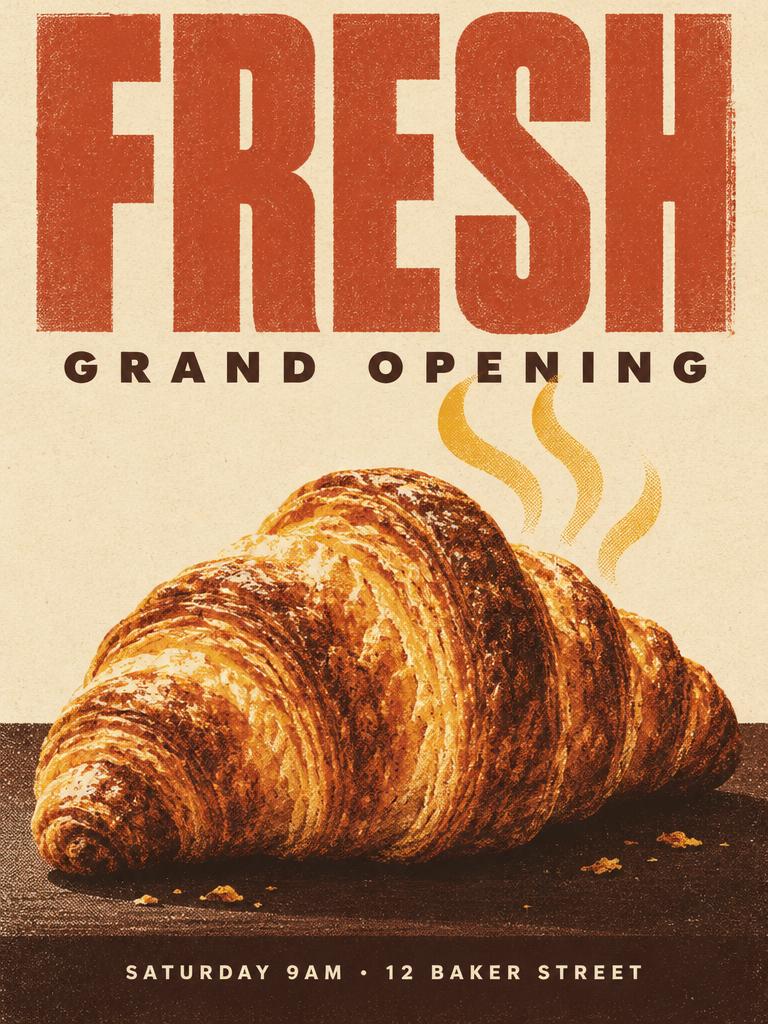
Posters
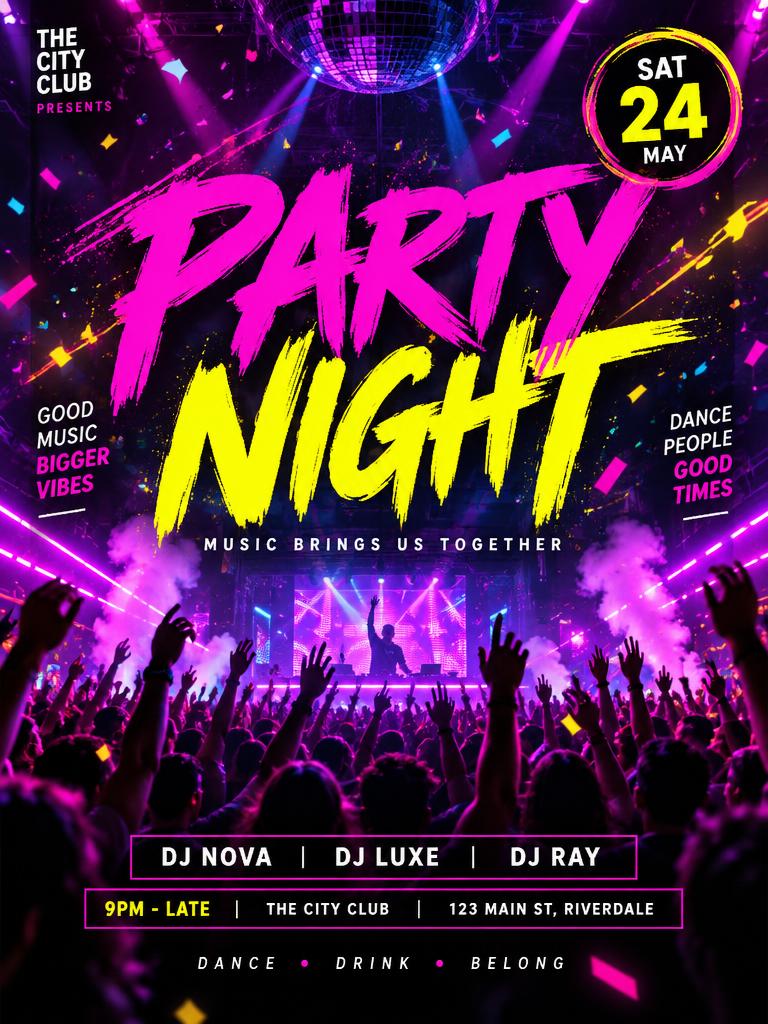
Flyers
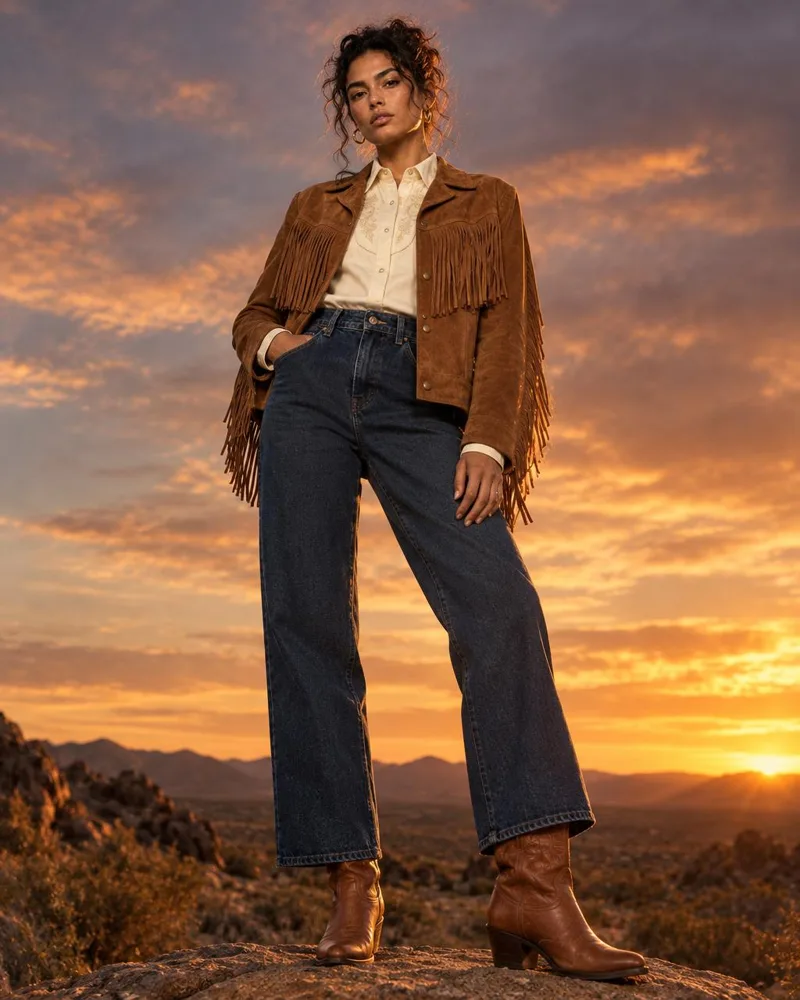
Photoshoot
FAQ
Questions, answered.
What can I create with this tool?
Turn clothing photos into on-model catalog images and fashion campaigns. Create new looks without organising a studio shoot.
What do I need to start?
A clear garment photo and the model, pose and setting you want.
Can I use my own clothing photos?
Yes. Start with a clear garment reference and describe the model and scene. Review fabric, fit and details against the original before using the result in your catalog.
What should I check before publishing?
Describe the garment before the scene. Check seams, fit, logos and fabric against the original before using the image in a store.
How much does it cost?
Usage depends on the tool and selected settings. Check the credit cost shown in the studio and the current Nolens plans before generating. No fixed cost is assumed on this page.