
Creative tools
AI Image Editor
Edit an image with a sentence. Change the background, lighting, colors or details to refine your next product or campaign visual.
Review available settings and credits in the studio.
Creative tools
Describe the change. Keep creating.
Background changes
Background changesLighting and color revisionsCampaign image variations
Your starting point
What will you create?
An image you created and a precise description of what to change.
Lighting and color revisions
Campaign image variations
NOLENS STUDIO
Video Studio
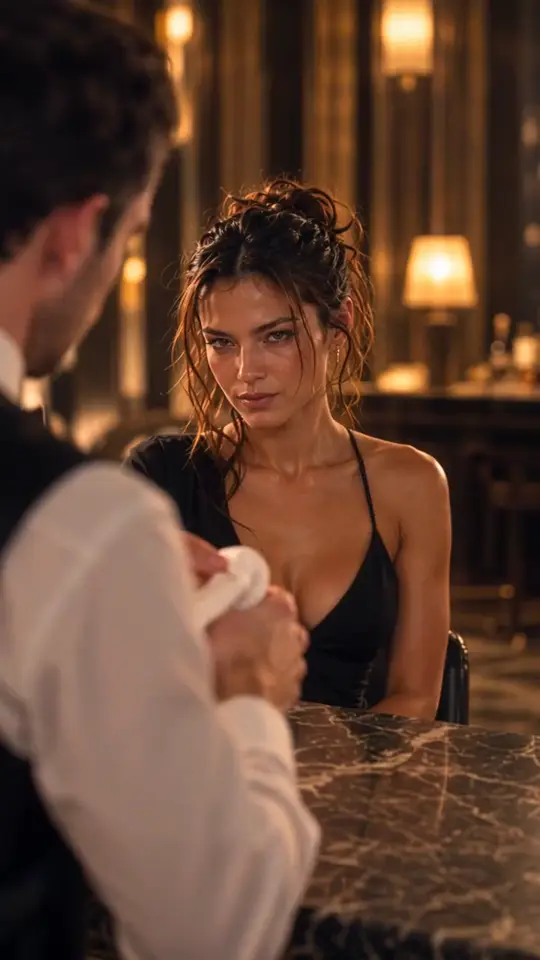
Cinematic
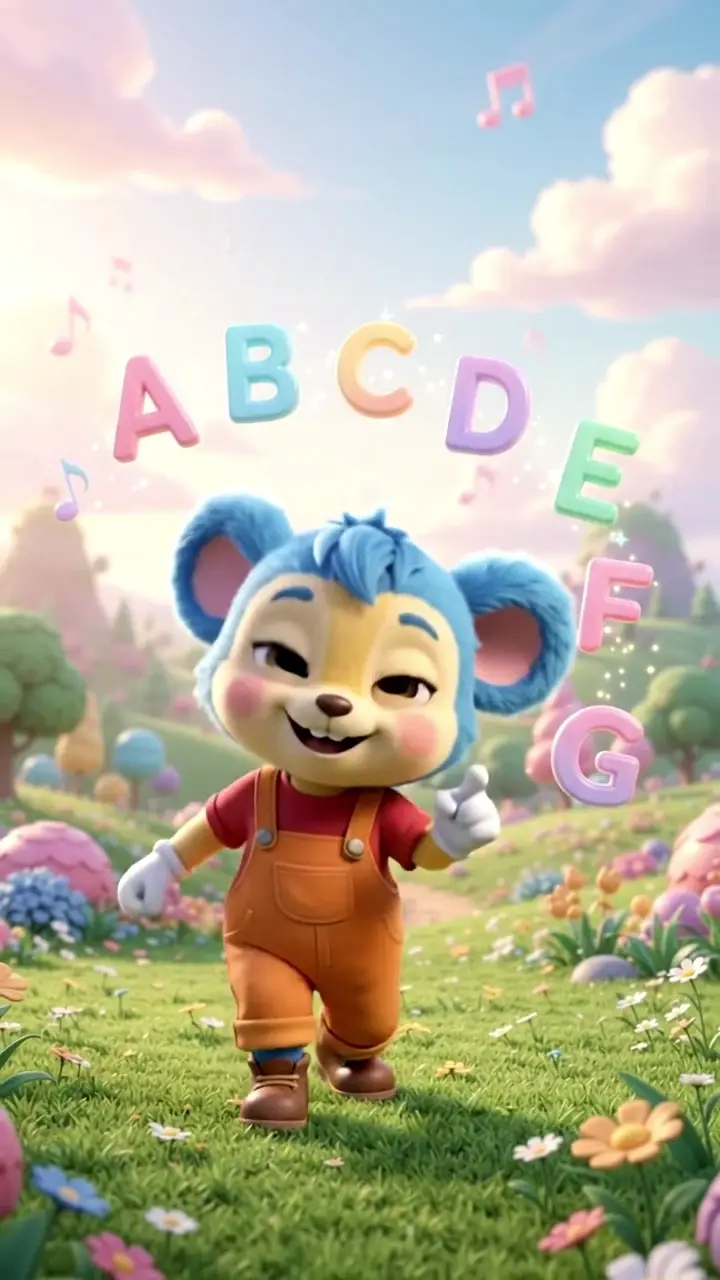
Kids videoclip with music
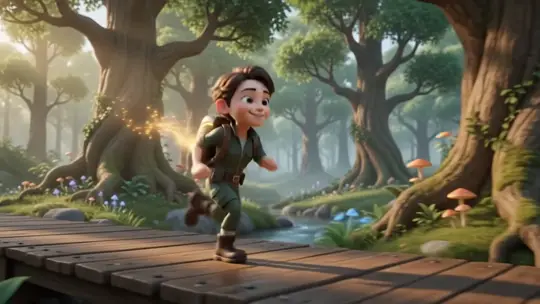
Cartoon
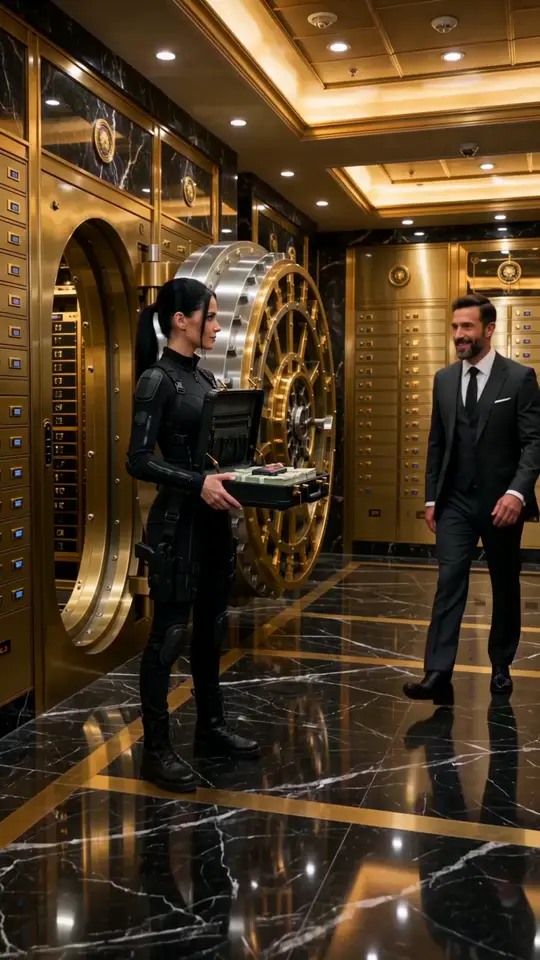
Short microdrama
Long microdrama
Podcast
Vlog
AI Influencer

Cooking Tutorial
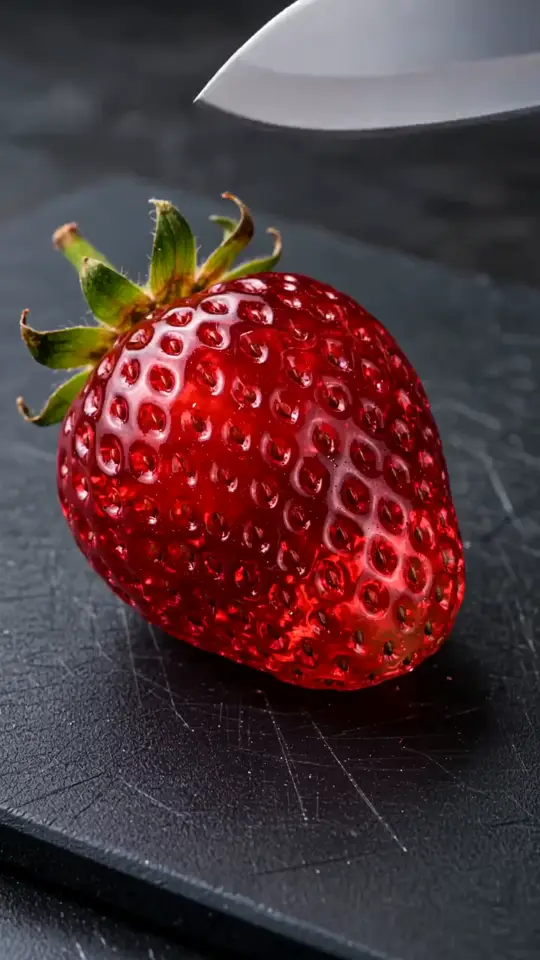
ASMR
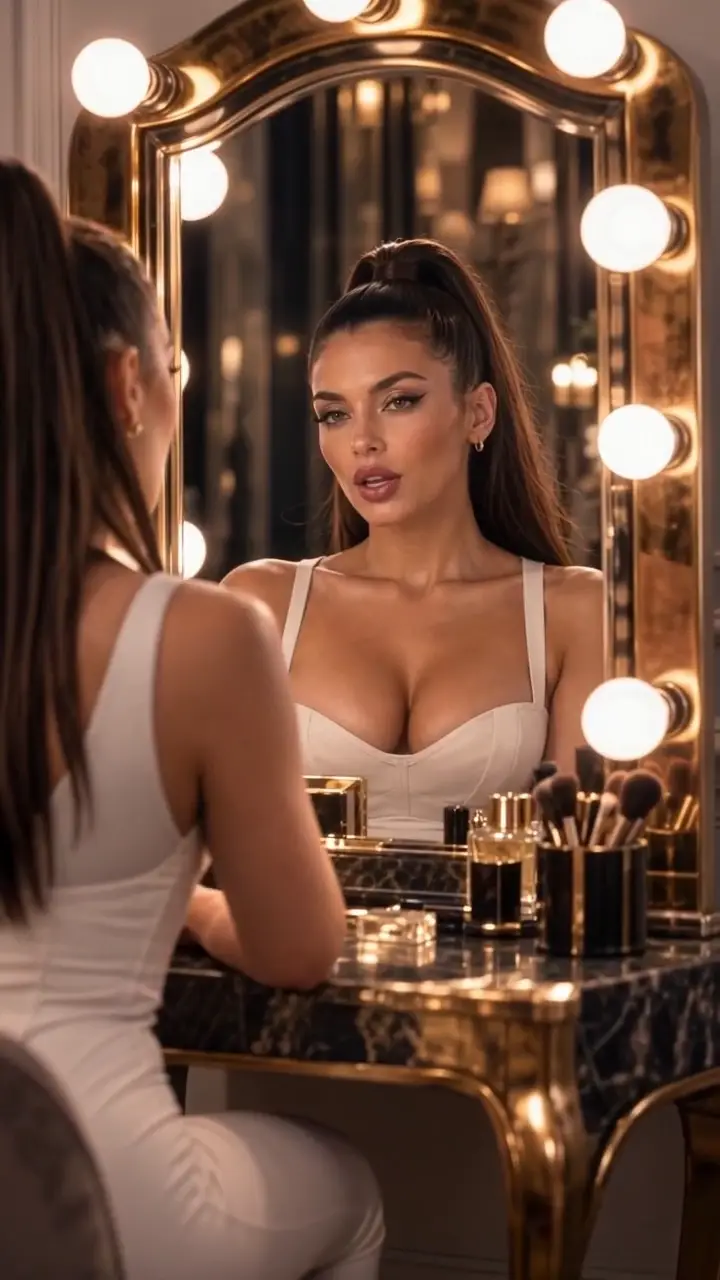
Realistic videoclip with music
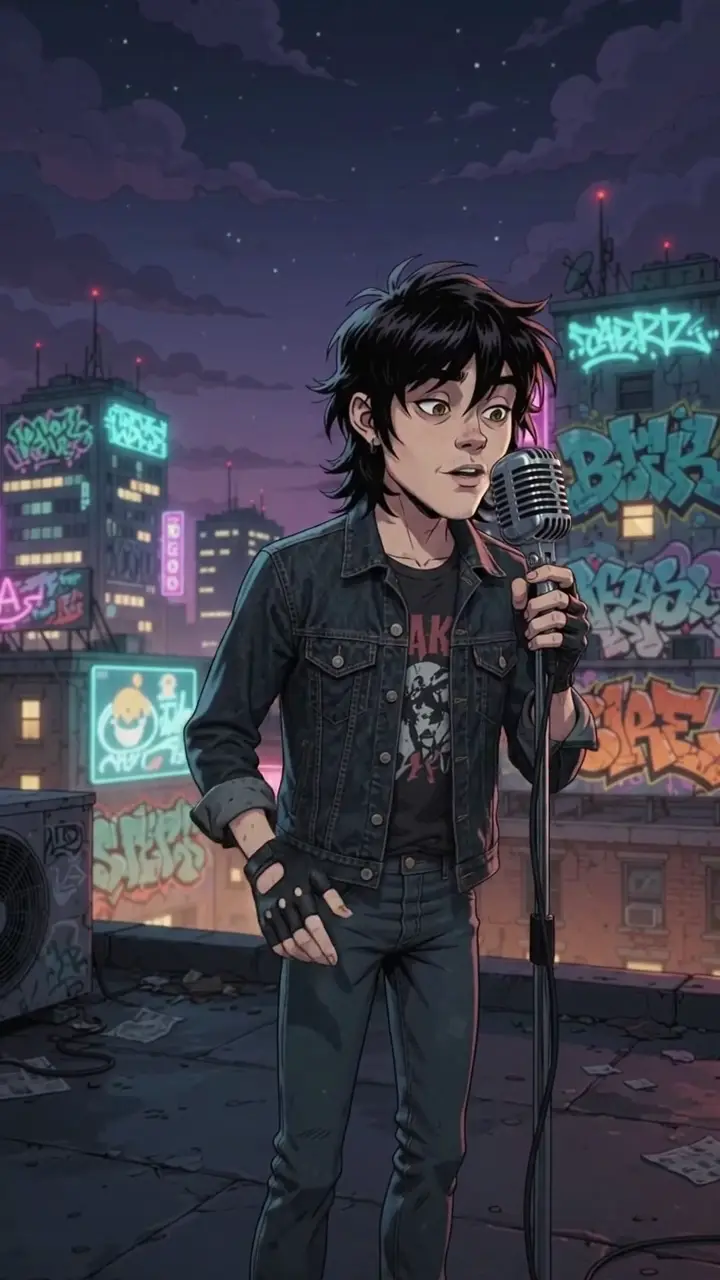
Cartoon videoclip with music
NOLENS STUDIO
Image Studio
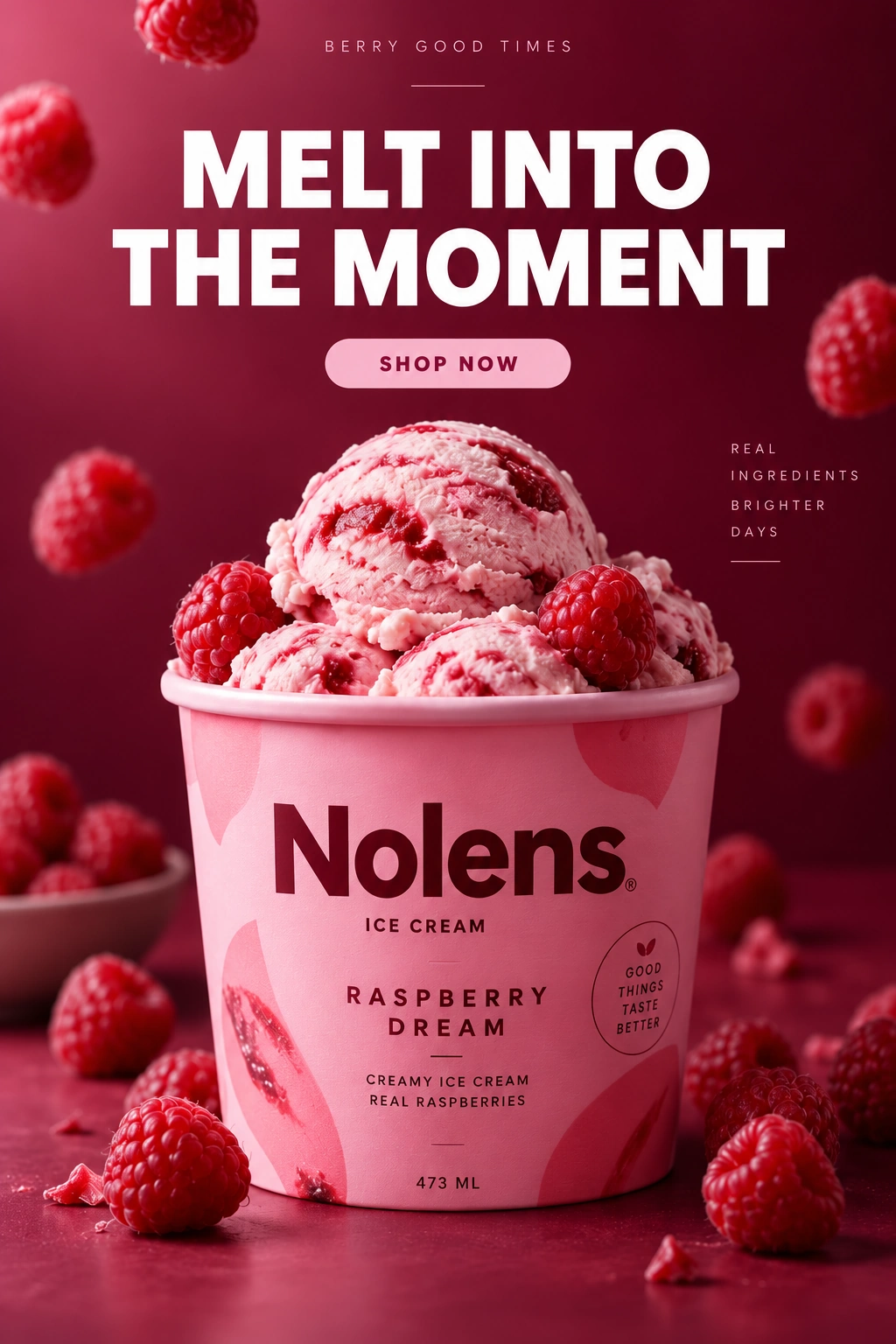
Social Ads
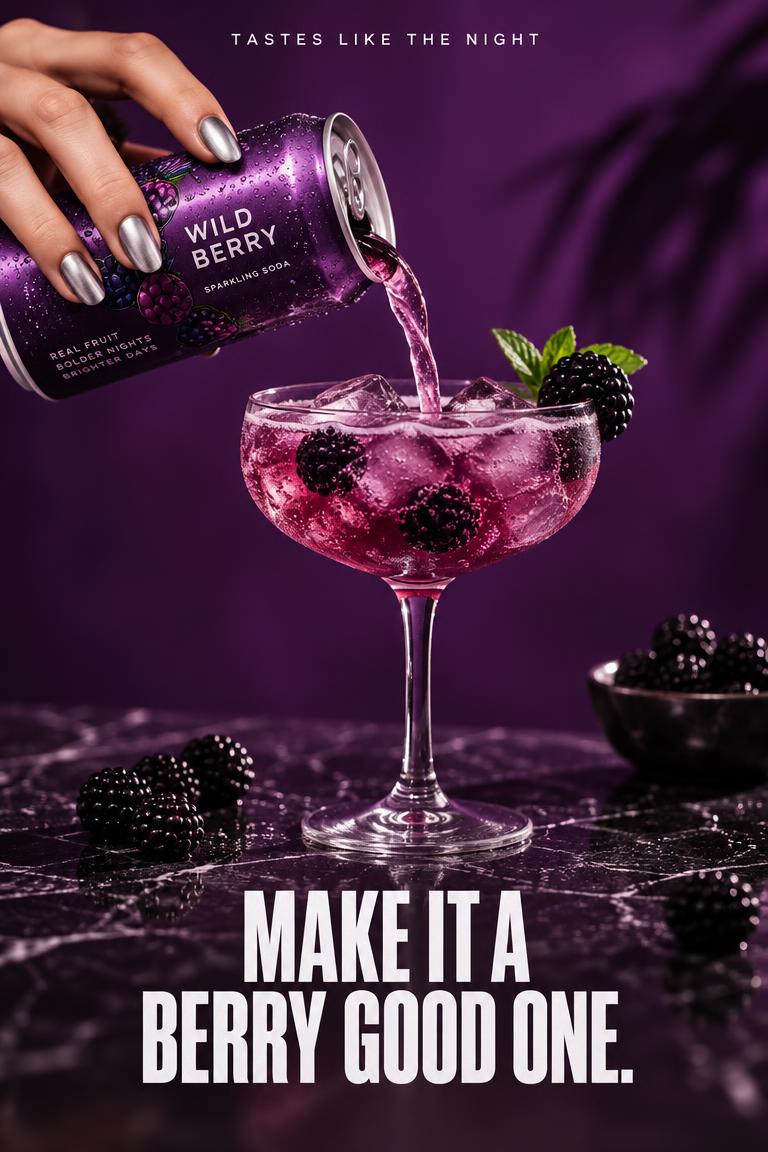
Carousel

Hero Product
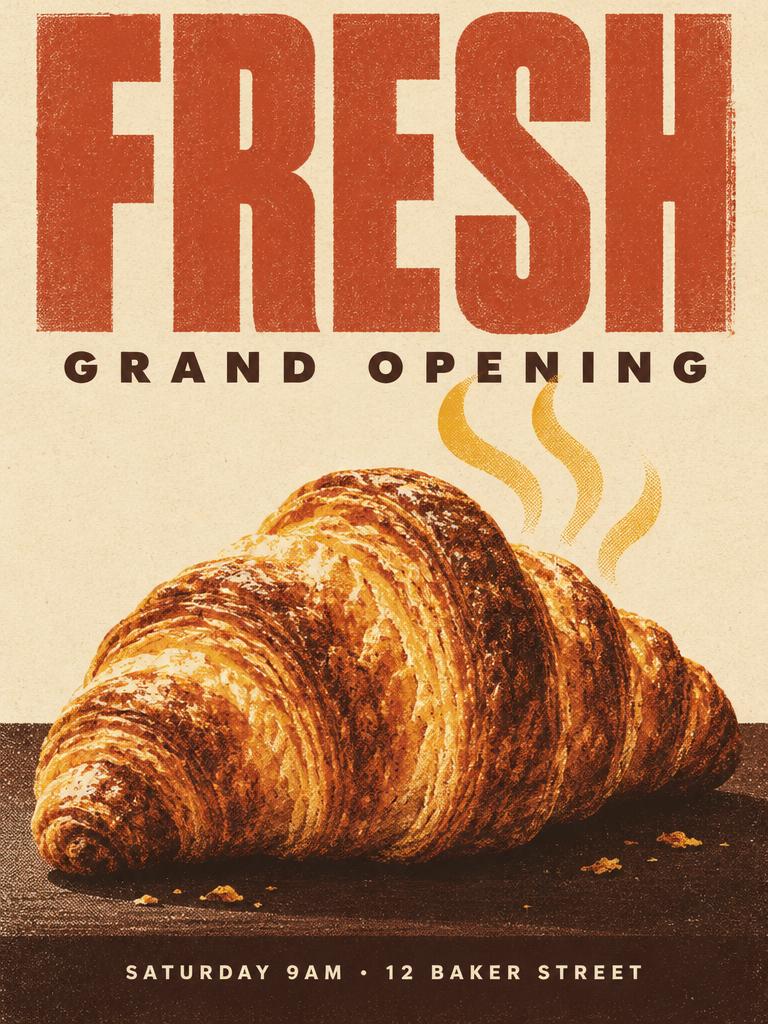
Posters
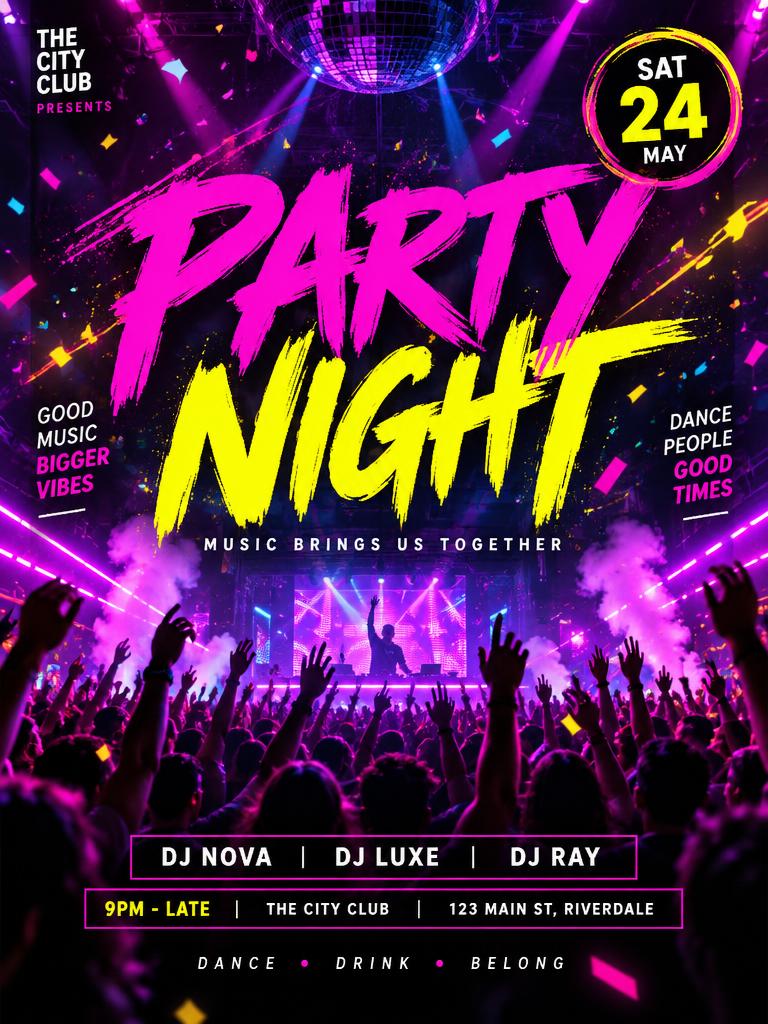
Flyers
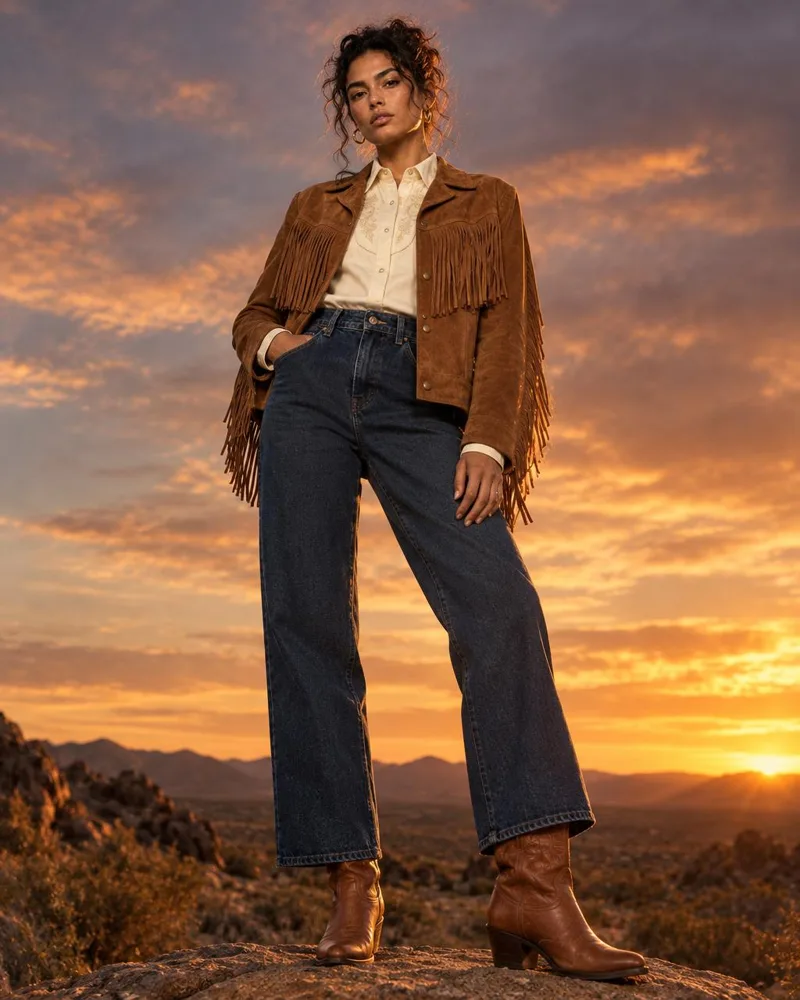
Photoshoot
FAQ
Questions, answered.
What can I create with this tool?
Edit an image with a sentence. Change the background, lighting, colors or details to refine your next product or campaign visual.
What do I need to start?
An image you created and a precise description of what to change.
Can I describe an edit in plain language?
Yes. State the change and what should remain: for example, change the background while keeping the product and composition. Review the result for unintended alterations.
What should I check before publishing?
Name what must stay as well as what should change. Review unintended changes to the product, face or composition after each edit.
How much does it cost?
Usage depends on the tool and selected settings. Check the credit cost shown in the studio and the current Nolens plans before generating. No fixed cost is assumed on this page.