
Creative tools
Online AI Video Editor
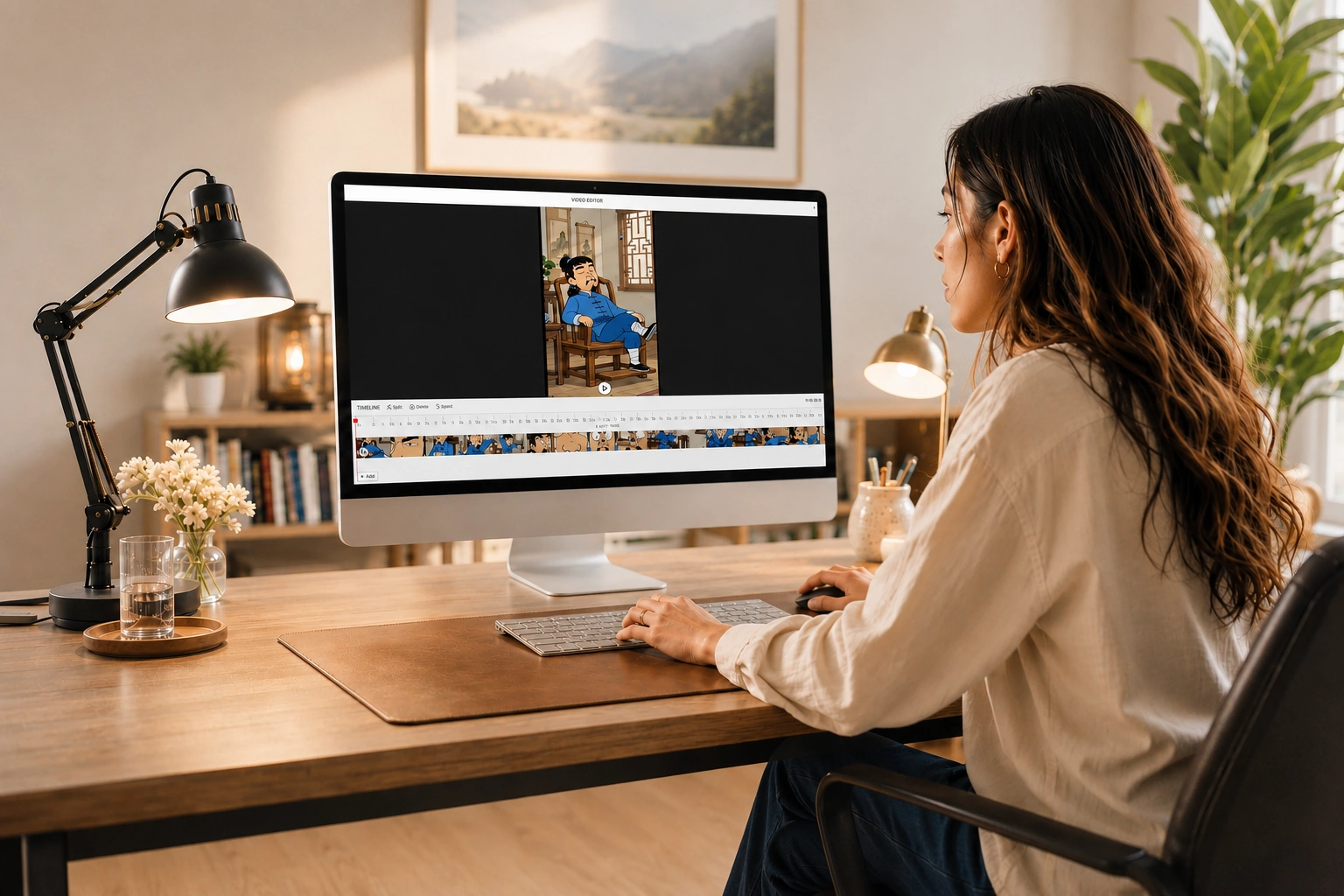
Trim and arrange clips, add music and captions, and export in Nolens. Finish your story alongside the content you generated.
Review available settings and credits in the studio.
 Creative tools
Generated clips. Finished video.
Finished product ads
Finished product adsMulti-clip storiesMusic and caption edits
Your starting point
What will you create?
Clips in your account and a clear order for the final video.
Multi-clip stories
Music and caption edits
NOLENS STUDIO
Video Studio

Cinematic
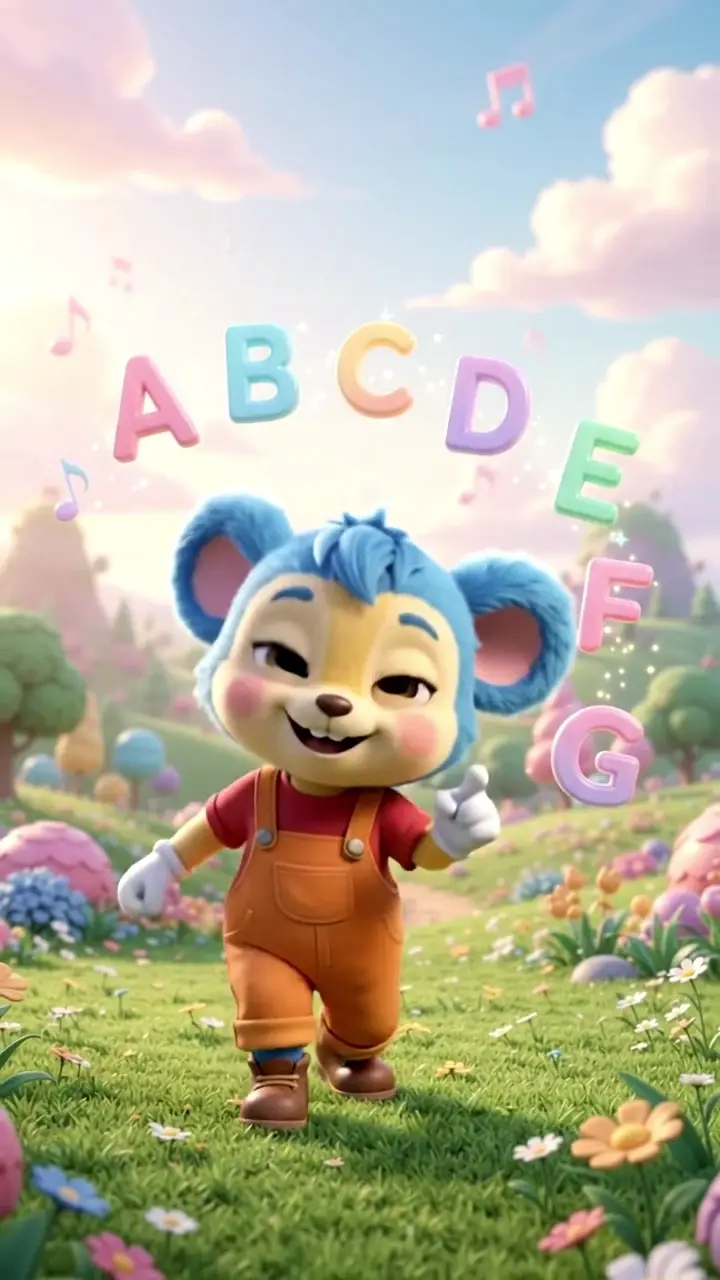
Kids videoclip with music
Cartoon
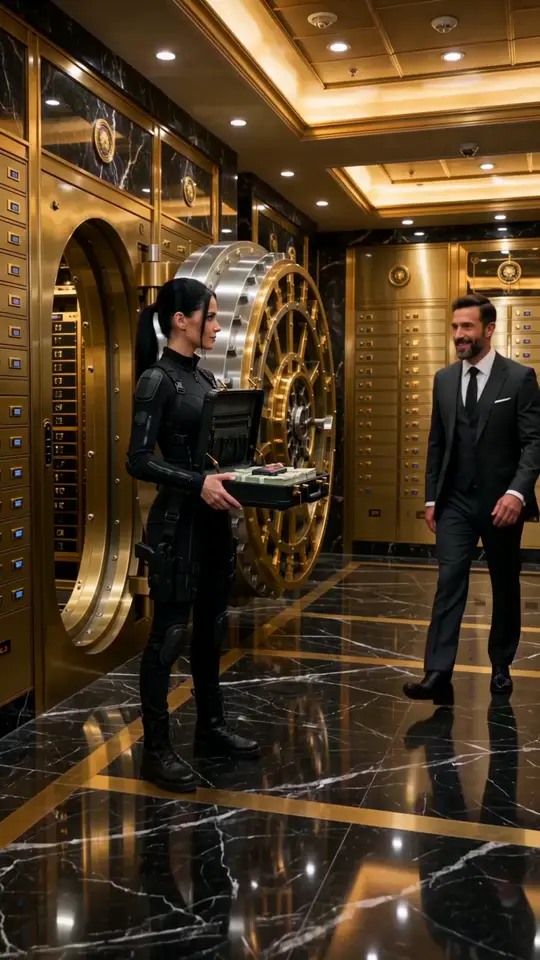
Short microdrama

Long microdrama

Podcast
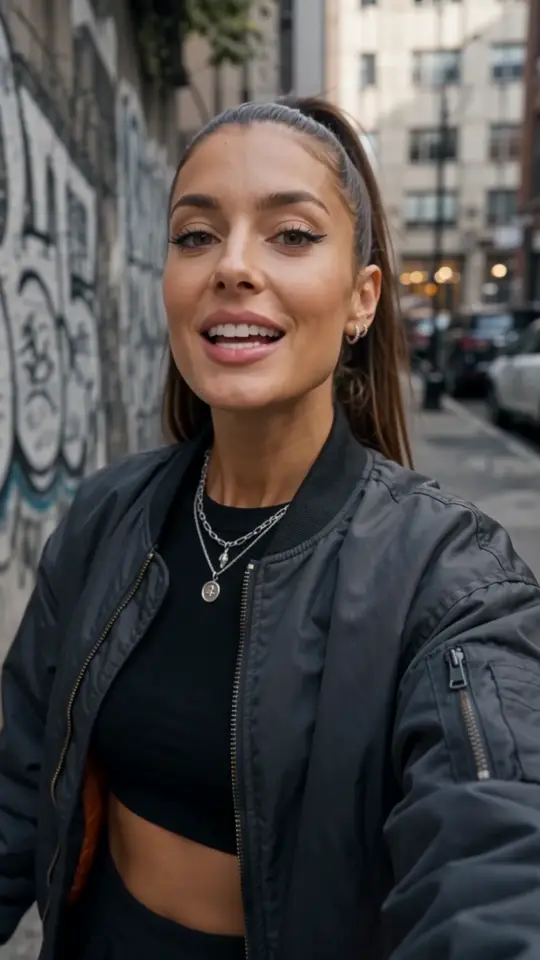
Vlog
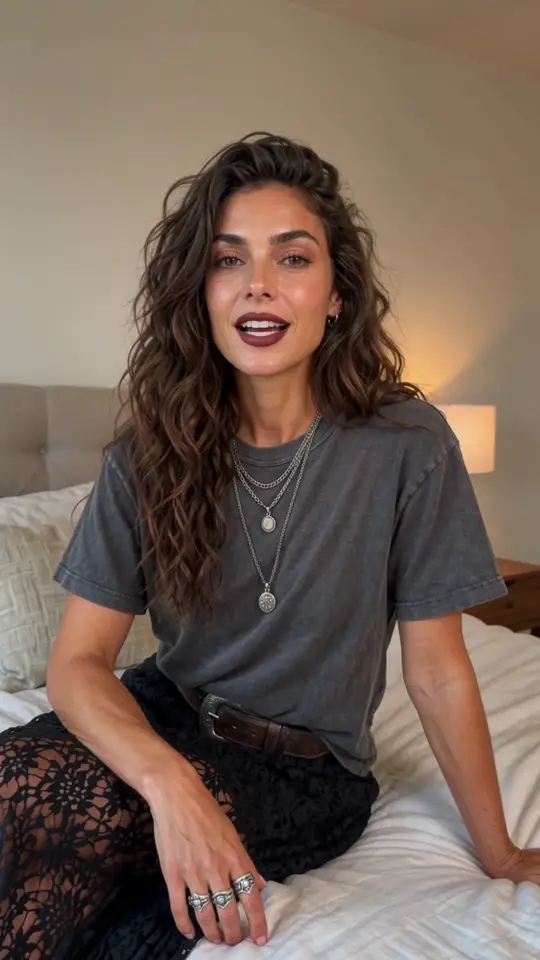
AI Influencer

Cooking Tutorial

ASMR
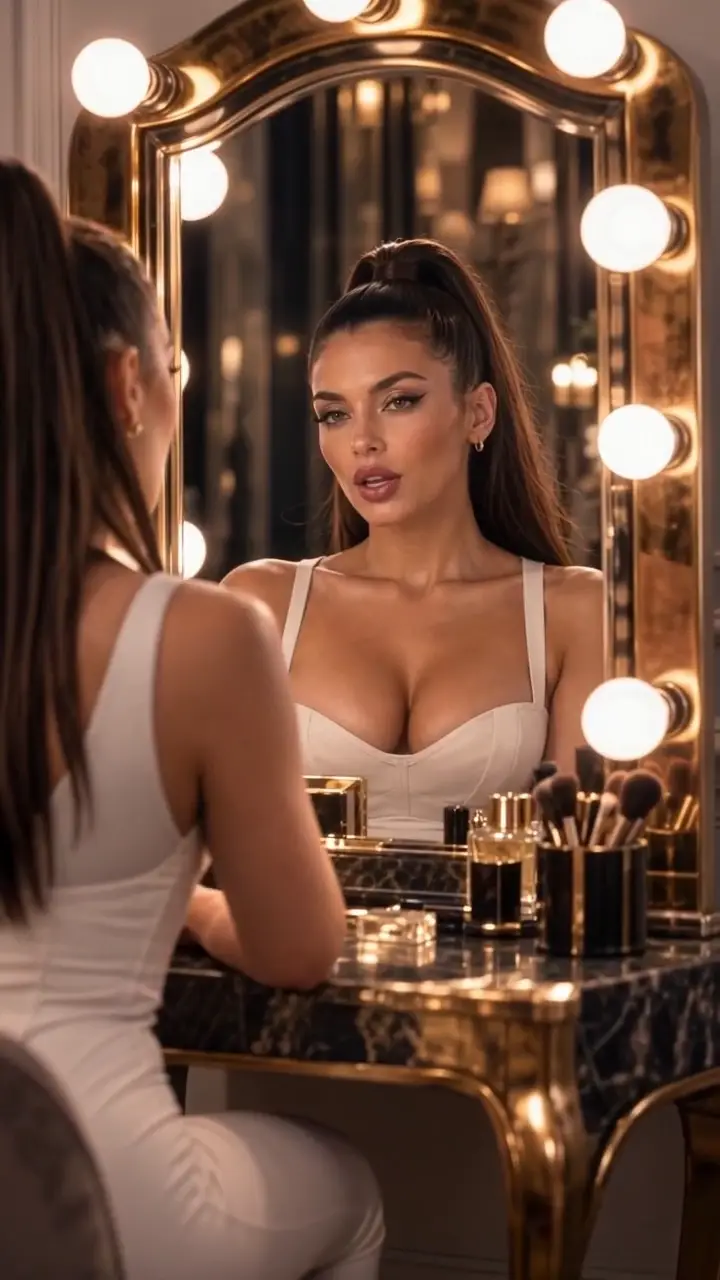
Realistic videoclip with music
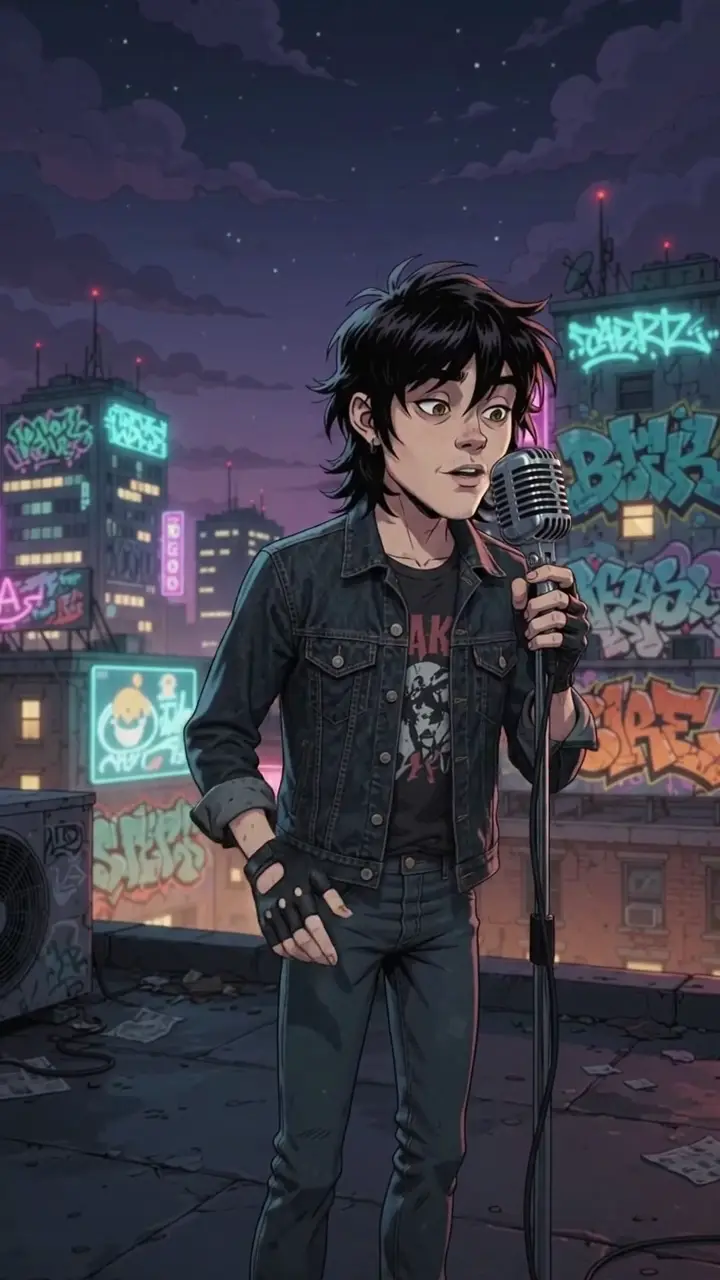
Cartoon videoclip with music
NOLENS STUDIO
Image Studio
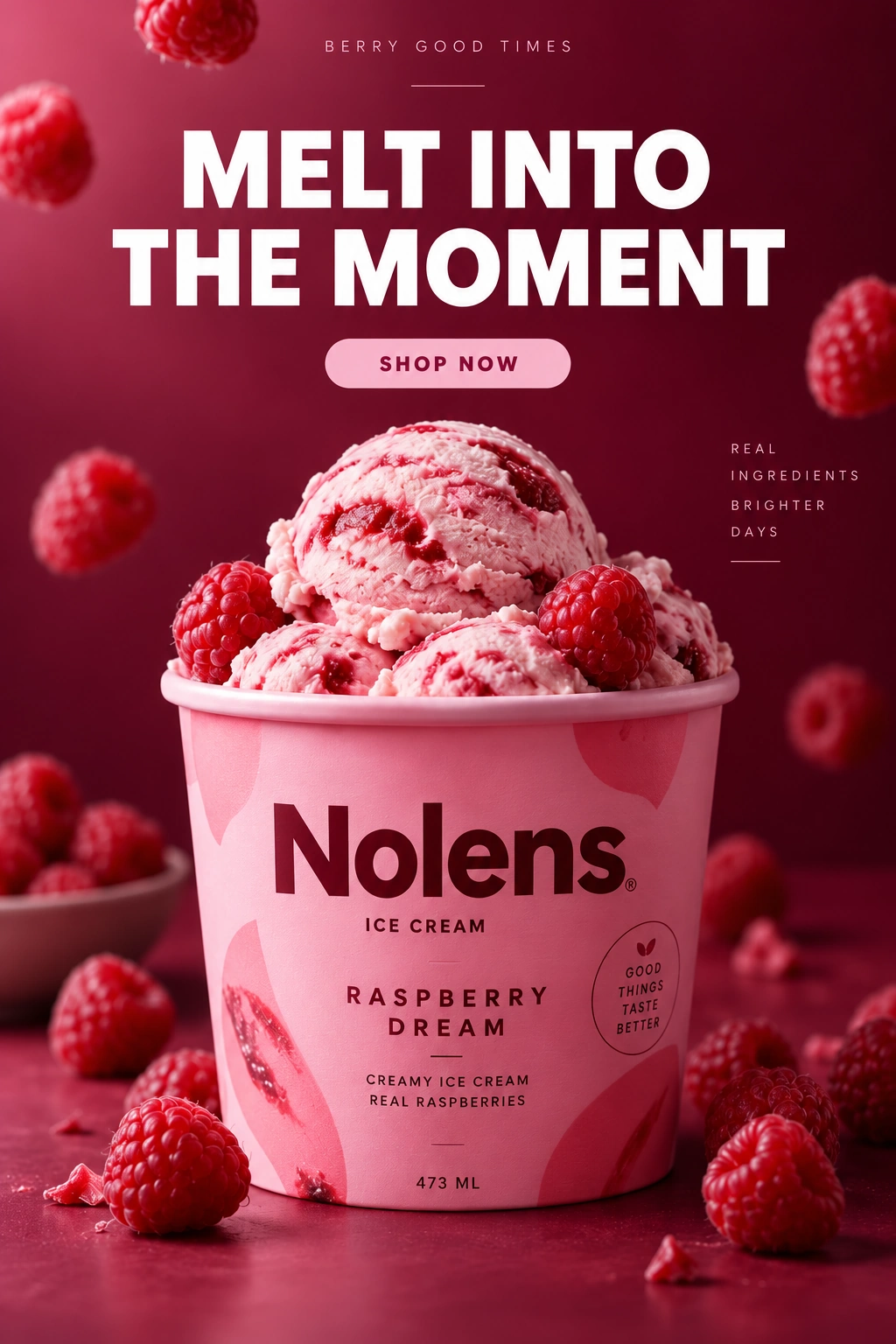
Social Ads

Carousel

Hero Product
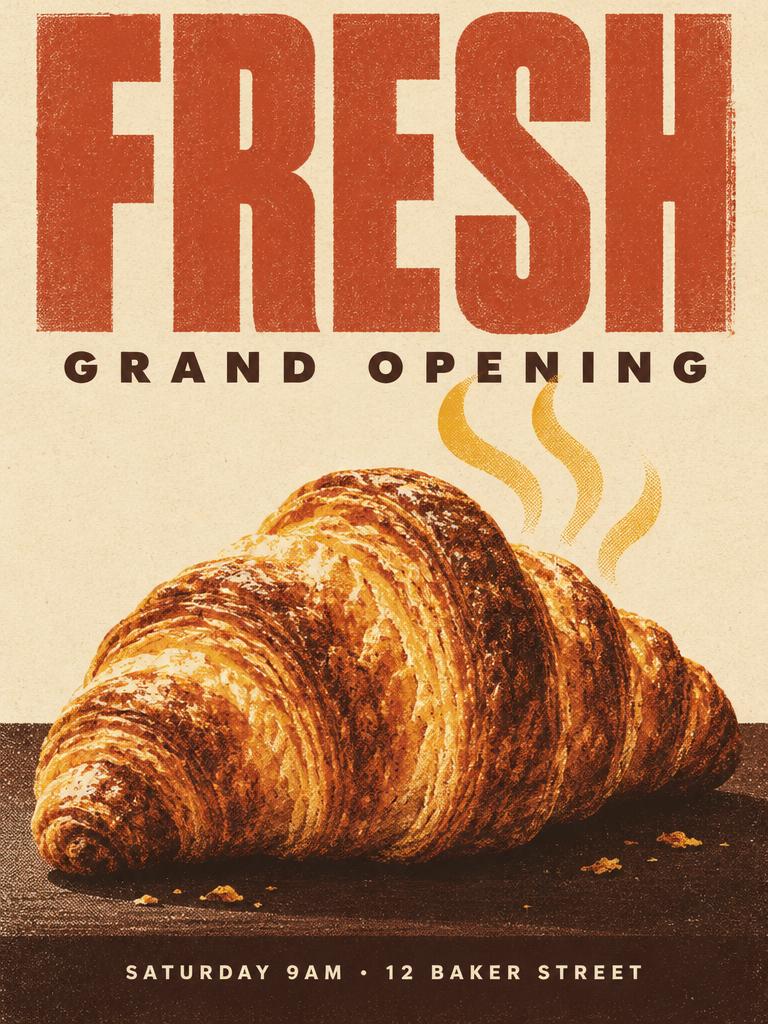
Posters

Flyers

Photoshoot
FAQ
Questions, answered.
What can I create with this tool?
Trim and arrange clips, add music and captions, and export in Nolens. Finish your story alongside the content you generated.
What do I need to start?
Clips in your account and a clear order for the final video.
Can I finish generated clips in Nolens?
Yes. Use the editor to arrange and trim your clips and work with music and captions. Review the assembled story and export the final version.
What should I check before publishing?
Watch the complete export, not just individual clips. Check cuts, sound levels, captions and the final frame before publishing.
How much does it cost?
Usage depends on the tool and selected settings. Check the credit cost shown in the studio and the current Nolens plans before generating. No fixed cost is assumed on this page.