
For creators
AI YouTube Thumbnail Maker
Create thumbnail images that communicate your video topic at a glance. Build a clear subject and visual idea for your next YouTube upload.
Review available settings and credits in the studio.
 For creators
Make the video clear. Before the click.
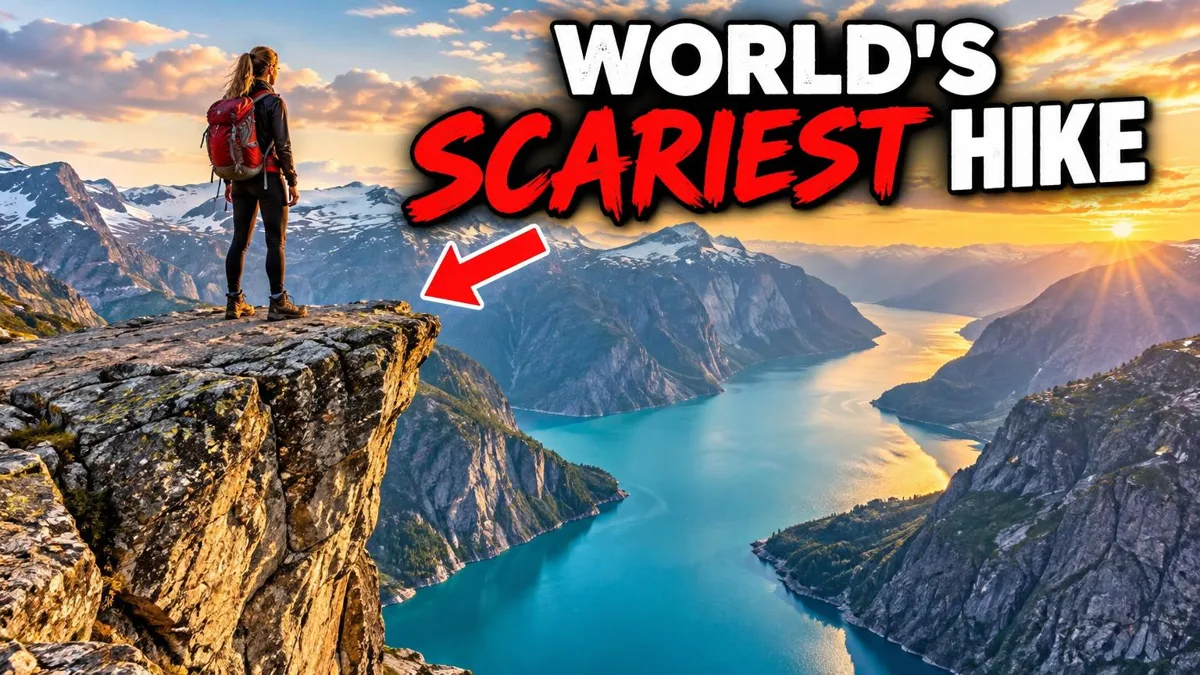
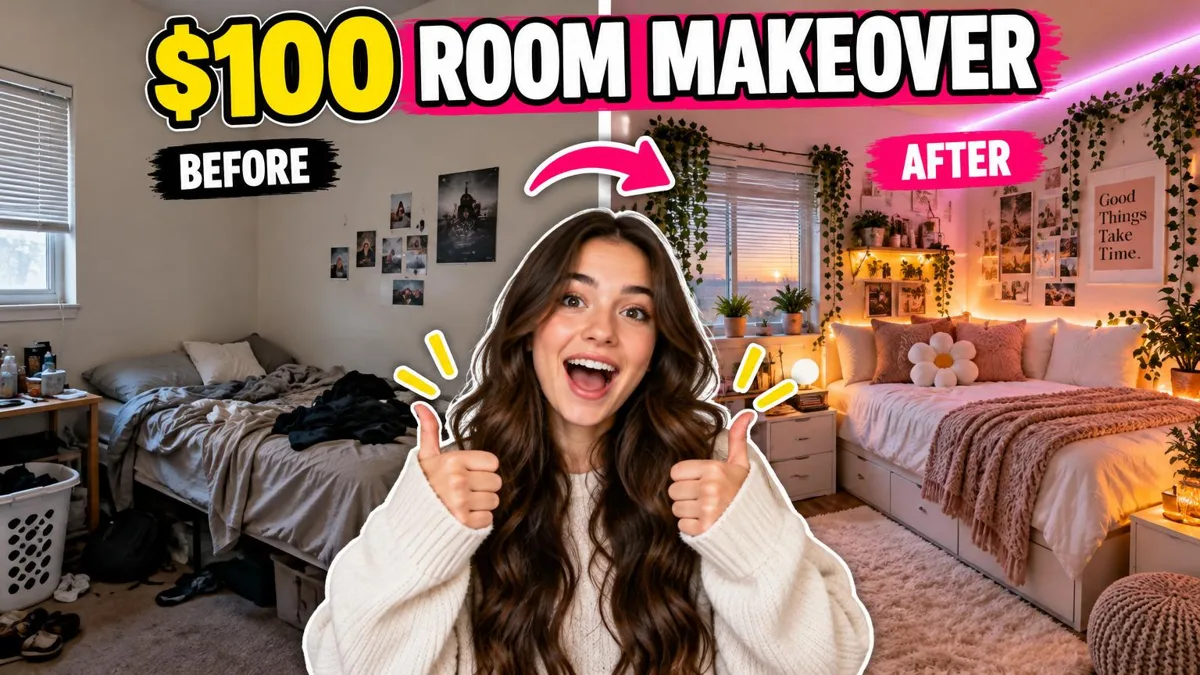
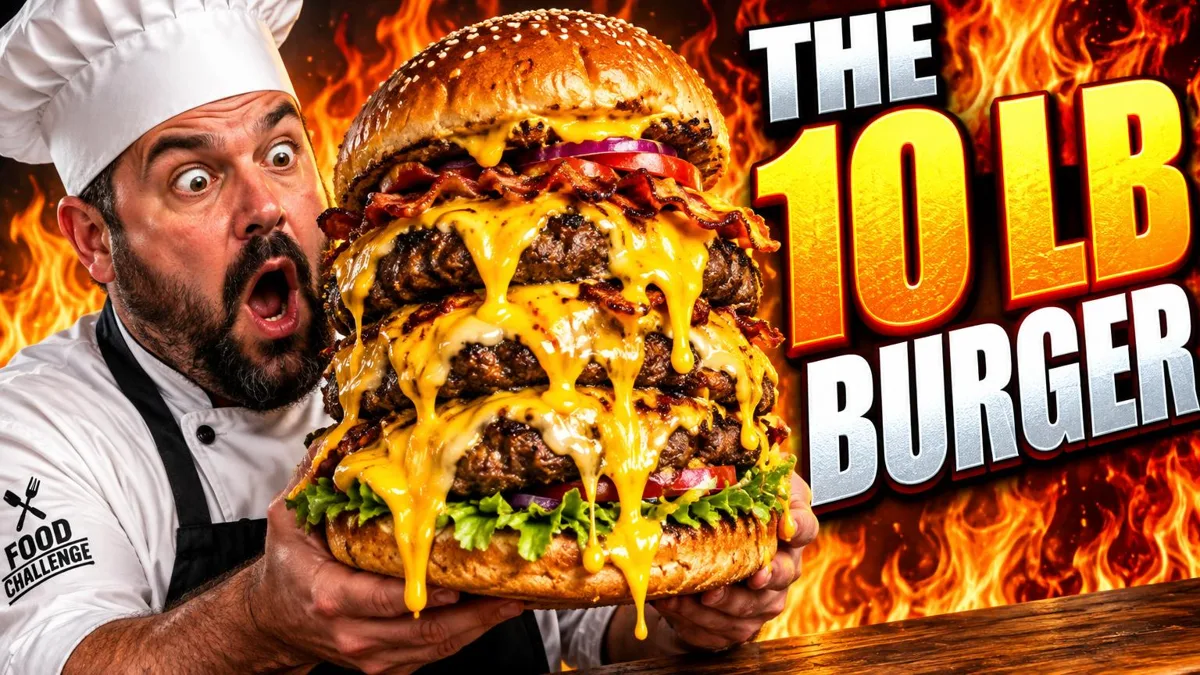
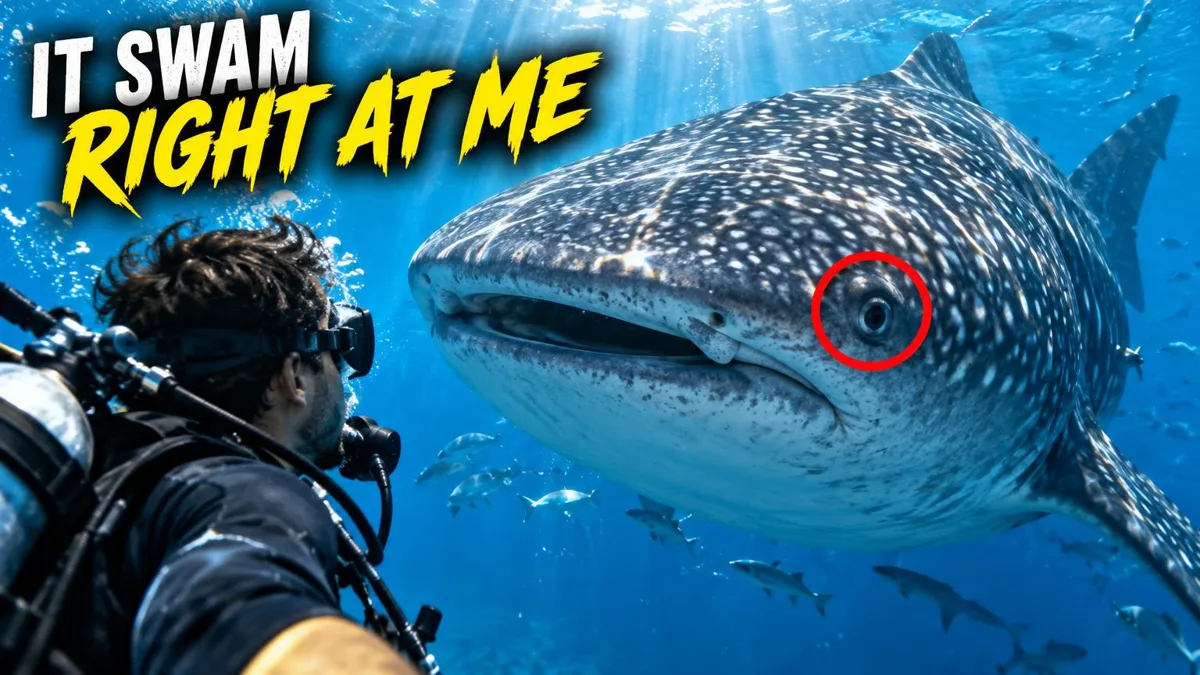
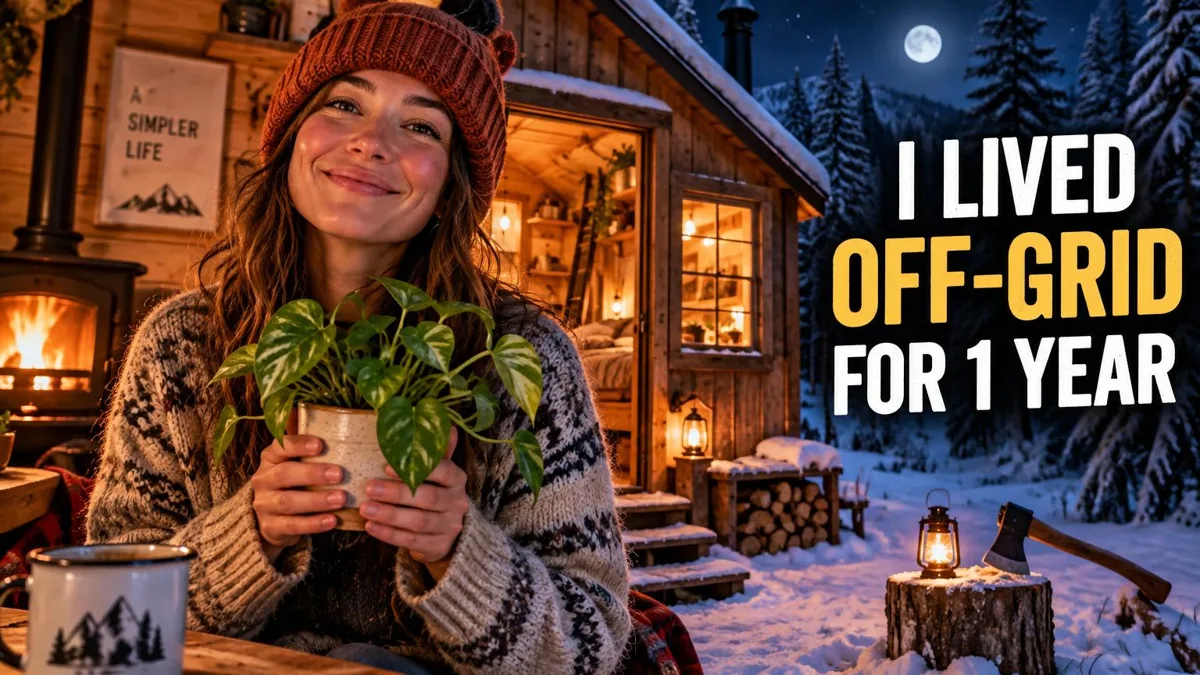
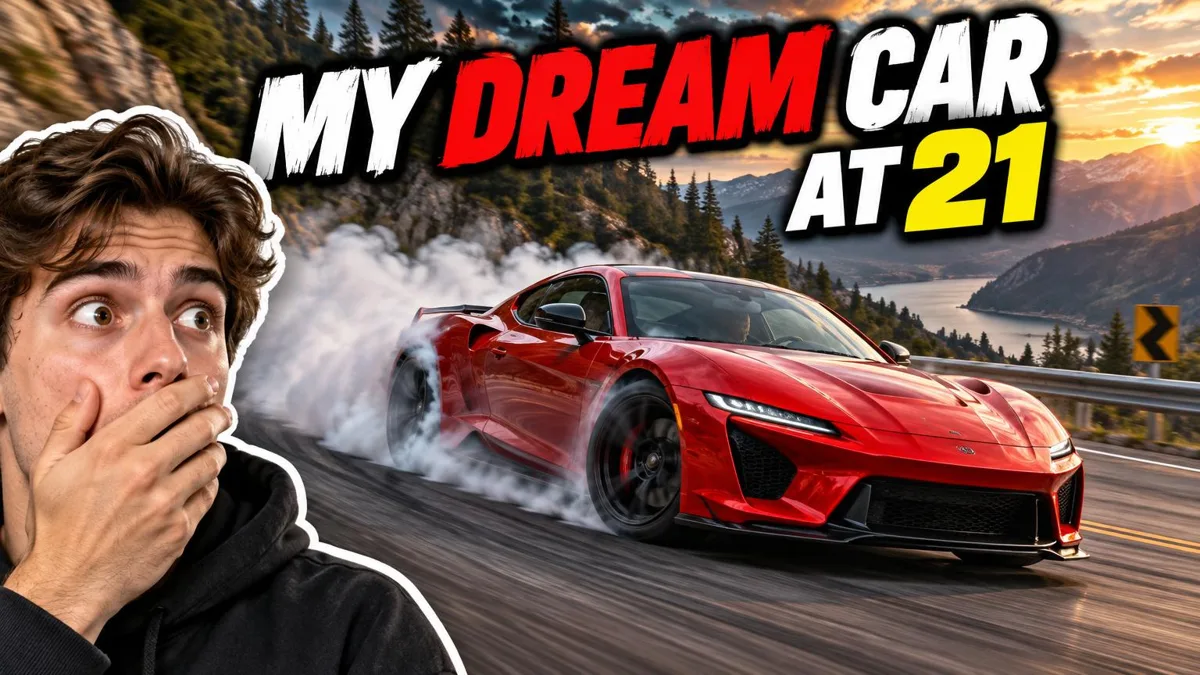
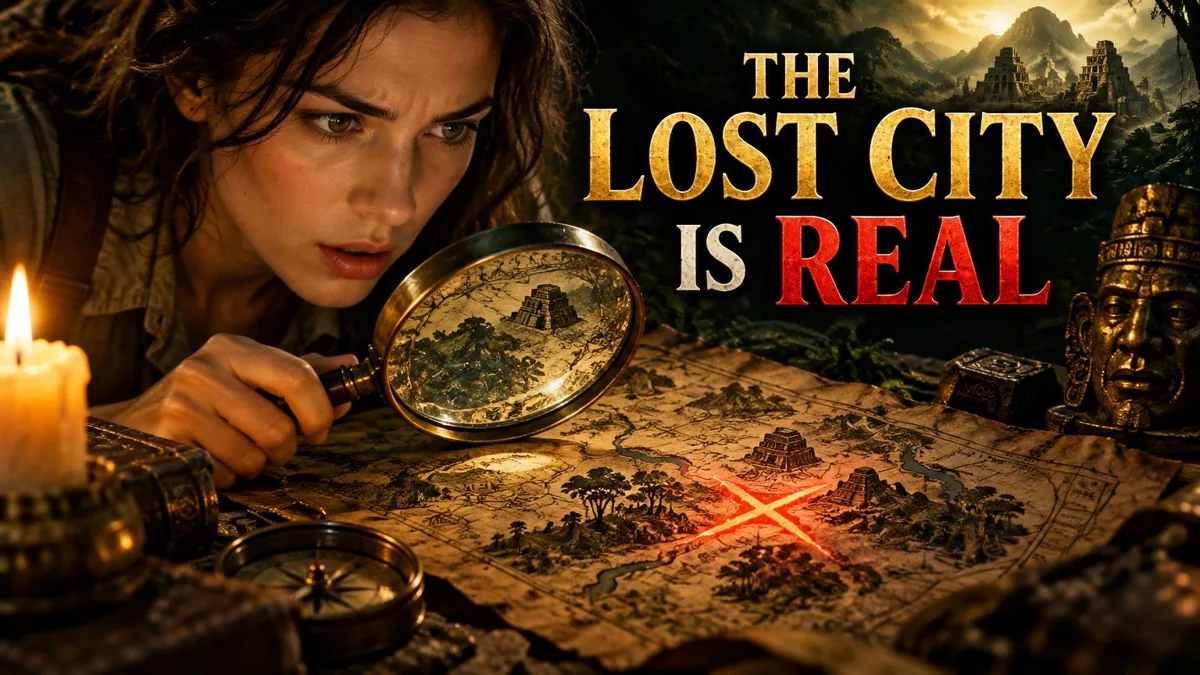
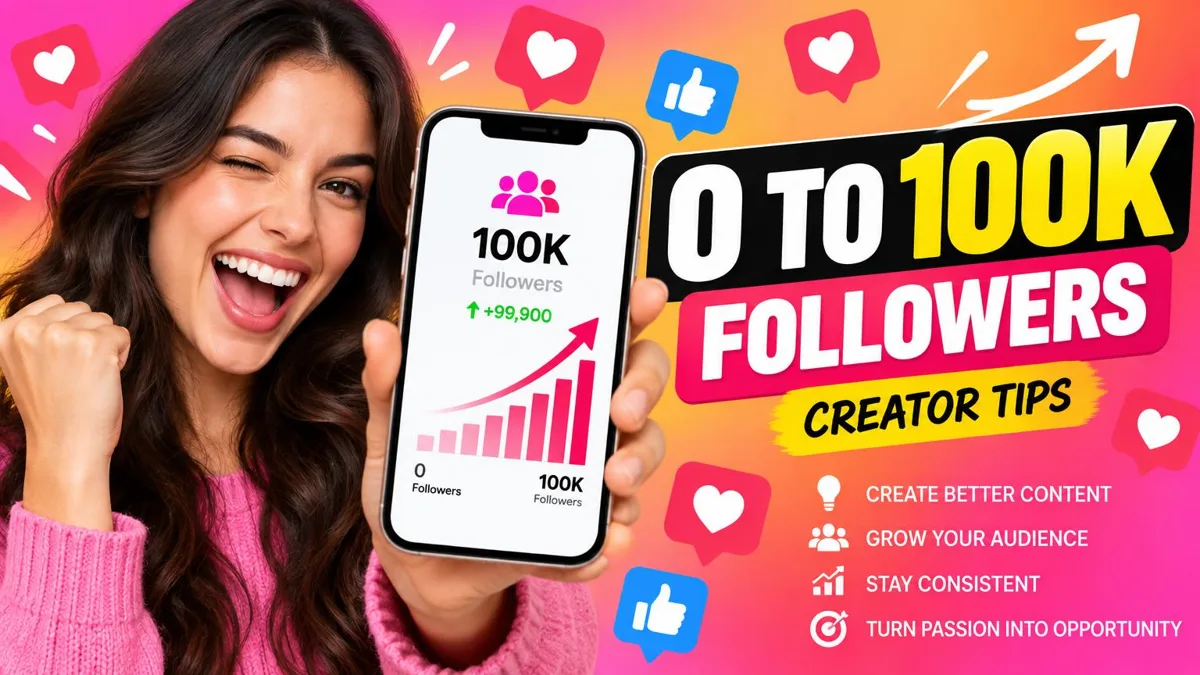
Topic-led thumbnails
Topic-led thumbnailsSeries thumbnail conceptsSubject and background variations
Built around your next project
One workflow. More ways to use it.




Your starting point
What will you create?
Your video topic, the main subject and any visual references you want to use.
Series thumbnail concepts
Subject and background variations
NOLENS STUDIO
Video Studio
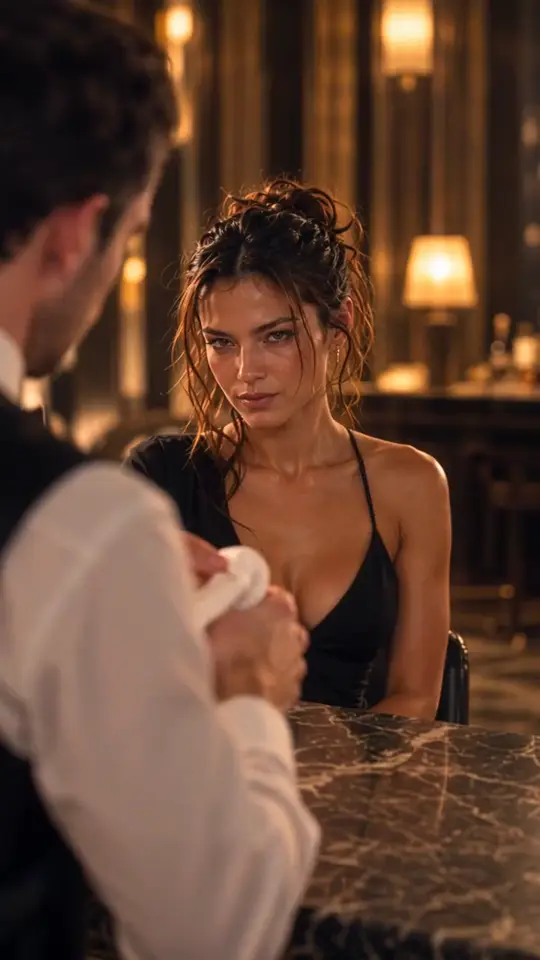
Cinematic
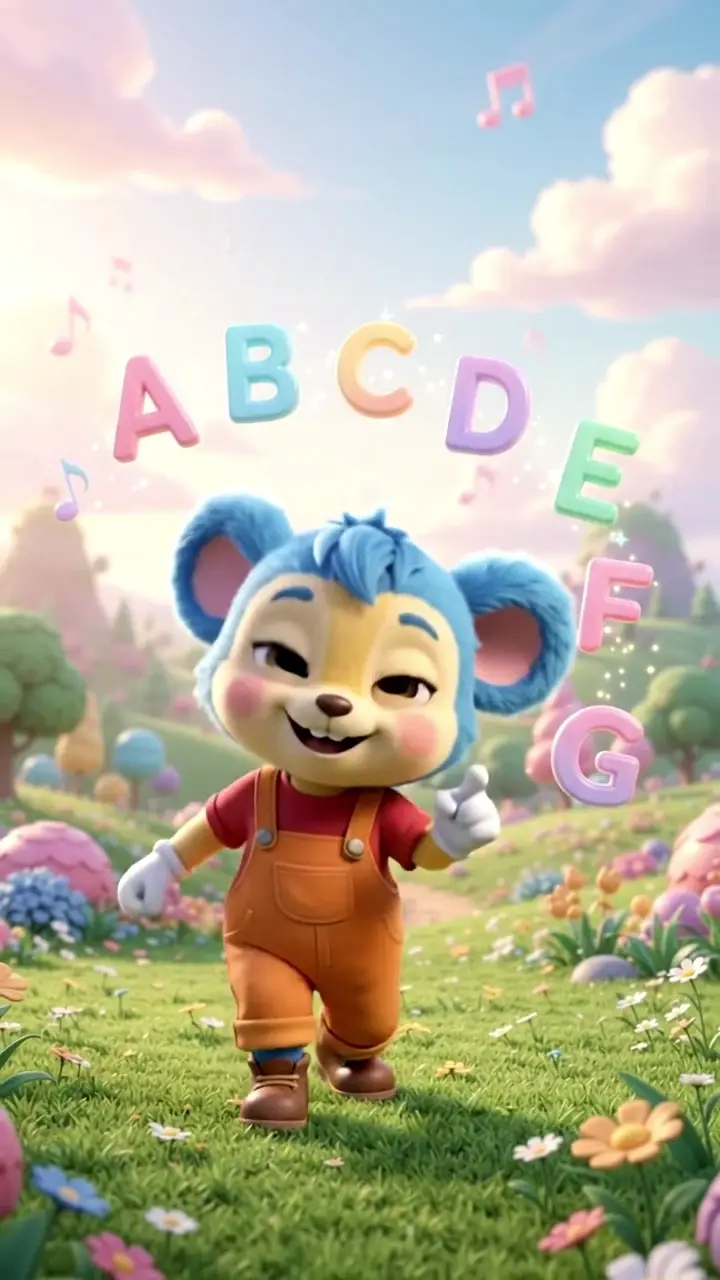
Kids videoclip with music
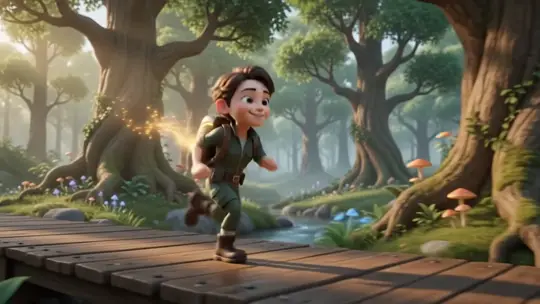
Cartoon
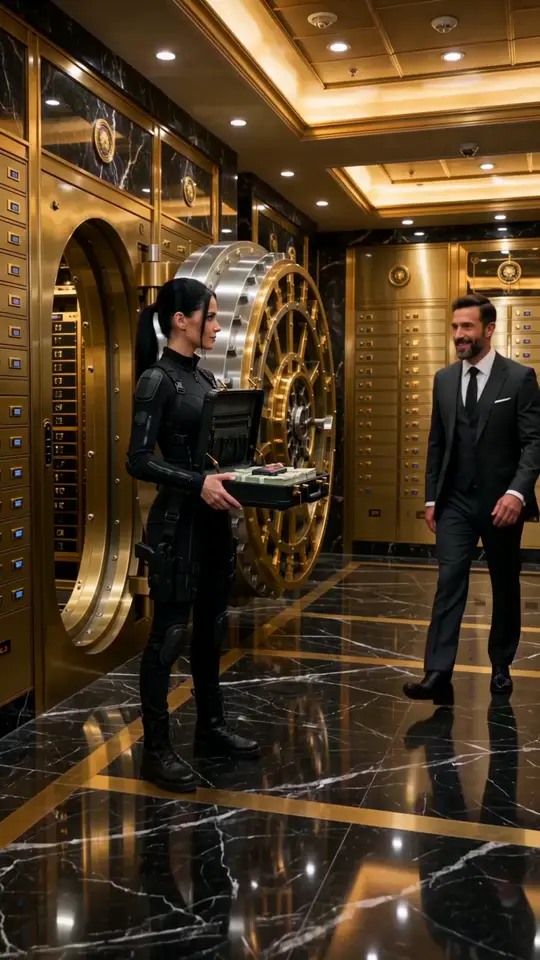
Short microdrama
Long microdrama
Podcast
Vlog
AI Influencer

Cooking Tutorial
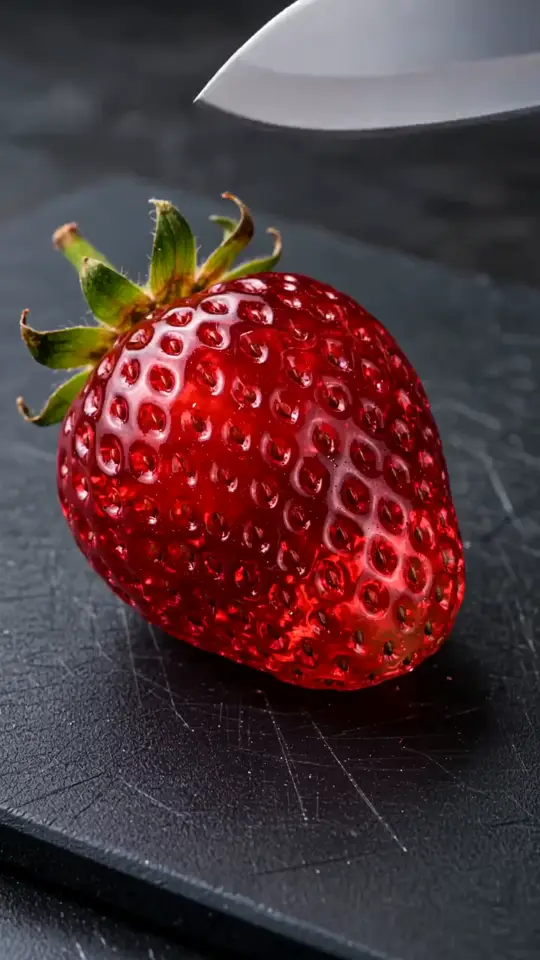
ASMR
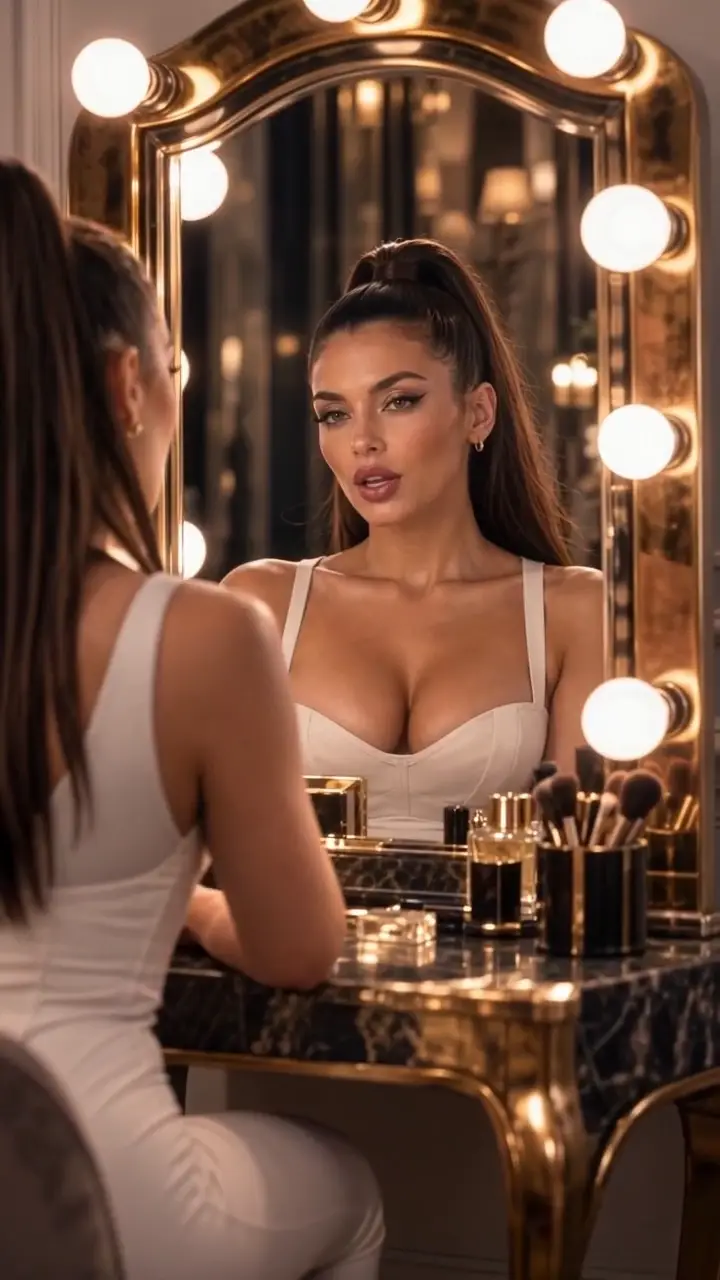
Realistic videoclip with music
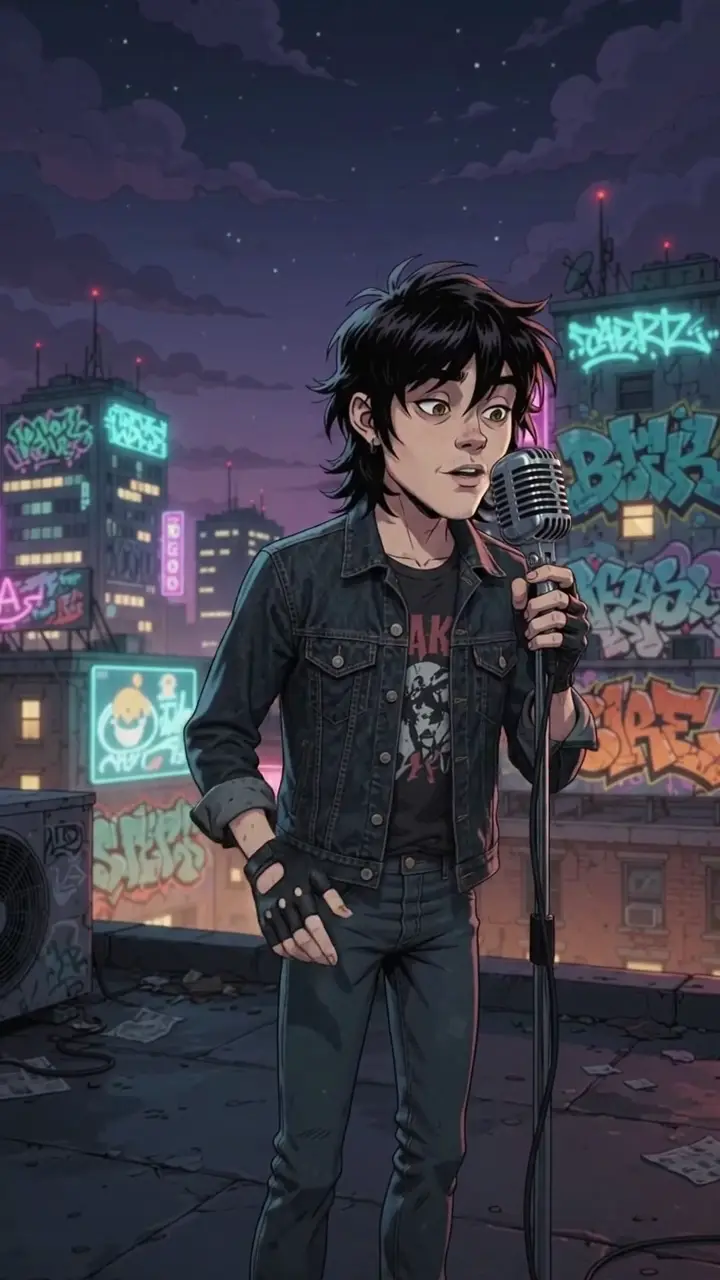
Cartoon videoclip with music
NOLENS STUDIO
Image Studio
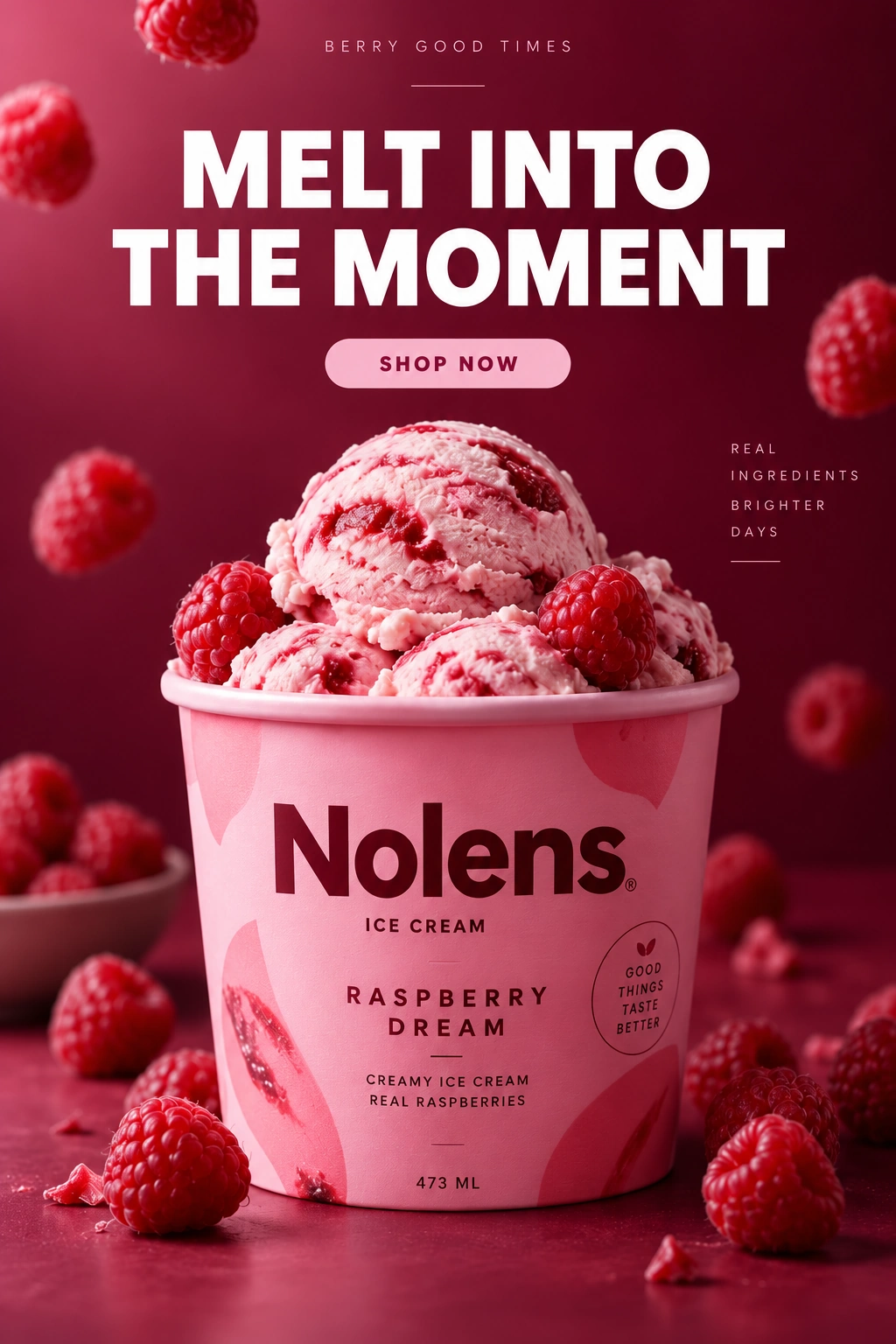
Social Ads
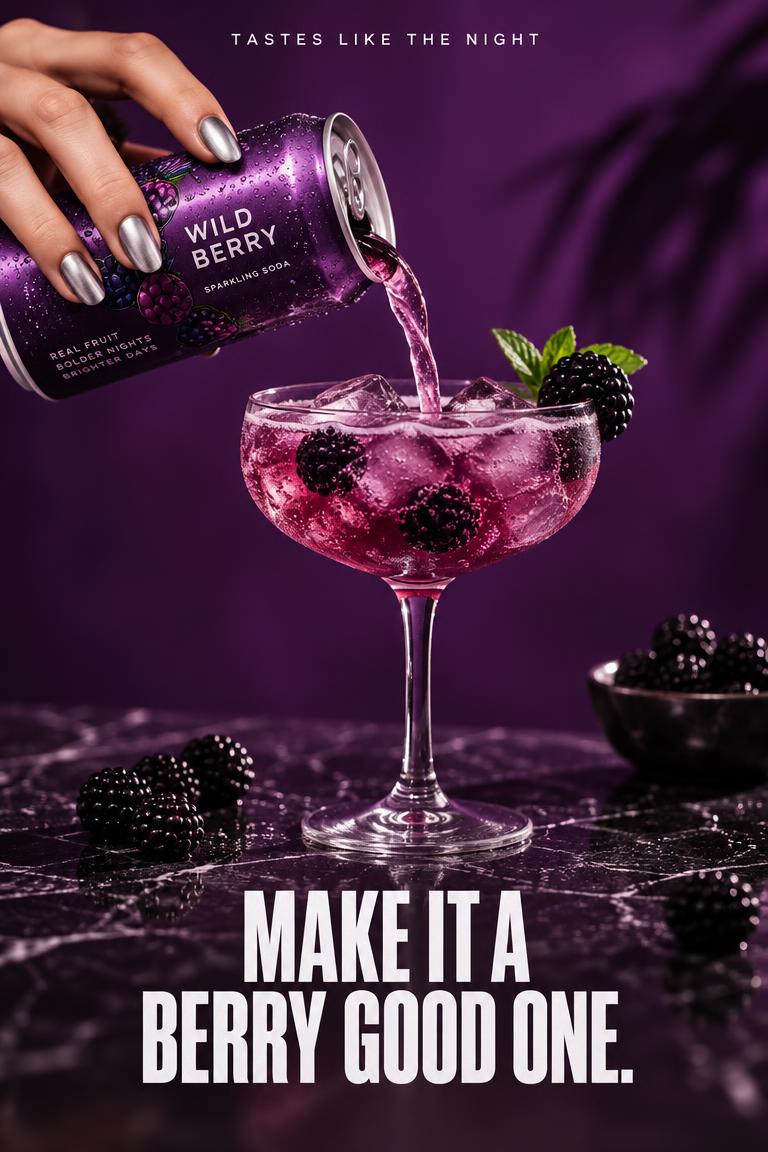
Carousel
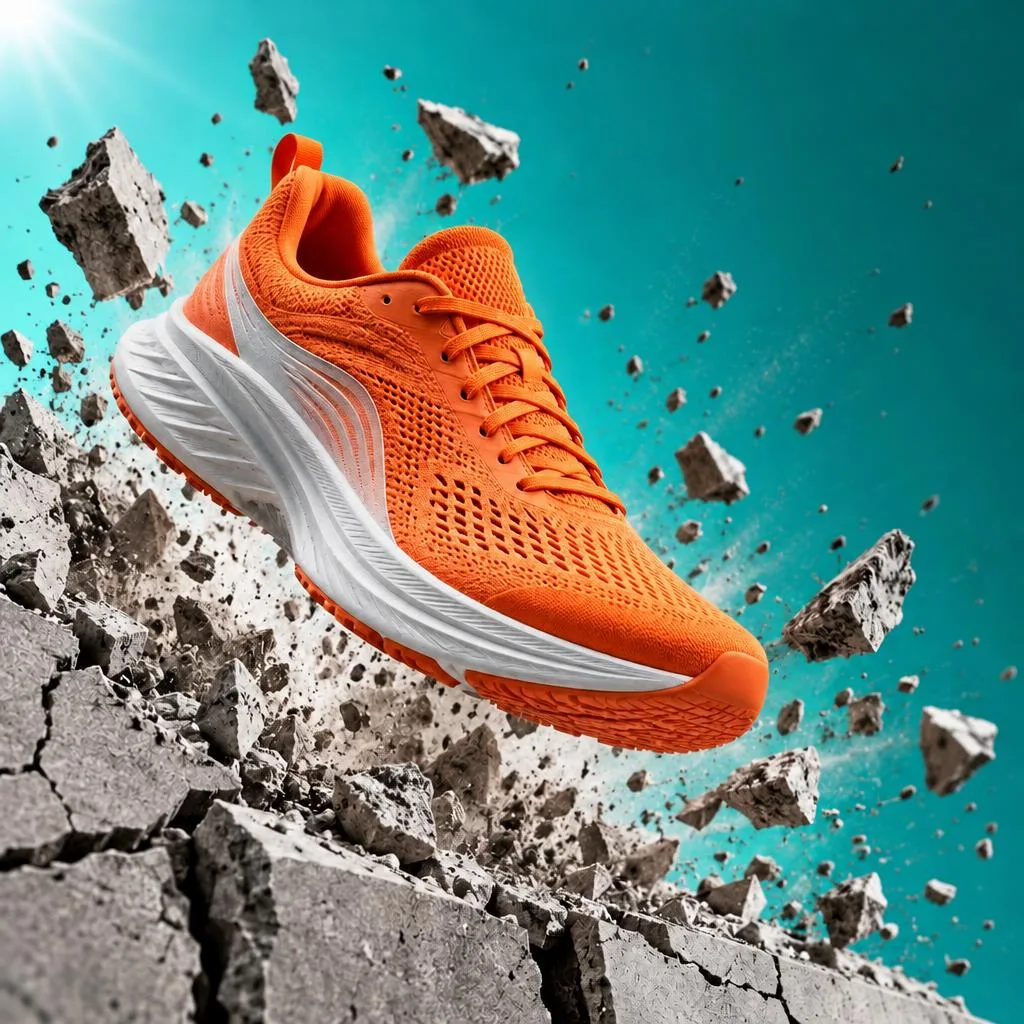
Hero Product
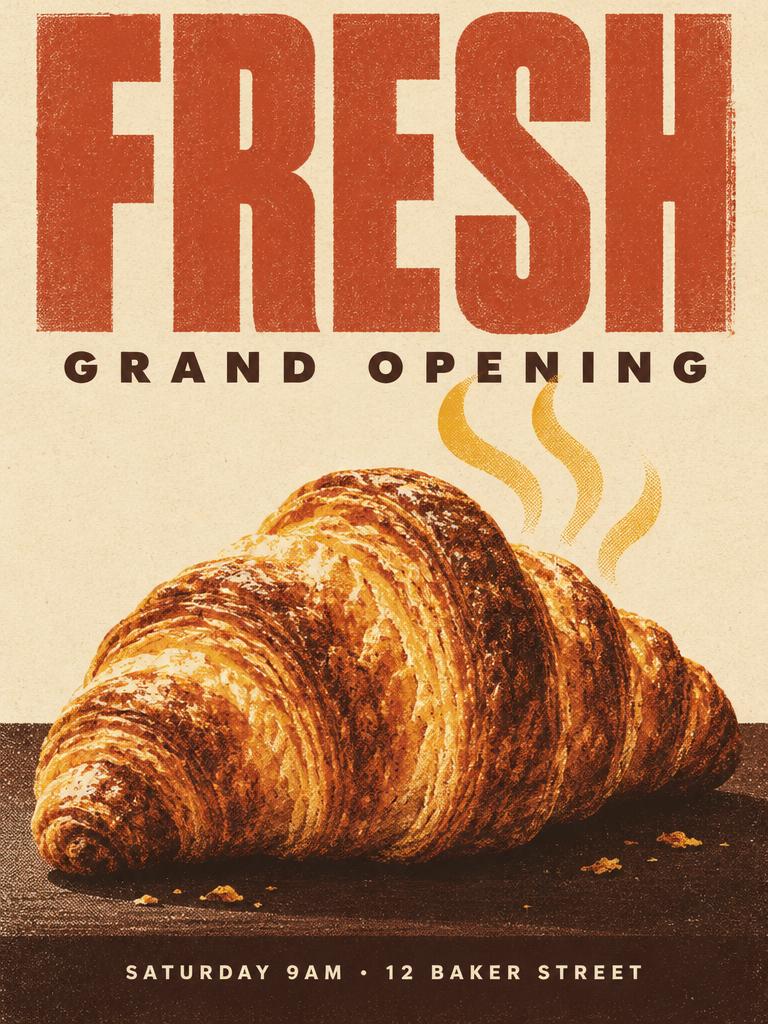
Posters

Flyers
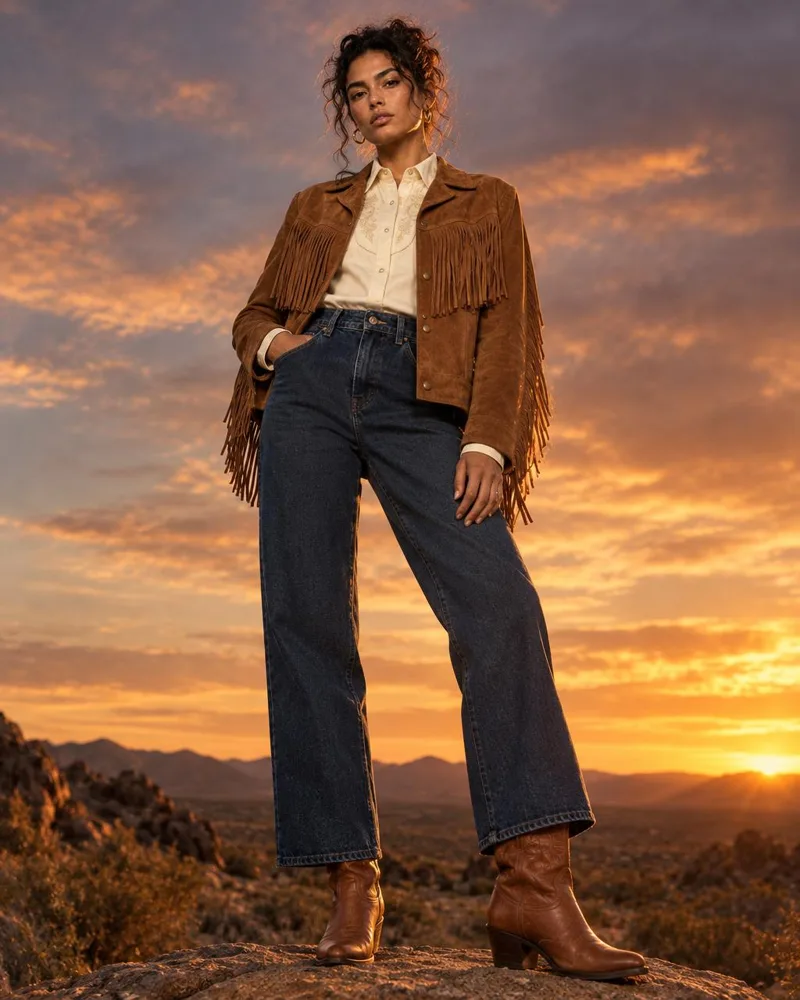
Photoshoot
FAQ
Questions, answered.
What can I create with this tool?
Create thumbnail images that communicate your video topic at a glance. Build a clear subject and visual idea for your next YouTube upload.
What do I need to start?
Your video topic, the main subject and any visual references you want to use.
Will a new thumbnail guarantee more clicks?
No. A clear image can help communicate the topic, but performance also depends on the title, audience and video. Test truthful concepts and compare results in YouTube analytics.
What should I check before publishing?
Check the image at small size. Use one focal point and keep the thumbnail faithful to the actual video rather than promising something it does not deliver.
How much does it cost?
Usage depends on the tool and selected settings. Check the credit cost shown in the studio and the current Nolens plans before generating. No fixed cost is assumed on this page.